WordPress Security Checklist for Bloggers: Stop Hacks (2026)
The Ultimate WordPress Security Checklist for Bloggers: Stop Hacks Before They Happen
Talking Points:
* The 2am “White Screen of Death” panic.
* Why your blog is a prime target for automated scripts.
* Reframing security as a necessary maintenance chore.
It was 2:14 am. My screen glowed with that dreaded white void where my site used to be. My heart sank into my stomach like a lead weight. I had spent months pouring my soul into my blog, and in a blink, it vanished. I spent the next three hours wrestling with database errors, only to realize I had been hacked by a simple, automated bot. Most people think hackers target big corporations with fancy names. They do not. They target your small, vulnerable site because it is easy, low-hanging fruit for their malicious code. Your blog is a high-value target for automated bots simply because they want server resources or a quick way to spread spam across the web. Almost half the internet runs on WordPress, making it the biggest target on the map. You do not need to be a celebrity to be a victim. You just need to have a URL.
Why Your Blog is a Target: It’s Not Personal, It’s Automation
Talking Points:
* Hackers use automated scripts for mass exploitation.
* The reality of being part of a 43.5% market share.
* Why your site isn’t ‘too small’ to get hit.
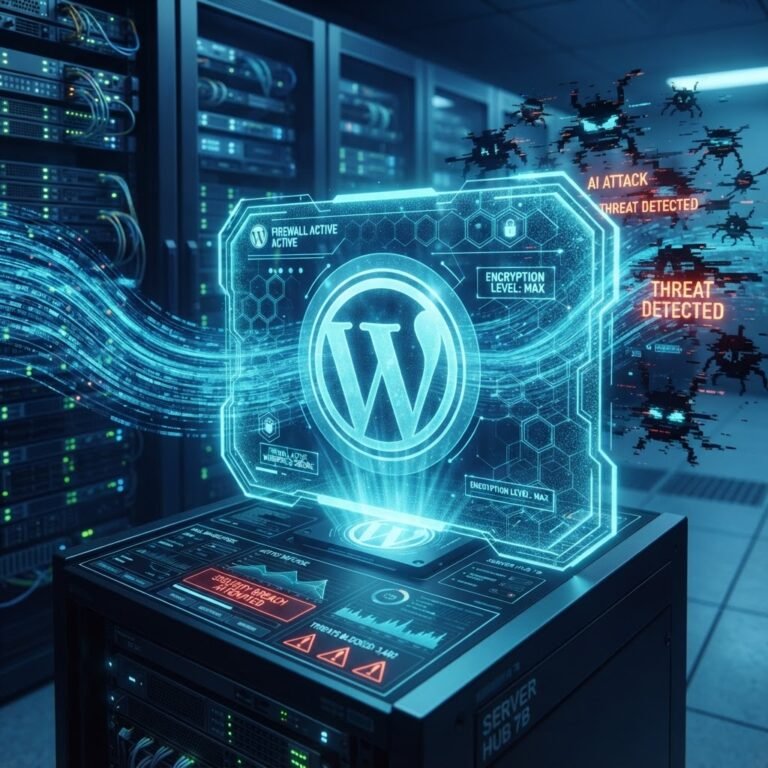
Bots do not sleep. They scan millions of sites every single day searching for a weakness. When a vulnerability is found in a plugin, these scripts strike within a median time of five hours. That is not enough time to get a cup of coffee, let alone wait for a patch. You might tell yourself that nobody cares about your site, but that is a dangerous mistake. Hackers want your server power to send phishing emails or host malware. They are lazy, and they prefer to hit thousands of sites at once rather than hunt one specific target. Your site is just a number in a massive pool of 43.5% of the internet.
The Foundations: Updates, Backups, and Hosting
Talking Points:
* The importance of keeping core software updated.
* Why managed WordPress hosting matters.
* Building an automated backup strategy.
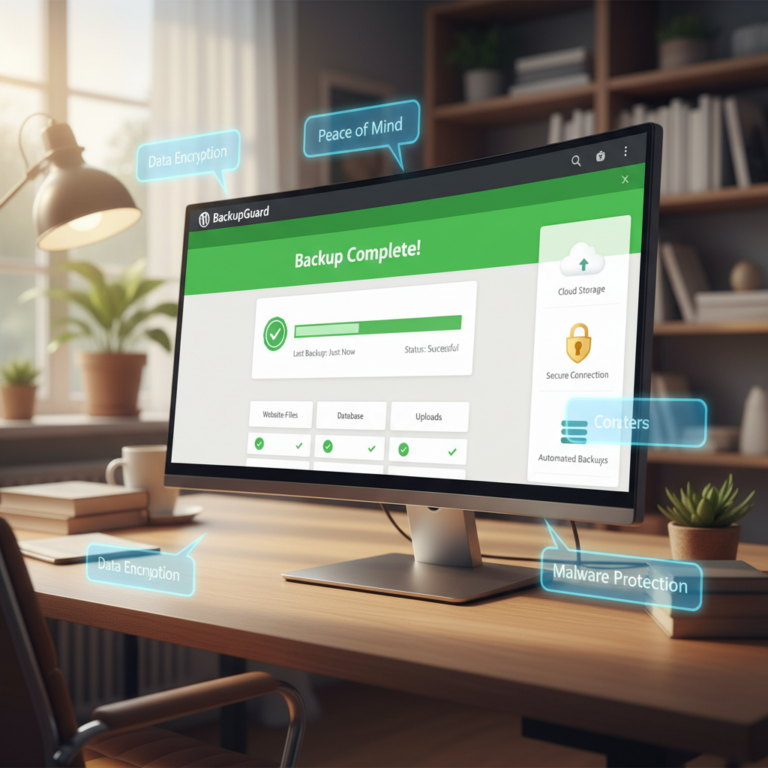
Stop clicking “remind me later” on your update notifications. Updates contain critical security patches that keep your site alive. If you are still using shared hosting that ignores these issues, you are asking for trouble. Most hosting firewalls fail to block almost 90% of specific exploits because they do not understand how WordPress works. Investing in a managed WordPress hosting environment gives you a layer of protection that cheap hosting never will. Always keep a backup off-site. If you get hit, you need a way to restore your site quickly without losing months of work.
Authentication: The First Line of Defense
Talking Points:
* Weak passwords are an open door.
* The power of two-factor authentication.
* Restricting user roles to minimum privilege.
If your password is your dog’s name, change it now. Use a password manager to generate complex strings that no machine can guess. Better yet, turn on two-factor authentication today. It adds a second step that stops most attackers dead in their tracks even if they somehow steal your password. I once saw a friend lose his entire site because he gave a freelance writer full administrator access. Limit user privilege management. If someone just needs to write a post, do not give them the keys to the kingdom.
Hardening Your Login: Limiting Attempts and Hiding Your URL
Talking Points:
* Blocking brute-force attacks by limiting login attempts.
* Obscuring the login page to confuse bots.
* The effectiveness of login page protection.
Bots love to guess passwords until they get lucky. This is a brute-force attack, and it is incredibly common. You should install a tool to limit login attempts to three tries. After that, the bot gets locked out for an hour. Another trick is to change your login URL from the default. Bots expect to find you at your-site.com/wp-admin. If they cannot find the door, they cannot knock on it.
Plugin and Theme Hygiene: Removing the Bloat and Backdoors
Talking Points:
* Why 90% of vulnerabilities come from third-party add-ons.
* The danger of abandoned plugins.
* Regular cleanup as a core security strategy.
Plugins and themes are the most frequent entry points for intruders. If a plugin has not been updated in a year, delete it. It is a dead weight and a potential backdoor into your files. Check your theme for extra bloat that you do not actually use. The fewer files you have on your server, the smaller your attack surface. Treat your site like your home; do not leave unnecessary spare keys under the rug.
Advanced Hardening: wp-config, File Permissions, and Database Security
Talking Points:
* Protecting the wp-config.php file.
* Understanding and setting file permissions correctly.
* Using a unique database prefix to prevent SQL injection.
Your wp-config.php file is the heart of your site. It holds your database credentials and secret keys. Move it one directory up from your root folder so it is harder to reach. You should also check your file permissions. Most folders should be set to 755 and files to 644. If you leave them set to 777, you are essentially telling the world they can write whatever they want on your site. Don’t forget your database prefix. Changing it from the default wp_ to something random makes it much harder for automated scripts to find your tables.
Monitoring and Maintenance: Setting Up Your Security Command Center
Talking Points:
* Using malware scanning tools.
* Monitoring site logs for suspicious activity.
* Why security headers matter for visitors.
You need a dashboard that shows you if something is wrong. Run regular malware scanning to catch anything that might have slipped through. Check your site logs once a week to see if someone is trying to force their way in. Adding security headers to your site tells browsers to behave in a safe way. It is a simple setup that keeps your readers safe from common attacks while they browse your content.
The ‘Something Went Wrong’ Recovery Plan
Talking Points:
* Keeping your cool when the site goes down.
* How to use your backup to restore.
* Communicating with your hosting provider.
Panic is your worst enemy. If the screen goes white, do not start deleting files randomly. Check your recent changes first. If you just installed a plugin, deactivate it via FTP. If that fails, restore your site from that backup you hopefully made. Call your host support team; they have seen this a thousand times and can often pinpoint the conflict in seconds.
Conclusion: Peace of Mind for Your Digital Space
Security is not a “set it and forget it” task. It is a part of your daily routine, just like writing posts or checking comments. By hardening your site, you are building a wall that keeps the noise out so you can focus on what matters. Do not wait for the 2am panic to start caring about this. Start today. Pick two items from this list and tackle them this afternoon. If you have a story about a site crash or a tip that saved your skin, share it in the comments below. Let’s make our little corners of the internet safer for everyone.
Frequently Asked Questions
Question: Does a SSL certificate make my site 100% safe from hackers?
Answer: No. An SSL certificate only encrypts the data moving between your site and your visitor. It does not stop a hacker from using a vulnerability in a plugin to gain access to your server files.
Question: Should I use a security plugin for everything?
Answer: A good security plugin is helpful, but do not rely on it alone. Hardening your site at the server level and practicing good password hygiene is just as important as installing a tool.
Question: Why do I keep getting brute-force notifications if I have a strong password?
Answer: Brute-force attacks are automated. The bots do not know your password is strong; they just try anyway. Limiting login attempts will stop them from flooding your logs.
Question: How often should I run malware scans?
Answer: If you have an automated monitoring tool, keep it running 24/7. If you are doing it manually, aim for at least once a week to catch any hidden issues before they spread.
Question: Is it safe to use free themes from the repository?
Answer: Only if they are well-maintained and updated by the developer. Check the last updated date before installing anything. If it has been over a year, find an alternative.