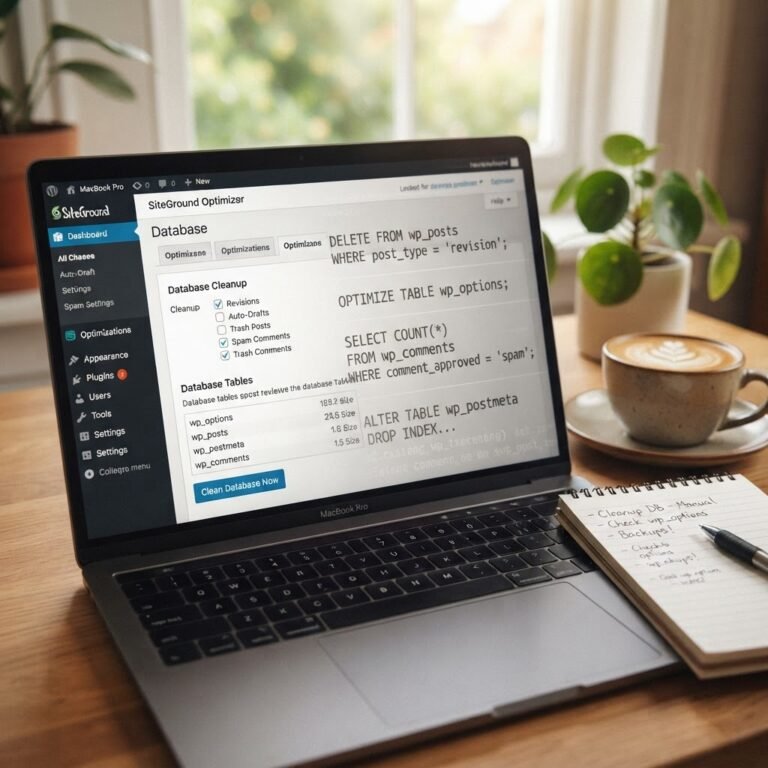
WordPress Database Performance: Stop Sluggishness Beyond Caching
WordPress Database Performance Beyond Caching: Stop the Sluggishness for Good
You know the drill. It’s 2 AM, your website is loading slower than molasses in January, or worse, it’s showing the dreaded White Screen of Death. We’ve all been there, staring at the screen, heart pounding, wondering if everything is lost. While caching is often touted as the magic bullet for WordPress speed, I’ve learned over the years, after fixing thousands of sites, that it’s rarely the whole story. Caching is like putting a fresh coat of paint on a crumbling foundation – it looks better for a bit, but the underlying issues remain. Today, we’re going digging, deep into the guts of your WordPress database, to find the real culprits behind that sluggishness and banish them for good. Because honestly, your site deserves better, and so do you.
The Anatomy of a Sluggish WordPress Database
Think of your WordPress database as the brain of your website. It stores every single piece of content, every setting, every user, every comment – everything. When this brain gets cluttered, slow, or confused, your entire site suffers. It’s not just about how quickly data can be served (that’s where caching steps in), but how efficiently it can be accessed and processed in the first place. A slow database means slow page loads, sluggish admin areas, and a frustrating experience for everyone, including you and your visitors.
We’re talking about everything from simple blog posts to complex plugin settings. Each bit of information needs to be retrieved, processed, and delivered. If the database is bogged down, this entire chain reaction slows to a crawl. I’ve seen sites where simple actions, like saving a post, took an eternity because the database was just too overloaded. It’s maddening, I know. This is why truly optimizing your WordPress database performance is non-negotiable for a fast, reliable site.
It’s not just about speed, either. A healthy database contributes to better security and overall site stability. When things are running smoothly under the hood, you’re less likely to encounter those midnight emergencies. This isn’t some abstract technical concept; it’s the bedrock of a high-performing website. Let’s get this sorted.
Identifying the Culprits: wp_options and Autoloaded Data
Talking Points:
- The critical role of the
wp_optionstable. - Why ‘autoloaded’ data is a major performance bottleneck.
- Recommended size limits for autoloaded data.
If your WordPress site is wheezing, chances are the wp_options table is one of the main offenders. This table holds a TON of information: your site title, URL, admin email, theme settings, plugin configurations, and much, much more. Everything that WordPress or a plugin deems essential to load on every single page gets stored here, marked with an ‘autoload’ flag set to ‘yes’.
Here’s the kicker, and it’s a doozy: WordPress loads ALL rows in the wp_options table with ‘autoload’ set to ‘yes’ on every single page request. Yes, you read that right. Every. Single. Request. If this table balloons up with too much data, your server has to sift through a massive amount of information just to get a page ready. It’s like asking someone to find a specific needle in a haystack the size of a football field, on every single query. This is a primary reason why many sites suffer from WordPress site slow troubleshooting.
What’s a