Ultimate Guide to WordPress Performance Optimization
WordPress Performance Optimization: Your Ultimate Guide to a Faster, More Reliable Site
Have you ever found yourself staring at a loading screen, desperate for your site to finally appear? Statistics tell a startling story: each extra second your WordPress site takes to load can reduce conversions by up to 7%. That’s real money and opportunities slipping away! No one wants to deal with a clunky site, especially when faster alternatives are easily attainable. Let’s tackle this together!
Common Performance Issues and Their Impact on User Experience
Talking Points:
- Slow Load Times lead to increased bounce rates.
- Unoptimized Images can weigh down your site.
- Too Many Plugins can bog you down.
If your website feels more sluggish than a tortoise on a bad day, you’re not alone. Many users struggle with similar frustrations. Load times that stretch on for longer than a bad movie can frustrate even the most patient visitor. This can impact not just user experience but also your site’s rankings and, ultimately, your bottom line. It’s about more than just speed; it’s about creating an engaging, efficient space for your audience.
1. Choose the Right Hosting Provider
Talking Points:
- Shared Hosting might save money but can limit performance.
- Managed WordPress Hosting offers optimized environments.
- Consider the Server Location relative to your audience.
Selecting the right hosting provider is like picking the best home for your website. Sure, shared hosting can be tempting for a wallet-friendly option, but if every user on that server is competing for bandwidth, your speed could suffer. Managed WordPress hosting, while pricier, usually means optimizations are built in—servers configured specifically for WordPress, minimizing the potential for poor performance.
2. Implement Effective Caching Strategies
Talking Points:
- Caching helps serve pages faster.
- It bypasses database queries for regular visitors.
- Choose a caching plugin that fits your needs.
Let me tell you, caching can transform your site overnight. By compiling a static version of your content, caching allows frequent visitors to access your pages much quicker, skipping the laborious processes of database lookups and PHP executions. It’s like giving your site a turbo boost! Popular caching plugins can cut load times by 50-90%. Try options like W3 Total Cache or WP Super Cache; you won’t regret it.
3. Optimize Images for Faster Load Times
Talking Points:
- Large images are often the biggest offenders.
- Use image compression tools and formats.
- Implement lazy loading for better user experience.
Images add life to a site, but if you’re loading high-resolution files, they can weigh down your speed considerably. Tools like TinyPNG or Smush can help compress images without sacrificing quality. Don’t forget about lazy loading—this nifty trick loads images only when they come into the viewer’s sight. It makes for a smoother experience while keeping your load times in check.
4. Minimize HTTP Requests and Reduce Server Load
Talking Points:
- Every file a visitor needs takes time.
- Combine files to reduce requests.
- Remove unnecessary elements from loading.
When a user visits your site, their browser has to make multiple requests to load all your site’s files—scripts, stylesheets, and images. Each request takes time, so cutting back is key. Combine CSS and JS files where possible, and consider removing any elements unnecessary for the core functionality of your site. Fewer requests mean less loading time, and that’s definitely worth a look!
5. Minify CSS, JavaScript, and HTML Files
Talking Points:
- Minification removes unnecessary characters.
- It can reduce file sizes dramatically.
- Use plugins to handle this automatically.
Minifying your files may sound technical, but it’s a straightforward process. By stripping out extraneous characters, like whitespace or comments, you can significantly cut down file sizes. There are great plugins out there, like Autoptimize, that do it for you in just a couple of clicks. Saving on file size can enhance load times and user experience.
6. Utilize a Content Delivery Network (CDN)
Talking Points:
- A CDN can deliver content from locations closer to users.
- It can help with localizing your audience.
- Using a CDN can aid in server overload issues.
Ever wonder how Netflix streams to millions effortlessly? A Content Delivery Network plays a significant role in that. By caching your site’s content on various servers around the globe, CDN ensures that users access your content from the nearest server. This can lead to quicker loading times and reduced server strain—an efficient way to serve a global audience!
7. Optimize Your WordPress Database
Talking Points:
- Databases accumulate redundant data over time.
- Regular clean-ups can streamline performance.
- Use database optimization plugins for ease.
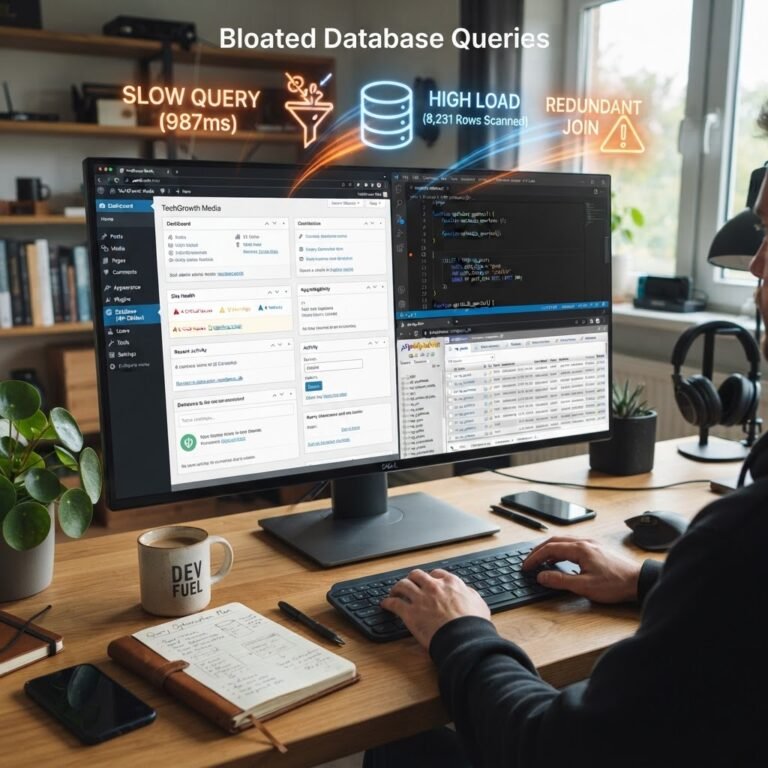
Just like you clear your closet of old clothes, your WordPress database benefits from a good tidying up. Over time, databases accumulate spam comments, post revisions, and unused tags that can slow things down. Plugins like WP-Optimize can help you clean up automatically on a scheduled basis. A clean database means faster queries and a leaner site!
8. Enable GZIP Compression for Faster Data Transfer
Talking Points:
- GZIP compression reduces data sizes.
- It significantly speeds up the transfer rate.
- You can easily enable it via your host or plugins.
Enabling GZIP compression is like packing your suitcase efficiently for travel—it reduces the space needed without losing anything essential. This compression can slash the size of your HTML, CSS, and JavaScript files, speeding up the data transfer to your visitors. Most web hosts allow GZIP to be turned on with just a few clicks.
9. Regularly Update WordPress Core, Themes, and Plugins
Talking Points:
- Updates often come with performance enhancements.
- Outdated software can expose you to risks.
- Regular updates can fix bugs affecting performance.
I’ve been there, skimming past that update notification. But those updates are crucial! Keeping your WordPress core, themes, and plugins updated isn’t just about looking fresh; it can enhance your site’s functionality and performance. Plus, you’ll close the door on potential security risks that arise from outdated components.
10. Monitor and Analyze Site Performance Continuously
Talking Points:
- Use analytics tools to track performance.
- Regular assessments can identify issues early.
- Adjust your strategies based on findings.
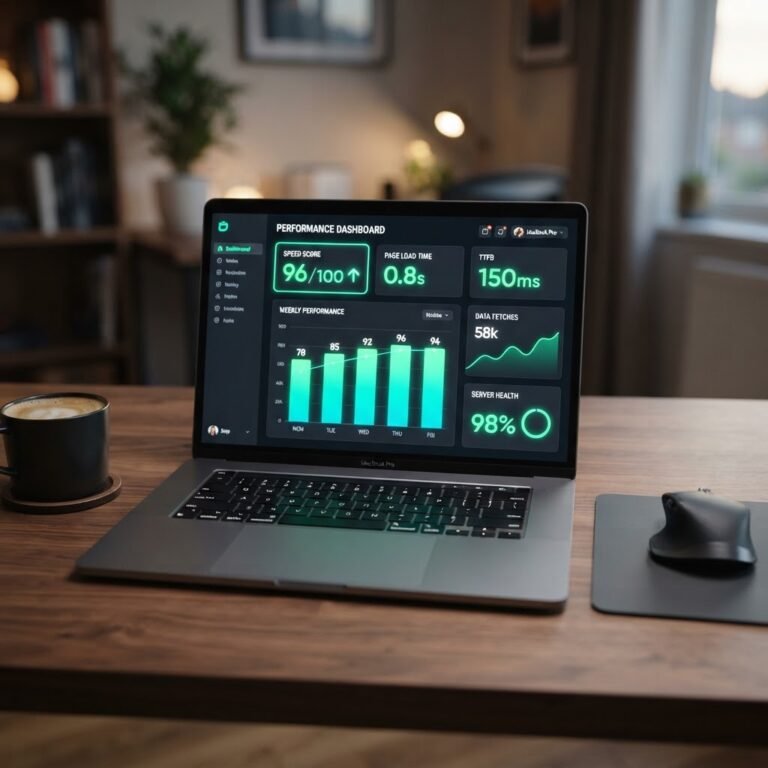
Just like maintaining a car, your website needs regular check-ups. Tools like Google PageSpeed Insights or GTmetrix provide insights into how well your site performs. They can help uncover the areas that are slowing you down. Regular evaluations mean you catch hiccups before they turn into crash scenarios.
Conclusion
Understanding how to optimize your WordPress performance can feel like putting together a puzzle—frustrating at times, but ultimately rewarding. Each step you take toward speeding up your site not only enhances user experience but can also significantly impact your visibility and conversions. Your audience deserves a seamless experience, so why not make it happen? I encourage you to begin implementing these tips today! Have tips or experiences of your own? Drop them in the comments!
Frequently Asked Questions
1. How do I know if my WordPress site needs optimization?
If your site is loading slowly, receiving complaints from users, or showing a high bounce rate, it’s time for optimization. Tools like GTmetrix can analyze your site and provide recommendations.
2. Can too many plugins really slow down my site?
Absolutely. Each additional plugin increases requests and can cause conflicts. Keep your plugins to a minimum and only use those essential to your site’s functionality.
3. What is a Content Delivery Network and do I need one?
A CDN is a network of servers that deliver your site’s content based on geographic location. It improves load times and reduces server load—definitely worth considering, especially for global audiences.
4. How often should I update my WordPress site?
Regular updates are crucial. Aim to check for updates monthly, or even weekly if you’re actively using new plugins or themes, to ensure security and performance.
5. What are some common mistakes when trying to optimize WordPress?
Common mistakes include neglecting to compress images, avoiding GZIP compression, and using excessive plugins. Always test and monitor changes you make to track their effectiveness.