WordPress Design Trends 2026: Embracing AI & Interactivity
WordPress Design Trends Shift to AI and Interactivity in 2026
The year 2026 is just around the corner, and if you’re like me, the thought of redesigning my WordPress site can spark both excitement and panic! I mean, you finally get a design nailed down and then—bam—everything shifts again.
But here’s the kicker: the trends heading our way demand that we embrace both AI and interactivity if we want our sites to stand out. No more static pages, folks! Let’s dive into the cutting-edge world of WordPress design trends and see how we can keep our sites fresh and engaging.
AI-Powered Website Creation: Revolutionizing the Development Process
Talking Points:
- How AI enhances design decisions.
- Tools that streamline website creation.
- Common pitfalls to avoid when adopting AI.
AI isn’t just a buzzword anymore. It’s changing the game in website creation. Imagine this: you’re working late at night on a tight deadline (we’ve all been there, right?). With AI tools, you can have a virtual assistant that suggests design layouts and optimizes things like SEO in real-time.
Just think about how much time you’ll save. Instead of sifting through endless templates, you can input your design preferences, and voilà! The AI creates a palette and layout suited to your style. But get this—while it can’t replace our unique human touch, it sure helps eliminate that design fatigue we face! Just make sure to vet the suggestions. I’ve learned the hard way that not every AI-generated idea will fit your vision.
Interactive Elements: Enhancing User Engagement and Experience
Talking Points:
- The importance of dynamic content.
- Examples of engaging interactive elements.
- Tools for adding interactivity without coding.
If there’s one thing I know, it’s that people crave interactivity! Gone are the days when users just sat there, passively clicking through a site. Now, they want to feel like they’re part of the action. Think about incorporating features like quizzes, polls, or even live chat options that foster engagement. It’s all about creating experiences that captivate your audience!
I can’t stress enough the power of the WordPress Interactivity API. It allows your site to behave more like an application, giving users dynamic updates without the annoying full-page reloads. So, no more waiting—and trust me, your visitors will thank you for it!
The Rise of Block-Based Themes: Simplifying Design and Customization
Talking Points:
- Advantages of using block-based themes.
- How they promote consistency.
- Tips for effectively using them.
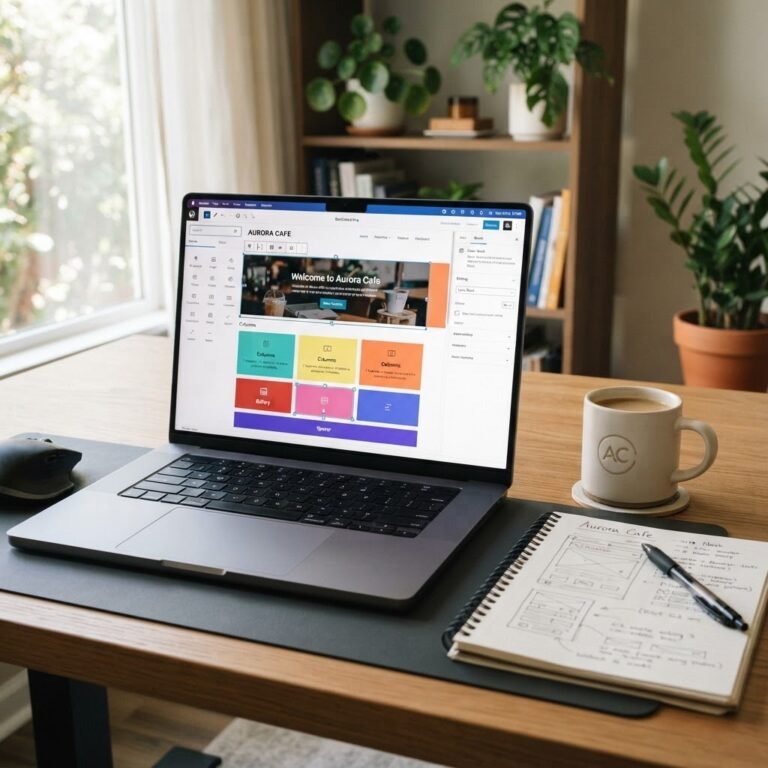
Block-based themes are taking center stage, and frankly, I couldn’t be happier about it. They allow you to build visually cohesive pages without requiring a degree in design. With these themes, everything’s laid out in blocks that snap together easily. Want to swap a header for a different one? Drag-and-drop features make it a breeze.
I remember when I used to spend hours trying to align elements correctly. Now? Block-based themes let me create professional-looking websites at lightning speed. You can even create reusable patterns that can save you time as you build multiple sites. Why re-create the wheel every single time?
Design Systems: Ensuring Consistency and Efficiency in Development
Talking Points:
- What is a design system?
- Benefits for teams and projects.
- Setting up a design system in WordPress.
Design systems are becoming a must-have for anyone serious about WordPress design. Imagine having pre-defined colors, fonts, and layouts that everyone on your team can use. It’s like giving your design process a shot of espresso!
But it’s not just for large teams. Even if it’s just you, creating a design system means that every post and page looks intentional and branded. Plus, it saves you loads of time because you won’t constantly question what shade of blue you used last week. Trust me, developing a design system pays off!
AI-Assisted Content Generation: Streamlining Content Creation
Talking Points:
- How AI tools help with writing.
- Best practices for using AI-generated content.
- Balancing AI with personal voice.
Content creation can be a heavyweight task, especially when you need to churn out posts regularly. This is where AI-assisted tools come in. From generating content ideas to suggesting SEO improvements, the right tools can make a world of difference.
But let’s get one thing clear: using AI doesn’t mean you should slap any content on your site. I learned the hard way that AI lacks our unique voice. Yet, blending your style with AI suggestions can give birth to something spectacular. Just make sure you polish each piece before hitting “publish.”
Responsive Design: Adapting to Diverse Devices and Screen Sizes
Talking Points:
- Importance of mobile-first design.
- Tools for testing responsiveness.
- Common responsive design mistakes.
In this day and age, if your site isn’t responsive, it’s like inviting people to a party without any snacks. Everyone’s browsing on their phones, and if your site isn’t optimized for mobile, they’re ditching you faster than a bad date!
Responsive design means your site morphs seamlessly to various screen sizes. When I first started, I didn’t pay enough attention to mobile usability, and my bounce rates were astronomical. Now, I test every design tweak for mobile usability first. Tools like Google’s Mobile-Friendly Test can help ensure you’re not missing the mark.
User-Centric Design: Prioritizing Accessibility and User Experience
Talking Points:
- Understanding the needs of all users.
- The impact of accessibility features.
- Tools for improving user experience.
It’s not just about pretty visuals anymore; the true essence of design lies in user experience. We need to consider everyone, including those with disabilities. Simple changes, like ensuring your site is navigable via keyboard, can vastly improve your user experience.
I’ve been the newbie who didn’t think accessibility affected design—and I faced backlash. Now, I make inclusivity a guiding principle. Accessibility plugins are a great resource to get started with this shift.
The Importance of Digital Ownership: Controlling Your Online Presence
Talking Points:
- Why ownership matters for your digital space.
- Solutions for backing up your content.
- Choosing the right hosting for reliability.
Digital ownership is something every WordPress user needs to take seriously. Over-reliance on third-party platforms can put you at risk. One mistake can leave you scrambling to regain control of your own content. I’ve lost data in the past and learned that backing up my site regularly would have saved me endless headaches.
Solid hosting and good backup solutions can mean the difference between a minor hiccup and a full meltdown. WordPress has many reliable options, don’t settle for less!
Conclusion: Embracing the Future of WordPress Design
As we leap into 2026, the shifts in WordPress design can feel overwhelming but also exhilarating. The future is bright for those ready to integrate AI, interactivity, and user-centered design principles into their sites. It’s not just about how your site looks; it’s about how it works for your audience.
Feeling a bit lost? You’re not alone! As you explore these trends, don’t hesitate to contact your fellow WordPress enthusiasts in the comments. Let’s learn from each other, share tips, and make our sites shine!
Frequently Asked Questions
Q1: What are the main benefits of AI in WordPress design?
A1: AI in WordPress design can streamline workflows, suggest content layouts, and optimize SEO, leading to more efficient and high-quality website creation.
Q2: How can I make my WordPress site more interactive?
A2: Incorporate dynamic elements such as quizzes, surveys, or chat functionalities. Using the WordPress Interactivity API can make implementing these features easier.
Q3: What are block-based themes, and why should I care?
A3: Block-based themes allow for modular design where elements can be easily rearranged, saving you time and effort in achieving a professional look.
Q4: Why is responsive design crucial for my WordPress site?
A4: Most users browse on mobile devices, so responsive design ensures a great user experience across all devices, reducing bounce rates and improving engagement.
Q5: How can I ensure my WordPress site is accessible?
A5: Utilize accessibility plugins, focus on keyboard navigation, and test your site with users who have disabilities to ensure a positive experience for everyone.