
9 Proven Fixes for WordPress Login Issues
Struggling to access your WordPress site? Don’t panic! Here are 9 proven fixes to get you back in quickly.

Struggling to access your WordPress site? Don’t panic! Here are 9 proven fixes to get you back in quickly.

The WordPress White Screen of Death (WSoD) is a common yet frustrating issue faced by WordPress users. Here’s a comprehensive guide to help you fix it.

In this ultimate guide to WordPress error fixes, we tackle common issues like the White Screen of Death, plugin conflicts, and theme problems. You’ll learn practical solutions and best practices to maintain your site effectively.

Managing multiple websites on WordPress can feel chaotic without the right setup. This guide helps you master WordPress Multisite management, from setup to troubleshooting.
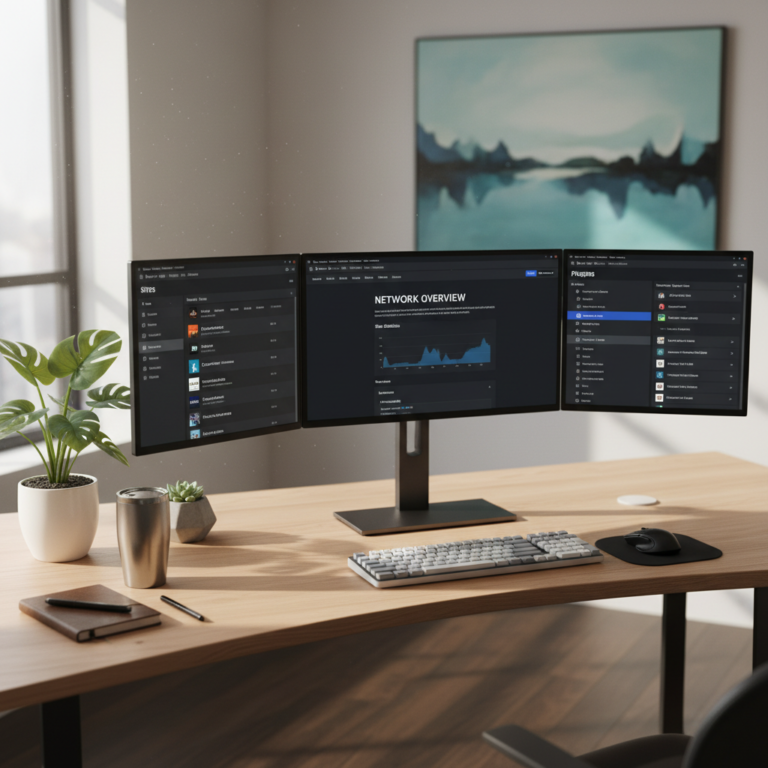
Discover how to streamline your WordPress Multisite network management with essential tips, best practices, and troubleshooting techniques. A must-read for seamless operations!
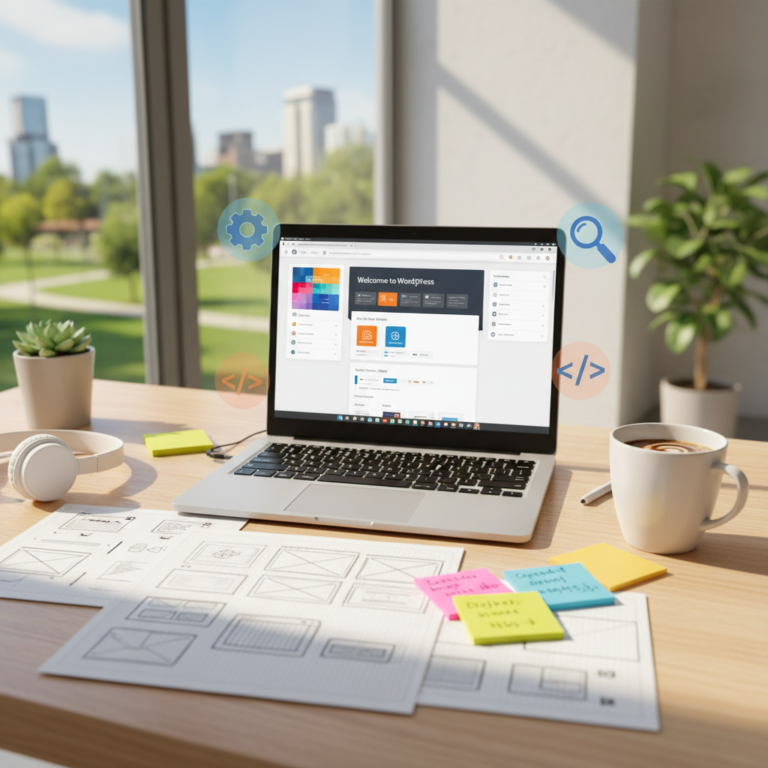
Explore our comprehensive guide on WordPress tutorials designed to empower you. From resolving common issues like the White Screen of Death to optimizing speed and security, we’ve got you covered!

Tackle common WordPress errors like the White Screen of Death and Internal Server Error with this comprehensive, plain-English guide. Gain confidence and mastery over your site!
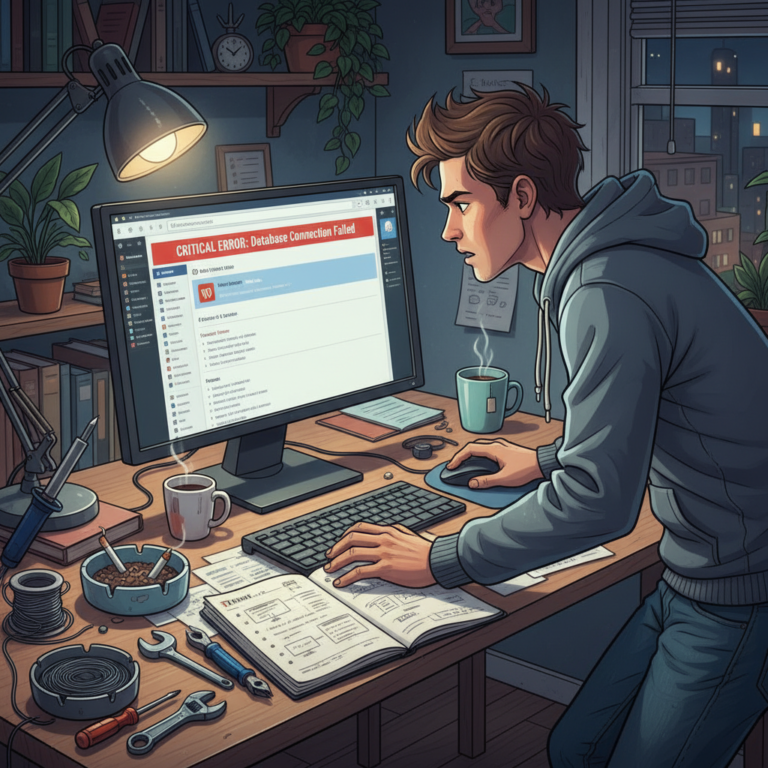
Explore our comprehensive guide to WordPress troubleshooting, covering common issues like the White Screen of Death, 500 errors, performance problems, and more. Learn practical solutions that ensure your site runs smoothly!
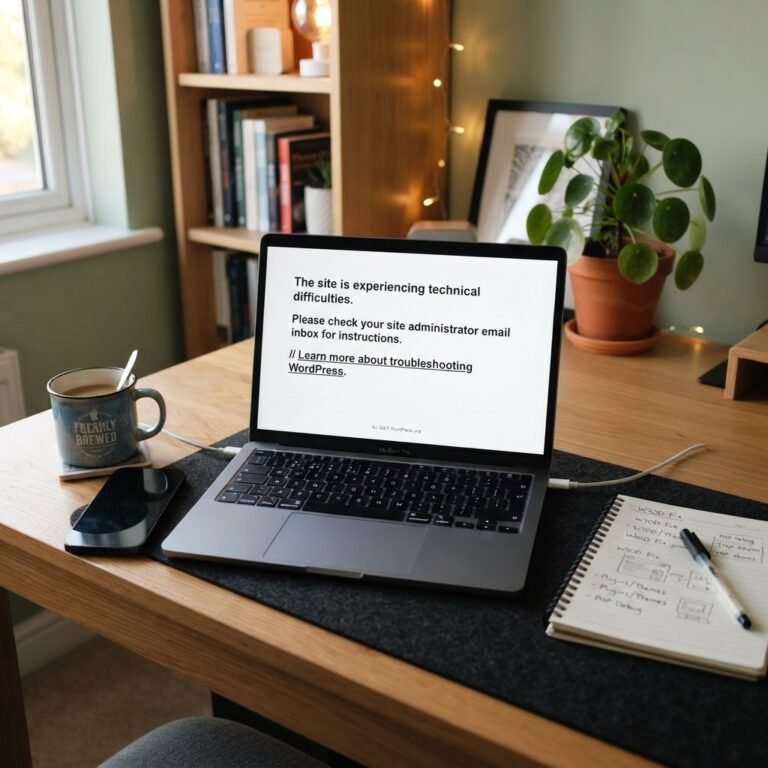
Discover a comprehensive guide to fixing the notorious WordPress White Screen of Death (WSoD) with practical, step-by-step solutions. From clearing caches to managing plugins, ensure your site swiftly bounces back.

Plugin conflicts don’t have to be a nightmare. Learn how to identify, troubleshoot, and fix WordPress plugin issues with this simple, step-by-step guide.

Fix WordPress sidebar below content? Learn easy solutions to common layout errors and reclaim your site’s design. Get your sidebar back in place now!

Running into ‘memory exhausted’ errors? Learn three simple methods to increase your WordPress PHP memory limit — no coding experience required.