WordPress vs Wix for Beginners: Which Is Right for You?
WordPress vs. Wix for Beginners: Which One Won’t Break Your Site?
Talking Points:
* The 2 AM site crash panic.
* Why choosing the right platform matters.
* The difference between convenience and control.
It is 2 AM. You are staring at a blank, white screen. Your heart is pounding. You just wanted to change one color on your homepage. Now, your site is gone. I have been there. I have fixed thousands of sites just like yours. That sinking feeling is why we need to talk about the real differences between building a home online using a rented apartment or buying a plot of land.
Choosing a platform feels like a gamble when you have no idea how the gears turn under the hood. You want something that works right now. You do not want to become a full-time coder. I get it. We all want the easiest path to a live site. But some paths lead to dead ends.
The Ease of Use Trap: Wix’s Instant Gratification
Talking Points:
* How drag-and-drop works.
* The benefit of a closed ecosystem.
* Why instant setup can hide future headaches.
Wix is the king of the drag-and-drop editor. You see something, you click it, you move it. Done. It is incredibly satisfying for someone who just wants to put their portfolio or small business info online without learning a lick of code. You do not have to worry about updates or hosting requirements because they handle all that for you. It is a closed system that just works.
This simplicity is a massive win for beginners who are intimidated by technology. You get a consistent environment where nothing breaks because you updated the wrong plugin. They keep the lights on for you. However, you pay a price for that convenience. You are living in their house, following their rules.
The Ownership Reality: Why WordPress is Your Digital Real Estate
Talking Points:
* WordPress as an open-source platform.
* The concept of site ownership vs. renting space.
* Why portability matters for long-term growth.
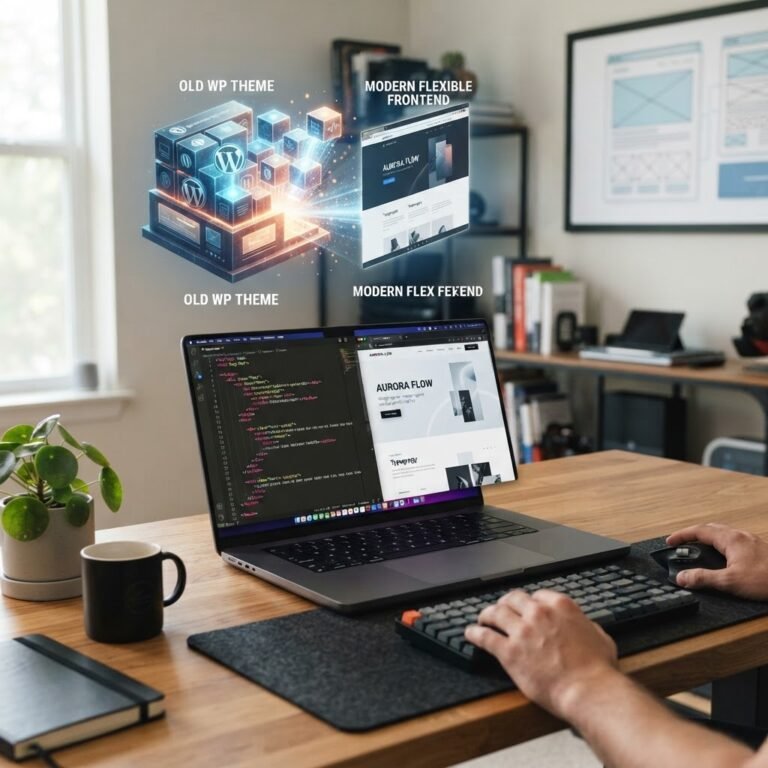
WordPress is different. It is open-source. This means you own the files, the database, and the content. You are not just a tenant; you are the landlord. If your current host messes up, you move your site to a new one. Try doing that with a platform that locks you into their specific ecosystem. It just does not work that way.
This is why WordPress powers nearly 60 percent of the web. People want to control their digital destiny. They do not want a company to decide when they can update their design or which features are allowed. You have to handle your own hosting and updates, which sounds scary, but it gives you total freedom.
The Learning Curve: Is WordPress Actually Hard?
Talking Points:
* Dispelling the myth that you need to be a developer.
* How modern tools have changed the game.
* The value of learning the basics of a CMS.
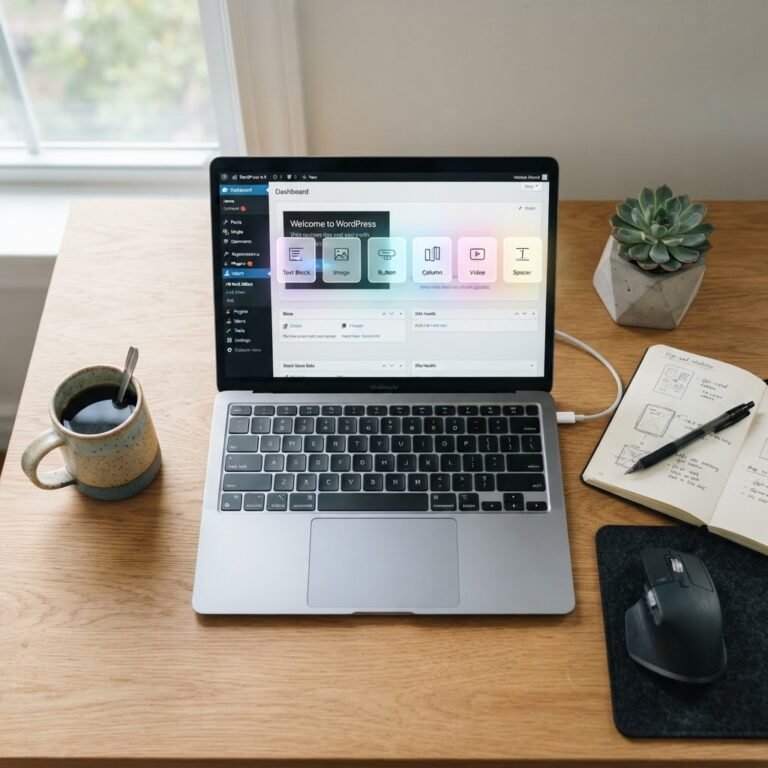
People tell me all the time that WordPress is too hard to learn. I usually ask them: can you type a document in a word processor? If you can, you can manage content on WordPress. It is just a content management system designed for humans, not robots.
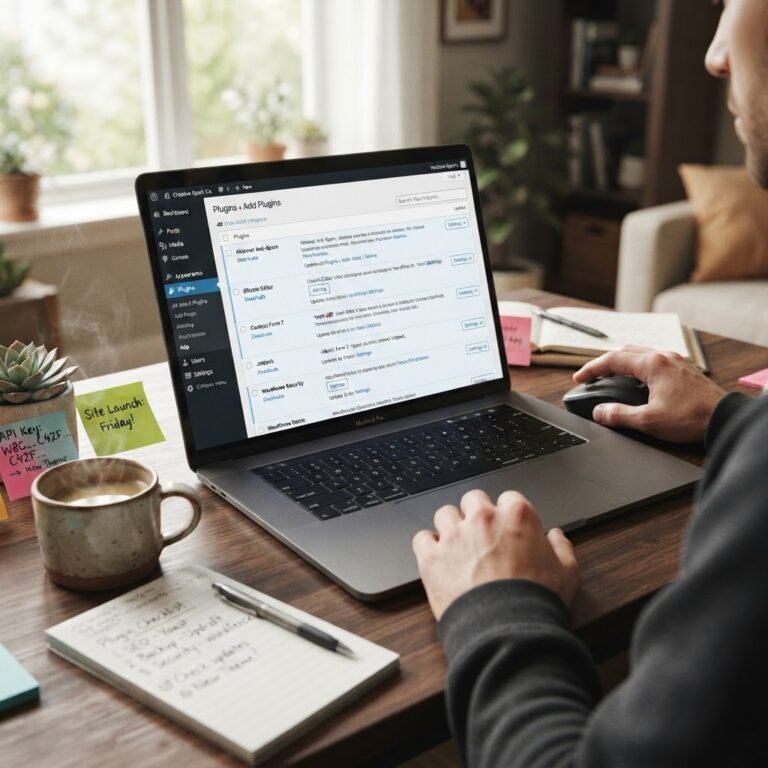
Sure, you might need a bit of time to understand how themes and plugins fit together. But that small investment of time prevents massive headaches later. You stop fearing the dashboard. You start seeing it as a tool you command instead of a monster that commands you.
Performance & The White Screen of Death Fear
Talking Points:
* Why technical debt happens in WordPress.
* Managing site speed and stability.
* The reality of hosting responsibilities.
That 2 AM panic I mentioned earlier? That usually happens when a plugin crashes or a theme update goes sideways. Because WordPress is so flexible, it is easy to overload your site with too many “extras” that slow everything down. You have to be smart about what you install.
Wix manages your performance for you. They have a massive team making sure their servers stay fast. In WordPress, you are responsible for choosing good hosting and keeping your site clean. It takes more work, but the payoff is a site that functions exactly how you want it to.
SEO & Scalability: Building for Tomorrow
Talking Points:
* Granular control vs. automated SEO tools.
* Why your site architecture matters for growth.
* Long-term SEO flexibility for small businesses.
If you want to grow a massive business, you need control over your site architecture. WordPress gives you deep access to everything. You can tweak how search engines see your pages in ways that restricted platforms simply do not allow. It is built for scaling up.
Wix is not bad at SEO, mind you. For a local bakery or a small consulting firm, their tools work just fine. But when you start needing complex data or unique page layouts to compete, you might feel the walls closing in. WordPress grows with your ambitions, not just your initial needs.
Maintenance: The Hidden Cost of Easy
Talking Points:
* The trade-off between managed services and manual updates.
* Preventing security vulnerabilities.
* Why maintenance is just part of owning a site.
Every site needs maintenance. On a closed platform, they handle the updates in the background. You never see the patches. It feels free, but you pay for it in platform fees.
On WordPress, you see the updates. Sometimes you have to hit that button yourself. It feels like a chore, but it keeps your site fresh and secure. If you ignore it, you create a security risk. You have to treat your site like a house—it needs a bit of sweeping every week to stay in good shape.
WPSite Deck’s Verdict: Which Path Should You Choose?
Talking Points:
* Assessing your long-term goals.
* Matching a platform to your technical comfort level.
* Making the final decision for your project.
If you want the easiest experience and never plan on needing total control, choose the platform that does the heavy lifting for you. It is a solid choice for simple projects. But if you want to build a brand that you actually own, there is only one choice.
WordPress is the standard for a reason. You have every fix at your fingertips if something goes wrong. We are here to help you through the scary parts until they are not scary anymore.
Your Next Step: Mastering Your Command Center
Talking Points:
* Why starting now is better than waiting.
* Finding the right guides to get started.
* Encouraging community interaction.
Stop worrying about the technical debt you haven’t even created yet. Pick your path and get to work. Your site is your voice, and it deserves to be heard on a platform that lets you speak freely.
Have you ever switched from one platform to another and felt the difference? Tell me about your horror stories or your victories in the comments below. Let us hear what worked for you.