How to Speed Up Elementor Sites: 7 Proven Performance Hacks
How to Speed Up Elementor Sites: The Ultimate Performance Guide
Talking Points:
* The connection between site speed and bounce rates.
* The truth about Elementor as a heavy page builder.
* Why your users expect instant load times.
I remember staring at a white screen at 2:00 AM, my heart sinking because a client’s homepage refused to load. That was my first real lesson in performance. Sites with solid Core Web Vitals see 24% lower bounce rates, and I learned that the hard way. Slow sites kill businesses fast. People simply walk away if they wait more than three seconds.
There is a myth that Elementor is inherently too bloated to run a professional site. That is absolute nonsense. I have fixed thousands of sites using this builder, and I know exactly how to make it fly. It comes down to how you manage your resources and keep your code clean. You can absolutely have a design-rich site that loads in a blink.
The Truth About Elementor Performance
Talking Points:
* Debunking the bloat myth.
* Understanding how Elementor processes code.
* Why lightweight themes matter.
Most people think page builders are the enemy of speed. They are not the enemy; they are just tools that need proper handling. When you use a heavy theme with a page builder, you are doubling the code overhead. Start with a lean base like Hello, Astra, or Blocksy.
These themes do not add extra clutter. They give the builder a clean slate to work on. Keep your WordPress memory at 256 MB or higher to prevent crashes. Anything less, and you are just asking for trouble during heavy edits.
Quick Wins for Immediate Speed Gains
Talking Points:
* Updating plugins and PHP versions.
* Cleaning out unnecessary assets.
* Setting your base settings correctly.
Start by checking your PHP version. If you are still on PHP 7.4, upgrade right now. Hosting providers often allow you to switch to 8.2 or 8.3 with one click. This change alone can drop your load times by a significant margin.
Head into the Elementor settings dashboard next. Enable the features for Improved Asset Loading and Optimized DOM Output. These tiny switches tell the site to ignore unnecessary scripts on pages where they aren’t needed. It is free performance. Just toggle them on and test your site.
Optimizing Your Infrastructure
Talking Points:
* Choosing high-performance hosting.
* The impact of server response time.
* Why managed hosting wins.
Your host is the foundation of everything. Cheap shared hosting is fine for a hobby blog, but it fails under pressure. Sites on managed hosting often see 20–40% faster INP compared to typical shared environments. That difference is huge when traffic spikes hit your server.
Keep an eye on your TTFB, or Time to First Byte. If your server takes too long to wake up, nothing else you do will fix the speed. A solid host treats your server response time like a priority. You want a partner, not just a service provider.
Mastering Asset Management
Talking Points:
* Improved asset loading strategies.
* Avoiding font bloat.
* Reducing unnecessary script requests.
Too many sites load five different Google Fonts that never get used. Pick one primary font and limit the weights to just what you need. Every extra file a visitor’s browser has to download adds weight to your page load time.
Go through your pages and check for unused CSS. If you have a massive icon library active, disable it if you only use three icons. Every single kilobyte counts when you are trying to reach those green Core Web Vitals scores. Be stingy with what you load.
Reducing DOM Bloat
Talking Points:
* Moving from sections to Flexbox containers.
* Why simpler layouts load faster.
* Fixing nested element issues.
Old Elementor layouts relied on deep section nesting. This adds layers of code that browsers struggle to parse. If you want to optimize Elementor performance, switch to Flexbox containers. They require far less markup to build the same look.
Think of a container like a clean folder. You want fewer files with better organization. Too many nested columns create a mess for mobile browsers to interpret. Keep your structure flat and your containers simple.
Image and Media Optimization
Talking Points:
* Converting images to WebP.
* Importance of lazy loading.
* Sizing images correctly for mobile.
Large images are the number one cause of slow sites. Stop uploading raw files directly from your camera. Keep every image under 1 MB and use a tool to convert them to WebP. WebP offers the same quality at a fraction of the file size.
Enable lazy loading on every single image. This prevents the browser from downloading pictures that are currently off-screen. Only load what the user actually sees. It changes the perceived speed of your site instantly.
Caching and Minification
Talking Points:
* Selecting the right caching plugin.
* Minification vs. concatenation.
* Delaying non-critical JavaScript.
Caching stores a static version of your site so the server does not have to build it from scratch for every visitor. Plugins like WP Rocket or LiteSpeed Cache handle this well. They do the heavy lifting of minification, which means stripping out spaces and comments from your code.
Delaying JavaScript is a secret weapon for improving your First Contentful Paint. You tell the browser to wait on the non-essential animations until the rest of the page is ready. Your users see the content first and the flashiness second.
Cleaning House: Plugins and Scripts
Talking Points:
* Auditing installed plugins.
* Removing abandoned code.
* The cost of extra features.
Every plugin you install adds its own set of scripts and styles. If a plugin is inactive, delete it. If it is active but you do not use it, get rid of it. You want a lean installation that only does exactly what you need.
Sometimes, a plugin is just a bad neighbor. If you find one that causes huge performance drops, look for a lighter alternative. A site with ten well-chosen plugins will always outperform a site with fifty random ones.
Advanced Performance: CDNs and Edge Caching
Talking Points:
* How CDNs serve files faster.
* The benefit of Edge caching.
* Global reach for your traffic.
A Content Delivery Network, or CDN, stores your files on servers all over the globe. If a user in London visits your site, they grab your images from a London server instead of your main server in New York. This drastically reduces the time it takes for items to travel.
Edge caching takes this a step further by storing your entire page at the network edge. It makes your site feel local to every visitor. This is standard practice for sites that need to handle international traffic without lagging.
Measuring Success: Tracking Metrics
Talking Points:
* Focusing on LCP, INP, and CLS.
* Using free tools for monitoring.
* Why AI search loves fast sites.
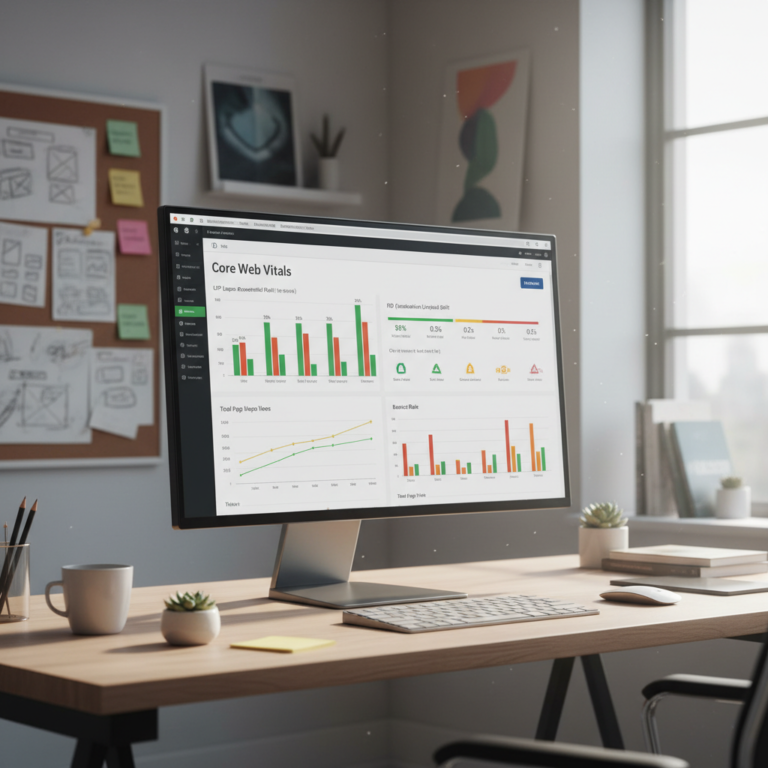
AI content in Google search grew from 2% to over 17% in just a few years. These systems prioritize sites that work perfectly. Use Google PageSpeed Insights to check your Core Web Vitals. Look specifically at LCP, INP, and CLS scores.
Do not obsess over the 100/100 score. Aim for the green zone and focus on the user experience. If a real human finds your site snappy and easy to read, you have already won the most important battle. Keep testing and keep refining.
Maintaining a fast site is not a one-time project. As your business grows, you will add new pages and more media. Revisit these settings every few months to keep your performance high. If you hit a snag or need a specific fix for your setup, let me know in the comments below!