Ultimate Guide to WordPress Performance Optimization
WordPress Performance Optimization: Your Ultimate Guide to a Faster Site
We’ve all been there—waiting for a website to load, glancing impatiently at the clock. You whip out your phone to check if it’s just you or if the site’s slow to everyone. It hits you: a sluggish site equals frustrated users. I mean, research shows that each extra second of load time can cut conversions by 7%! That’s a real numbing reality.
Why does this matter? A fast-loading WordPress site not only enhances user experience but also improves your search engine rankings. Plus, a speedy website can increase your conversion rates. This isn’t just about speed; it’s about creating a seamless experience that keeps visitors engaged.
Understanding Common Performance Issues
Talking Points:
- Common causes of slow sites.
- Identifying performance bottlenecks.
- The impact of poor website performance.
Performance issues can crop up unexpectedly. Sometimes, it feels like your site has been cursed with the infamous “White Screen of Death” at 2 AM. But often, performance woes stem from a few common culprits:
1. Unoptimized Images: Those beautiful, high-resolution images can really bog down your site’s speed. If you’re using large files without any optimization, expect visitors to jump ship.
2. Too Many Plugins: Every shiny plugin promises to enhance your site, but each one also adds weight. A good rule of thumb? Keep the plugins to a minimum.
3. Server Response Time: A sluggish server can turn a great website into a frustrating experience. If your hosting service isn’t up to par, even the best optimizations may not help.
Measuring Your Site’s Performance: Tools and Metrics
Talking Points:
- Essential tools for performance testing.
- Key performance metrics to monitor.
- Interpreting performance reports effectively.
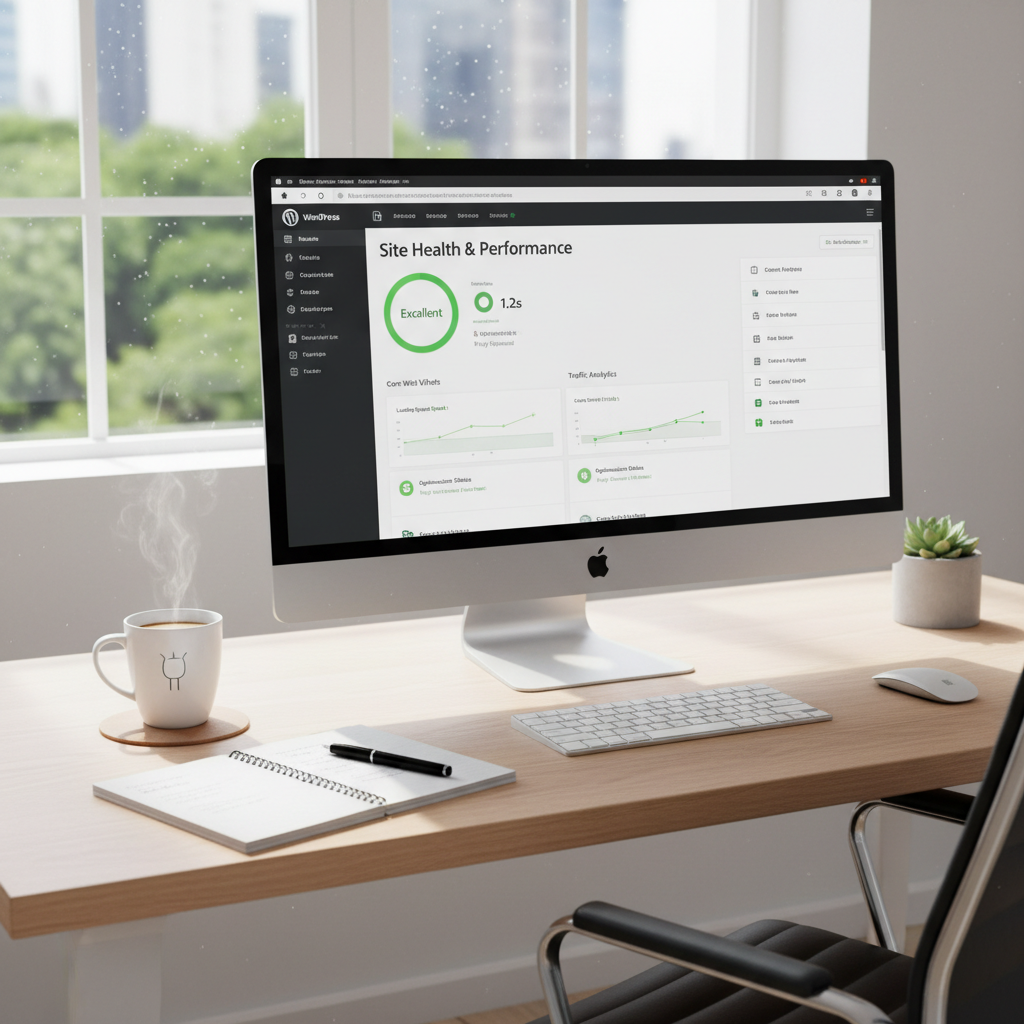
So, how do you know what’s slowing you down? There are various tools to help you measure your site’s performance, like Google PageSpeed Insights or GTmetrix. These will give you a score based on several parameters: load time, server response time, and even Core Web Vitals.
When checking measurements, pay attention to metrics like load time and bounce rate; they’re critical. A site that loads in 4.2 seconds is average, but optimized sites can get down below two seconds! So, where do you stand?
Implementing Effective Caching Strategies
Talking Points:
- What caching is and why it matters.
- Different types of caching for WordPress.
- How caching can drastically reduce load times.
Caching is like a magic spell for your website. It temporarily saves a version of your pages so users don’t have to load everything from scratch every time they visit. This can lighten the load and improve site speed significantly, sometimes cutting it down by 50-90%!
You might want to explore options like browser caching, page caching, or even object caching. Each method serves a purpose, making sure your site runs smoother—and faster! Just imagine; no more painful waits for your visitors!
Optimizing Images for Faster Load Times
Talking Points:
- Importance of image optimization.
- Tools for effectively compressing images.
- Next-gen formats like WebP for better efficiency.
Visuals are crucial for your site’s appeal, but they can slow it down if not handled properly. Size matters! By optimizing images—specifically serving them in formats like WebP or employing lazy loading—you can dramatically reduce load times.
Tools like TinyPNG or Imagify can help you compress images without lost quality. Picture this: you’ve improved your speed, and visitors stay longer instead of running away!
Streamlining Your Database for Improved Efficiency
Talking Points:
- Why database optimization is critical.
- Regular maintenance tasks to perform.
- Tools for simple database management.
Over time, your WordPress database collects unnecessary data: post revisions, spam comments, and transient options can pile up. Cleaning this clutter can boost your site’s efficiency. Regular optimization is like a spring cleaning for your database, making it leaner and faster on its feet.
Tools like WP-Optimize can simplify keeping your database trimmed down. If you want a fast site, consider optimizing the backend just as much as the frontend.
Choosing the Right Theme and Plugins
Talking Points:
- Importance of lightweight themes.
- How plugin selection can impact site speed.
- Evaluating plugins for their necessity and efficiency.
Your WordPress theme can either be a blessing or a curse when it comes to performance. Opting for lightweight themes optimized for speed can make a world of difference. Trust me, you want themes that won’t weigh your site down!
Additionally, be selective with your plugins. Only choose those that truly enhance the functionality of your site—eliminating the fluff can lead to much faster load times.
Leveraging Content Delivery Networks (CDNs)
Talking Points:
- What a CDN is and how it works.
- Benefits of using a CDN for global sites.
- Popular CDN options for WordPress users.
If reaching a global audience is your goal, consider implementing a CDN. A Content Delivery Network distributes your site’s static files to servers around the world, so visitors load data from the nearest location—a surefire way to improve speed.
Providers like Cloudflare or StackPath not only enhance loading times but can also bolster security. Who doesn’t love a two-for-one deal?
Advanced Server Configuration Techniques
Talking Points:
- Key server settings to check.
- Importance of using PHP OPcache.
- Using HTTP/2 for better performance.
Server configuration might seem daunting, but it can hugely impact your website’s performance. Make sure you check your server settings and use PHP OPcache for better resource management. Plus, implementing HTTP/2 can significantly speed up data transfer between the server and your site!
Regular Maintenance: Keeping Your Site in Top Shape
Talking Points:
- Why routine maintenance is necessary.
- Schedule for backups and updates.
- Tools that can assist with maintenance tasks.
Like any well-oiled machine, your WordPress site needs regular maintenance. Daily checks can prevent minor issues from ballooning into major headaches. Regular backups, updates, and consistent monitoring keep your site secure and performing beautifully.
Utilize maintenance tools like ManageWP to organize everything. It simplifies the process and saves you headaches down the line!
Conclusion: Achieving Optimal WordPress Performance
With all these strategies at your disposal, you can significantly boost your WordPress site’s performance. The goal is clear: create a fast, efficient site that not only pleases your visitors but also strengthens your brand. Don’t shy away from experimenting with different techniques and see what works best for you!
Have you faced the dreaded slow site? Or perhaps you’ve discovered your own speed hacks? Share your stories and tips in the comments; let’s help each other out!
Frequently Asked Questions
1. How often should I optimize my WordPress site for performance?
Regular optimization should be part of your routine, typically once every few months or whenever you notice performance dips.
2. Are there any plugins recommended for performance optimization?
Yes! Popular choices include WP Rocket for caching, Smush for image optimization, and WP-Optimize for database cleaning.
3. What is lazy loading, and how does it help my site?
Lazy loading only loads images when they’re in the viewport, which drastically reduces initial load times and improves user experience.
4. Do I need a CDN for a small website?
While a CDN is particularly beneficial for larger sites with global traffic, it can still enhance load times for small websites—especially if they have images or videos.
5. How can I check my server response time?
Use tools like Google PageSpeed Insights or GTmetrix, which provide detailed insights into your site’s server response time and overall performance.