7 Best AI Website Builders for WordPress: Launch Faster (2026)
Best AI Website Builders for WordPress: Stop the Struggle and Launch Faster
Talking Points:
* The 2am “White Screen of Death” panic.
* Why building sites used to be a slog.
* How AI shifts the production timeline by 70%.
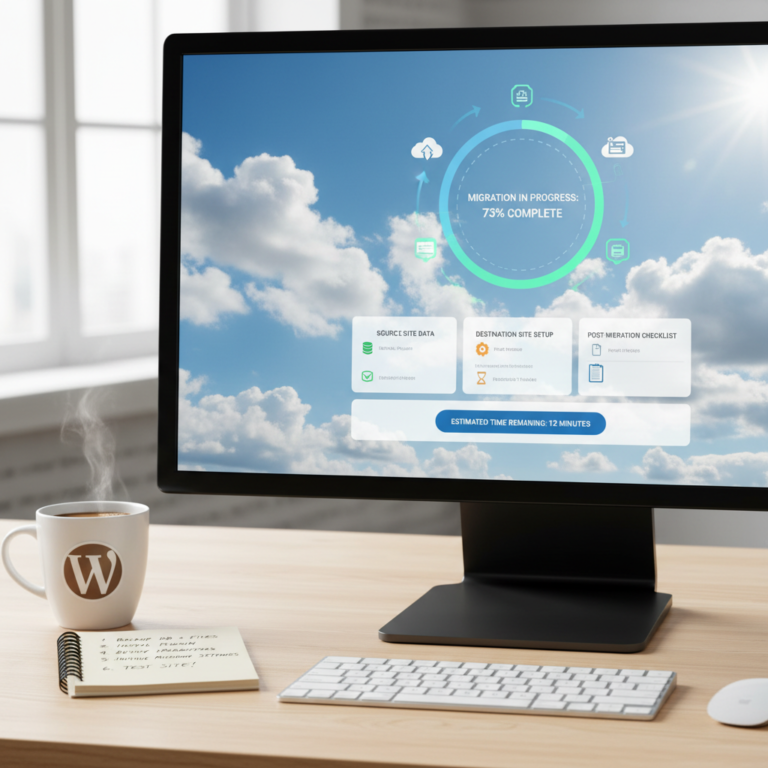
I remember staring at a blank screen at 2am. My client’s site crashed right before a big launch. The cold sweat was real. WordPress used to feel like fighting a losing battle against CSS and PHP. You would spend weeks just getting a basic layout right.
Things are different now. Using the best AI website builders for WordPress changes the math. We are looking at a 70% reduction in production time. That is not just a stat; it is a gift of time for those of us who have spent decades in the trenches.
What Defines a Quality AI Tool for WordPress
Talking Points:
* Avoiding bloated, buggy code generation.
* Why host compatibility matters for speed.
* The value of a clean drag-and-drop editor.
Not every tool with an AI badge is worth your time. I have seen some generate code that looks like a bowl of spaghetti. You want tools that respect the WordPress plugin ecosystem. If an AI creates a site that clashes with your security plugins, you are back to square one.
Look for tools that prioritize a clean drag-and-drop editor. You need to keep control over your UI/UX optimization. If you cannot touch the code or the layout later, the site is a trap. Always check if the tool is host-agnostic before committing your workflow to it.
Leading Contenders for AI-Powered WordPress Design
Talking Points:
* Comparing ZipWP and 10Web.
* SeedProd and its page-building power.
* Divi and Elementor AI features.
ZipWP is my go-to for speed. It builds a prototype in under 60 seconds. It is perfect if you need to show a client a vision fast. Then you have 10Web, which uses an agentic system to handle planning and development in one go.
SeedProd keeps things simple with its focus on landing pages. Elementor and Divi have taken a different path. They bring the AI inside the builder. You get a copilot for your layout changes. These are great for those who already live in those ecosystems.
Best Tool for Complete Site Generation
Talking Points:
* How ZipWP handles the heavy lifting.
* Why full-site generation saves mental energy.
* Maintaining site architecture with automation.
ZipWP stands out here because it generates everything. You get images, text, and structure in one click. It is a fantastic starting point for those who dread the empty page. You can generate a custom WordPress theme AI style that actually looks professional.
This is not magic; it is smart automation. It respects sitemap generation and logical page flow. Once the base is done, you swap the dummy text for your own. It feels like having an intern who works at light speed.
Design Flexibility and Control
Talking Points:
* Using Divi AI for granular changes.
* Why text and image generation matter.
* Keeping the design process human-centric.
Divi AI is the winner for control. If I need to rewrite a headline or change a button color, I do it right in the builder. It learns from the Divi codebase, which means fewer bugs. This is the best AI tool for web design if you like to tinker.
I prefer this when I have a specific brand to match. Automated WordPress design is great, but it often needs that human eye for detail. Having the AI follow my lead instead of doing everything for me is a relief.
Speed and Beginner-Friendly Workflows
Talking Points:
* 10Web and its production-ready output.
* Reducing the learning curve for new users.
* Why beginners should start with AI.
10Web makes the technical parts disappear. It handles the server environment and the build. This is a massive win for someone who just wants a site that works. It provides production-ready sites without you needing a degree in computer science.
It is truly one of the top beginner friendly WordPress tools I have used. You do not get stuck in the plugin setup. It just launches. For a novice, that prevents the early burnout that kills most passion projects.
Selecting the Right AI for Your Workflow
Talking Points:
* Identifying your primary site goals.
* Checking for hosting compatibility.
* Balancing speed with future updates.
Ask yourself what you actually need. Do you need a landing page? Use SeedProd. Do you need a full business portal? Use ZipWP or 10Web. Never pay for features that your site will not use. Keep it simple.
Check your hosting first. Some AI builders perform best on their own platform. You do not want to realize you are locked in after you spend ten hours on a build. Test the tool on a sub-domain before you migrate your main site.
Avoiding Common AI Building Pitfalls
Talking Points:
* Why manual QA is still mandatory.
* Handling generic or “robotic” content.
* The danger of ignoring site security.
Never publish raw AI output. It is a draft, not a finished product. You still need to check the responsive layout on mobile. AI might create a layout that breaks on a small screen if you are not careful.
Watch out for the tone of the generated content. It often sounds too stiff. Rewrite it to match your own voice. If you sound like a robot, people will leave your site. Trust, but verify.
Integrating AI into Your Strategy
Talking Points:
* Using AI for recurring content tasks.
* Maintaining a consistent visual brand.
* Automating site maintenance tasks.
Use AI for the heavy lifting, not for the soul of your site. Use it to build the structure or generate a base sitemap. Then, bring in your professional photography and human-written copy. That combination is lethal.
Think of it as a tool, not a replacement. You are the architect; the AI is your drafting table. When you treat it like that, you get the best of both worlds. The speed of a machine and the polish of a human.
Final Verdict for a Stress-Free Launch
Talking Points:
* The balance between speed and quality.
* Why you should embrace these tools now.
* My invitation to share your progress.
Building a site does not have to be a nightmare. You have tools that turn hours of grunt work into minutes of creative planning. Choose the tool that fits your comfort level. Start small.
I have seen too many people quit because they get stuck on technical issues. Don’t be that person. Use AI to get past the finish line. What has been your biggest frustration with building sites lately? Let me know in the comments below.