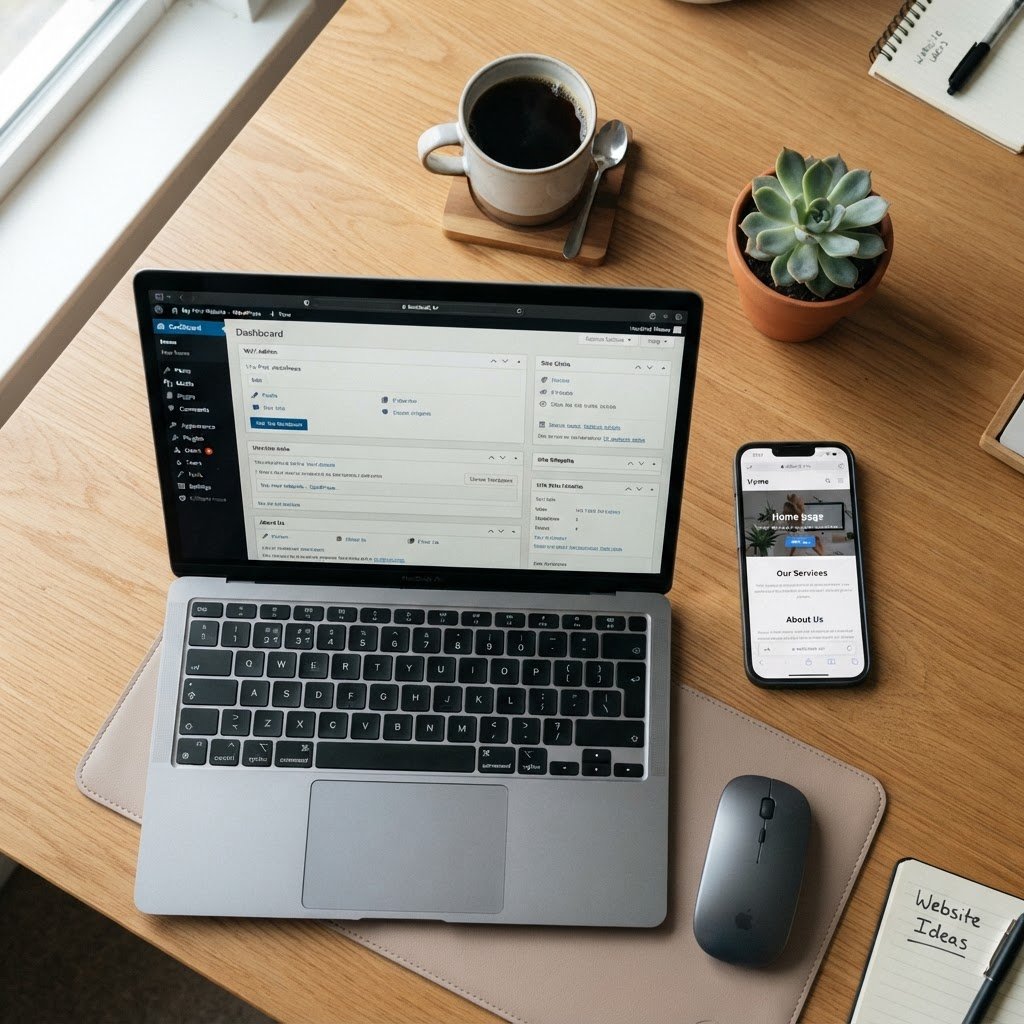
How to Create a WordPress Website for Free: Easy Step-by-Step Guide
How to Create a WordPress Website for Free: A No-Nonsense Guide
I still remember staring at a blank screen at 2 a.m. years ago. My site had crashed, and I felt pure panic. Back then, I thought ‘free’ meant I was stuck with junk. I was wrong. You can start a free WordPress blog without losing your mind or your sleep.
The Truth About Free WordPress: WordPress.com vs. WordPress.org
Talking Points:
* Defining the difference between managed hosting and self-hosted software.
* Explaining why the software is free but the hosting is not.
* Clarifying why specific features are restricted on free plans.
You need to know the score here. WordPress.org is the actual CMS platform software. It is open-source and free for everyone. You just need to install it on your own web server.
WordPress.com is a different beast entirely. It is a hosted service that manages your site. They provide the space, but they keep the keys. You get a subdomain like yoursite.wordpress.com. You cannot add custom plugins or fancy themes there.
Most beginners get confused by the names. Just remember that one gives you full control and the other gives you convenience. Both are great depending on your goals.
Step 1: Sign up and choosing your free domain address
Talking Points:
* The process of creating an account on WordPress.com.
* Picking a name that represents your brand.
* Understanding the limitations of a free subdomain.
Go to the signup page. Pick a name that sounds like you. If you want a blog about cats, call it coolcats.wordpress.com. Keep it short.
Type in your name. See if it is taken. If it is, add a dash or a number. Keep going until you find one that sticks.
Avoid picking something impossible to spell. You want people to find you again. A simple address is your best friend in the long run.
Step 2: Navigating the dashboard: Your new command center
Talking Points:
* Overview of the user interface.
* How to find essential settings for your site.
* Managing basic updates and site status.
Once you log in, you see the dashboard. It looks a bit busy at first. Take a breath. Everything you need lives here.
Look at the left sidebar. That is where the magic happens. You have buttons for pages, posts, and settings.
Click around. Don’t worry, you cannot break it. If you get lost, just click the home icon. That takes you back to the start.
Step 3: Selecting a theme: Moving beyond the generic default look
Talking Points:
* How to pick a design that fits your needs.
* Understanding responsive design for mobile users.
* Applying theme customization without getting into code.
Your site needs a look. WordPress gives you free themes. Some are clean and simple. Others are loud and bold.
Pick one that is mobile-friendly. Most people will see your site on a phone. If the theme breaks on a phone, dump it.
Go to the appearance tab. You can swap colors and fonts there. Do not spend three days picking a font. Just pick one that is easy to read.
Step 4: Essential page structure: Setting up Home, About, and Contact pages
Talking Points:
* Defining the purpose of core pages.
* How to link pages in your site hierarchy.
* Using the block editor to organize layout.
Every site needs a home base. Start with a home page. Tell people who you are and why they should stay.
Next, add an About page. People love stories. Be honest and write like a human. Skip the corporate speak.
Finally, add a Contact page. Give them a way to reach you. It keeps your site feeling real and grounded.
Step 5: Content creation: How to write your first post without the jargon
Talking Points:
* Using the block editor for content layout.
* Tips for writing clear, readable posts.
* Publishing and managing your post status.
Click the posts button. Hit add new. The block editor is your canvas. It works like Lego bricks for your words.
Write your first post. Keep your sentences short. Use headings to break things up. People skim, they do not read.
Once you are done, hit publish. It is live. That feeling never gets old.
Step 6: Understanding the limitations: Storage, ads, and when to upgrade
Talking Points:
* Recognizing storage caps on free tiers.
* Addressing unwanted ads on free sites.
* Identifying the right time to move to self-hosted.
Free plans have limits. You get 1GB of storage. That is enough for text and some images. Do not upload huge videos.
They put ads on your site. That is how they pay for your space. It is a fair deal until it starts looking messy.
If you start making money or getting traffic, move to self-hosted. It is not hard to migrate. You keep your content.
Pro-Tips for a professional-looking free site
Talking Points:
* Using high-quality images to look legit.
* Keeping the navigation menu simple.
* Consistency in voice and tone.
Use clear photos. A blurry image ruins everything. Find free stock photos if you have to.
Keep your menu small. Three to five items is perfect. More than that just confuses people.
Be consistent. If you write like a pro today, don’t sound like a clown tomorrow. Find your voice and stick to it.
Common troubleshooting: What to do when things look wrong
Talking Points:
* Handling basic display issues.
* Clearing cache and checking settings.
* Knowing when to reach out for support.
Things will break. It happens. First, check your settings. Did you miss a toggle?
If the site looks weird, clear your browser cache. It is a classic move. Often the site is fine, your browser is just holding onto old data.
If you still see a mess, check the support forums. Someone else had your problem before. You are not alone.
When you are ready to scale: Moving to self-hosted WordPress
Talking Points:
* The benefits of full control on self-hosting.
* How to manage permalink structure for SEO.
* Taking site maintenance into your own hands.
You outgrew the free plan. That is a good thing. It means you are winning.
Get a domain name and a host. Export your content from your old site. Import it to the new one.
Now you have full control. You can add any plugin you want. You are officially in charge of your own digital presence.
Starting a site is a big step. Most people talk about it, but you actually did it. Keep going and make it yours. If you run into a wall, tell me in the comments. I am happy to help you figure it out.