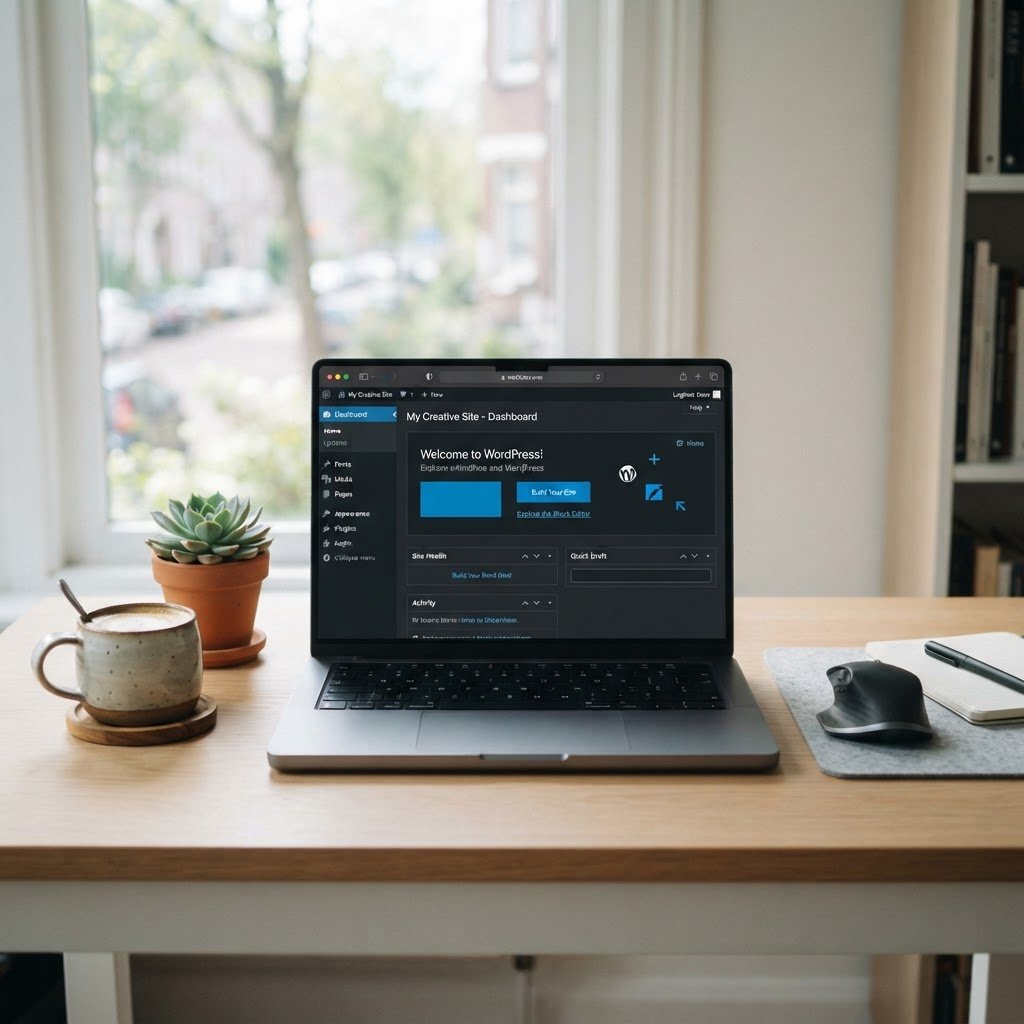
Simple WordPress Tutorial for Beginners 2026: Build Your Site
WordPress Tutorial for Beginners 2026: Build Your Site in Minutes
Talking Points:
* WordPress powers nearly half of all websites globally.
* It’s the go-to platform for everyone from bloggers to big businesses.
* The 2026 release brings exciting new features.
Man, I remember the early days. Staring at a blank screen, trying to figure out how to get a website up. It felt like trying to build a skyscraper with a toothpick. But then, WordPress came along. And guess what? In 2026, it’s still the king. We’re talking about a platform that powers an insane 41.9% to 43.5% of all websites out there. That’s not just a trend; that’s dominance. And with WordPress 7.0 dropping in May 2026, bringing native AI smarts and a slicker admin interface, it’s only getting better. If you’re even thinking about building a website, whether it’s for your passion project, your side hustle, or your big dream business, you need to know about WordPress. I’ve been in the trenches, fixing thousands of WordPress sites, and I’m here to tell you, it’s still the best game in town for getting online fast and effectively.
WordPress.org vs. WordPress.com: Knowing Your Options
Talking Points:
* WordPress.org is free software you host yourself.
* WordPress.com is a managed service with different pricing tiers.
* Self-hosting offers more freedom and control.
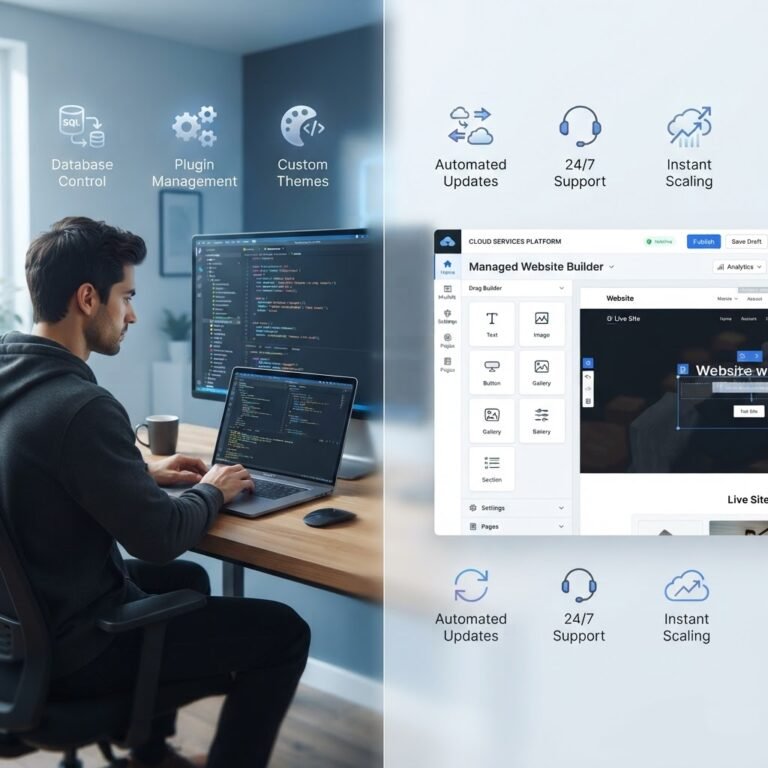
First things first, let’s clear up a common point of confusion: WordPress.org versus WordPress.com. It trips up so many new folks, and it’s easy to see why. They sound so similar, right? But they are fundamentally different beasts. Think of WordPress.org as the engine of a car. It’s the actual, free, open-source software that you download and install on your own web hosting. This is where you get total control. You can tweak everything, add any plugin you want, and make it truly yours. It’s like having a brand-new car chassis and all the parts – you build it up how you see fit. I’ve always leaned towards WordPress.org for my clients because of that unbridled freedom.
On the other hand, WordPress.com is a service. It’s built on the WordPress software, but it’s a managed platform. They handle the hosting, the security updates, and a lot of the technical stuff for you. It’s simpler to get started, kind of like buying a pre-assembled car. You pick a plan, and you’re off. But with that simplicity comes limitations. You can’t install all plugins, you have less control over customization, and your options can get restricted pretty fast, especially on the free or lower-tier plans. For a beginner just wanting to get a blog online quickly, WordPress.com might seem appealing. But if you’ve got any aspirations for growth, customization, or even just plain old flexibility, the self-hosted WordPress.org is the way to go. It’s the platform that powers over 63 million websites, and for good reason. It gives you the reins.
Selecting Your Domain and High-Speed Hosting
Talking Points:
* Your domain name is your web address.
* Choosing the right hosting is crucial for speed and reliability.
* Look for hosting optimized for WordPress.
Alright, so you’re going with the self-hosted route – smart move! Now we need two things: a name for your site (your domain name) and a place for it to live online (web hosting). Your domain name is your unique address on the internet, like `YourAwesomeSite.com`. It’s how people find you. I always suggest picking something memorable, relevant to your brand, and ideally a `.com` if possible, as it’s the most recognized. Don’t overthink it too much; get something you like and can grow with. I’ve seen folks spend weeks agonizing over this, and honestly, the site itself is far more important than a perfect domain name.
Next up: hosting. This is HUGE. I can’t stress enough how critical good hosting is. Think of it as the foundation of your house. If it’s shaky, the whole structure is in trouble. Slow hosting means slow loading times for your visitors, which kills engagement and hurts your search engine rankings. Remember those frustrating moments when a site just crawled? Yeah, bad hosting is often the culprit. For a WordPress site, especially one you want to be fast and reliable, you need hosting that’s optimized for it. Don’t just grab the cheapest shared hosting you can find; it’s usually not worth the headache. Look for providers that specifically mention WordPress optimization, offer SSD storage, and have good reviews for speed and uptime. Many offer a `cPanel` interface, which is a standard web hosting control panel that makes managing your site easier.
When you’re setting up, they’ll often guide you through the basic domain name registration and linking it to your hosting account. This usually involves pointing your domain’s DNS records to your hosting provider’s servers. It sounds technical, but most hosts make it pretty straightforward, often with a simple wizard. And while you’re at it, make sure your hosting plan includes an `SSL certificate installation`. That little padlock in the browser bar? It means your site is secure, encrypting data between the visitor and your server. It’s essential for trust and also for SEO basics. No excuses for not having it in 2026!
The 5-Minute WordPress Installation Process
Talking Points:
* Most hosts offer one-click WordPress installation.
* The process is usually guided and very simple.
* Basic setup takes minutes; full configuration takes longer.
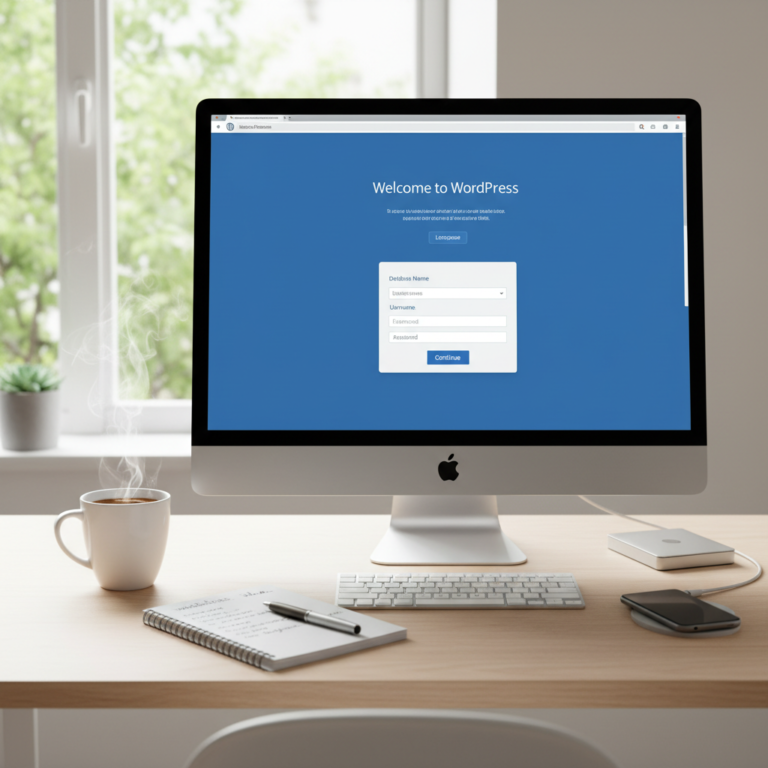
Here’s where the magic happens, and it’s surprisingly quick. Most reputable hosting providers these days offer what’s called a