Ultimate Guide to Free WordPress Themes for 2026
Your Ultimate Guide to Free WordPress Themes: Fast, Secure, and Ready to Go
Introduction
Ever found yourself staring at the dreaded “White Screen of Death” at 2 AM? Or maybe you’re dealing with a painfully slow site while trying to get your business online. I’ve been there! Choosing the right free WordPress theme can make or break your experience. The right theme not only enhances your site’s aesthetics but can also significantly impact its performance, security, and SEO. If you’re like me, you want a theme that works right out of the box, doesn’t slow you down, and gives you options without overwhelming you. Let’s dig deeper because there’s so much to cover!
Key Features to Look for in a Free WordPress Theme
When deciding on a free WordPress theme, not all are created equal. You want something that is not just attractive but functional too. Speed is crucial; themes should be lightweight, loading in under 50 KB whenever possible. I learned this the hard way. I once chose a theme that looked gorgeous but took ages to load. Users bounced faster than popcorn in a microwave!
Customization options are also essential. You want a theme that allows you to tweak the colors and layout without needing a degree in coding. Trust me, the easier it is to personalize, the more your site can reflect your brand.
And let’s not forget about mobile compatibility. These days, most visitors will access your site via their phones. A responsive theme automatically adjusts to different screen sizes, ensuring a seamless experience.
Top Free WordPress Themes for 2026
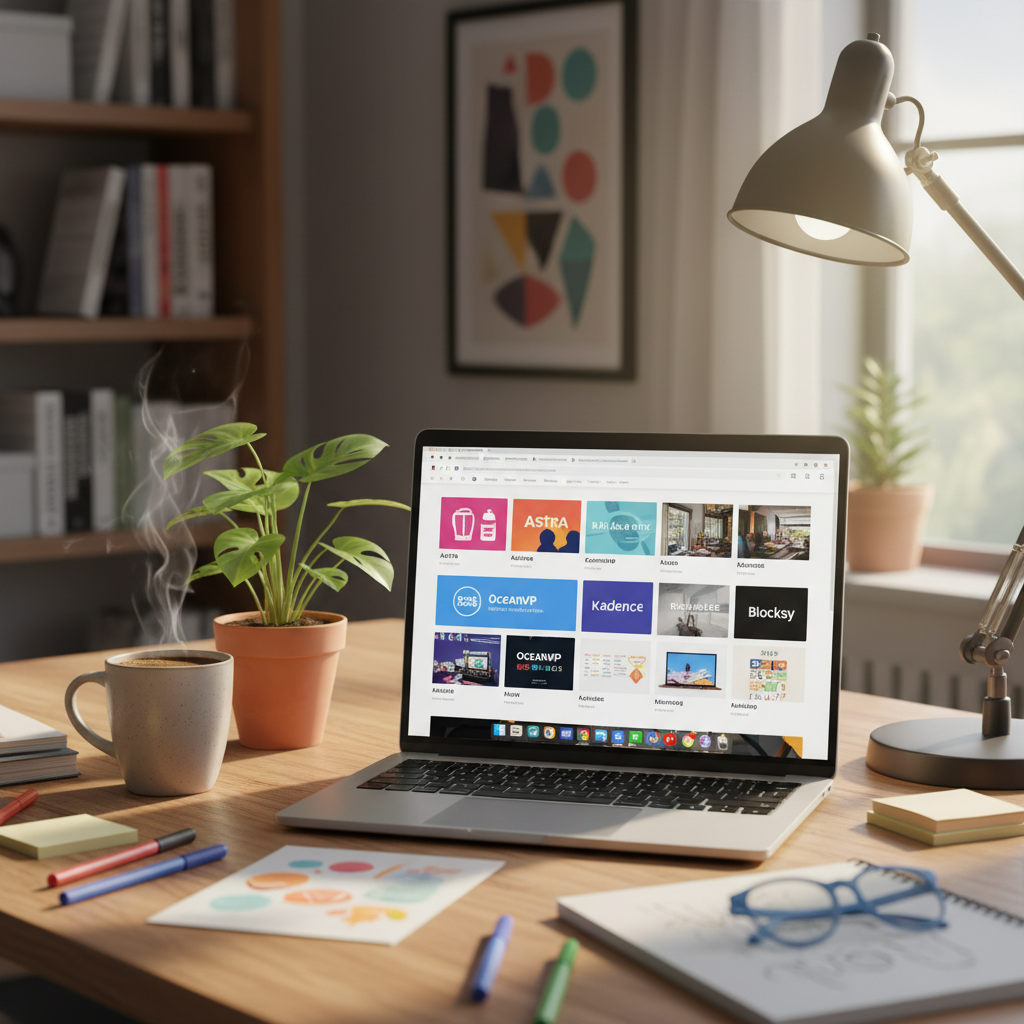
Let’s break down some of the best free WordPress themes for 2026, starting with Astra. As the most popular free theme, Astra boasts over 1 million active installations, and for a good reason. This theme is unbelievably lightweight, loading in less than 50 KB.
Astra shines with over 100 free and premium starter templates, making it perfect for beginners and experienced developers alike. It’s fully responsive and mobile-optimized, plus it plays nice with WooCommerce if you’re looking to set up an online shop.
Next up is OceanWP. This theme stands out for its excellent customization options. You can tailor nearly every aspect to fit your style. It’s also responsive and works seamlessly with various page builders, which is essential if you want to create something unique quickly.
Finally, let’s consider Neve. This theme is renowned for speed and minimalistic design. It’s also compatible with Elementor and other page builders, allowing you to craft dynamic pages effortlessly. If ease of use and aesthetics matter to you, Neve may be a great option.
How to Install and Customize Your Chosen Theme
Installing your selected theme is a breeze. Just hop into your WordPress dashboard, navigate to “Appearance,” then “Themes,” and hit “Add New.” Start searching for the theme by name. Once you find it, click the “Install” button to set it up. It’s honestly that easy!
After installation, let’s talk customization. Most themes offer a “Customize” option where you can tweak everything from colors to fonts. Astra, for instance, provides an intuitive customization panel that makes the process pretty straightforward.
Don’t forget to preview your changes! It saves you from the headaches of unexpected surprises after hitting the “Save” button.
Best Practices for Maintaining Your WordPress Theme
So, you’ve set everything up. What now? Maintenance! Keeping your theme updated is crucial. Developers often release updates that fix bugs and security vulnerabilities, and you don’t want your site becoming an easy target.
I recommend implementing a regular backup routine. Backing up your site means you can quickly restore everything if something goes awry. There are several plugins available that can simplify this process.
Testing your site is another essential best practice. Regular checks ensure all the features work smoothly. I once skipped this step, only to find broken links lurking where my audience should have been engaging with content. It was a real bummer!
Common Pitfalls to Avoid When Using Free Themes
Using free themes comes with its own set of challenges. One of the biggest pitfalls? Ignoring user reviews. Always check what others are saying about the theme you’re interested in.
Another common mistake is over-customizing your theme. While it’s tempting to make everything uniquely yours, excessive customizations can weigh your site down and negatively impact its speed.
Lastly, consider support options before choosing a theme. If something goes wrong, you’ll want to know you can reach out for help. Some themes have great support communities, while others can leave you in the dark.
Conclusion: Empowering Your WordPress Journey with the Perfect Theme
A well-chosen free WordPress theme can drastically improve your website’s functionality and appearance. Navigating the options may seem daunting, but focusing on speed, customization, and support can set you on the right track. Don’t hesitate to experiment to see what works for your unique situation. I’d love to hear about your experiences. Have a favorite theme? Or maybe you hit a roadblock? Share your stories in the comments below!
Frequently Asked Questions
1. What is the best free WordPress theme for beginners?
Astra is often recommended for beginners due to its user-friendly interface and stellar support.
2. Are free themes safe to use?
Yes, but always check for good reviews and ensure they are regularly updated to avoid vulnerabilities.
3. Can I switch themes after my site is set up?
Absolutely! However, switching themes might affect your layout, so be prepared to make some adjustments.
4. Do free themes come with support?
This varies. Some free themes offer support via forums, while others may lack any customer service.
5. Are there premium-like features in free themes?
Yes! Some free themes provide several premium features, especially popular ones like Astra and OceanWP.