WordPress Maintenance Checklist for Agencies: Scale & Secure
The Ultimate WordPress Maintenance Checklist for Agencies: Protect Your Clients and Scale Your Workflow
Talking Points:
* The 2am “White Screen of Death” panic.
* Why agencies fail at scale without a system.
* The real cost of ignoring site health.
I remember sitting in my office at 2am, staring at a blank screen. My client’s biggest e-commerce site had just vanished into thin air after a plugin update. My heart was pounding, and my phone was blowing up with furious emails. That night, I realized that relying on “gut instinct” for managing client WordPress sites was a one-way ticket to burnout.
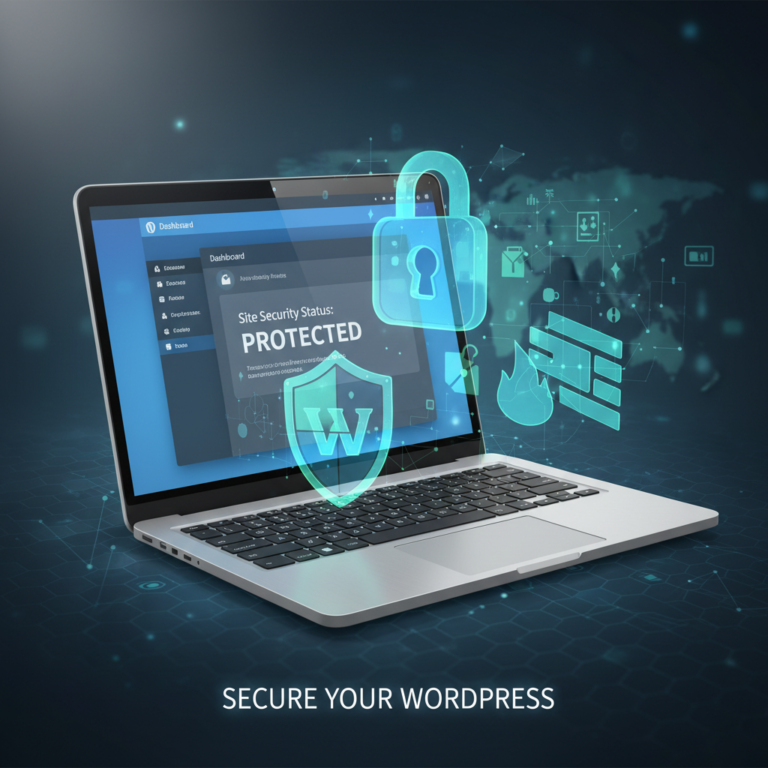
WordPress powers nearly half the internet. That reach makes it a massive target for automated attacks. If you run an agency, you have a responsibility to be the shield for your clients. Scaling your agency website maintenance services requires moving past the “fix it when it breaks” mentality. You need a process that turns chaos into a boring, predictable routine.
Why Agencies Need a Standardized Maintenance Protocol
Talking Points:
* Avoiding the “cowboy coding” trap.
* Consistent quality across 10 or 100 sites.
* Building trust through predictability.
Most agencies start by doing everything manually. You log in, update a few plugins, check the site, and hope nothing crashes. This works fine when you have three clients. It is a disaster when you have fifty. Without a documented wordpress maintenance checklist for agencies, you are just waiting for a catastrophe to happen.
Standardizing your workflow isn’t just about speed. It is about sanity. When every site follows the same update path, you can spot issues before they become disasters. Your team knows exactly what to do, which reduces human error. It transforms maintenance from a headache into a profitable service line.
The Daily Vital Signs: Uptime and Security Monitoring
Talking Points:
* Catching downtime before clients notice.
* The dangers of unauthenticated exploits.
* Real-time threat detection vs. passive waiting.
13,000 WordPress sites get hacked every single day. If you aren’t using uptime monitoring, you are flying blind. I used to think a site was fine if it loaded for me. Then I learned about server-side outages that only hit specific regions or user groups. Constant, automated checking is your first line of defense.
Security is equally volatile. 43% of new vulnerabilities can be exploited without even logging in. You need to keep an eye on your security logs every single morning. If a site goes down or a weird file appears, you need to know within minutes. Waiting until a client complains is a luxury you cannot afford.
Weekly Routine: Plugin Updates and Vulnerability Patching
Talking Points:
* Handling the 91% of vulnerabilities in plugins.
* Testing in staging environments first.
* The speed of automated exploitation.
Plugins are the lifeblood of WordPress but also its biggest risk. 91% of vulnerabilities start here. You should never update plugins on a live site without checking them in a staging environment first. A broken checkout page costs more than the time spent testing.
Automation tools are vital here. They can start exploiting a hole in just five hours. Your weekly check needs to include a scan for known vulnerabilities in your plugin list. If an update is available, move fast, but always test the changes before pushing them to production.
Monthly Deep Dive: Backups, Performance, and Database Cleanup
Talking Points:
* Beyond simple backups: testing the restore process.
* Why database bloat slows down conversions.
* Performance auditing as a client value-add.
Backups are useless if they don’t work. I once had a client lose a week of sales because our backup plugin had been failing silently for months. Now, I do a test restore once a month. It takes time, but it keeps me sleeping through the night.
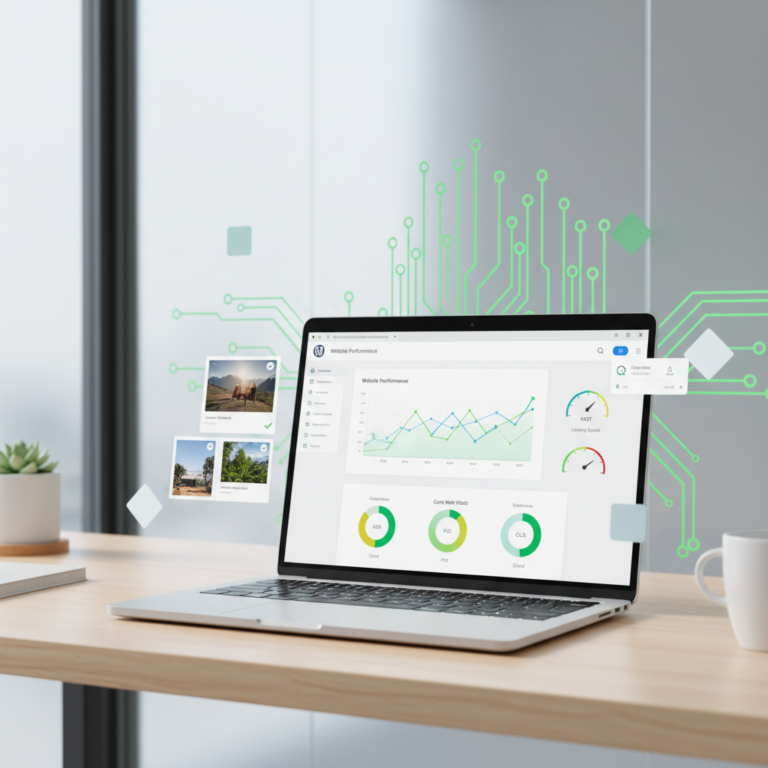
Performance also degrades over time. Database bloat from post revisions and old transients slows things down. A slow site kills sales. Use this time to run a performance audit. It shows the client you are still adding value beyond just “keeping the lights on.”
Quarterly Strategy: PHP Updates and Compatibility Testing
Talking Points:
* The importance of keeping up with PHP versions.
* Checking for broken links and SSL renewals.
* Maintaining site health for long-term SEO.
PHP versions reach end-of-life faster than we like to admit. Running outdated code makes your site slower and less secure. Every quarter, verify that your client sites are on a supported version of PHP. It sounds boring, but it is one of the easiest ways to boost speed.
This is also the time for deeper housekeeping. Run a broken link detection tool across the entire site. Ensure your SSL certificate renewal is scheduled correctly. These small, neglected tasks are what separate professional agency website maintenance services from a freelance “one-man show.”
Automating Your Workflow: Tools That Save Your Sanity
Talking Points:
* Why manual updates don’t scale.
* Choosing the right management dashboard.
* Balancing automation with manual oversight.
If you are logging into each client site one by one, stop. You are wasting hours every week. Use a multi-site management dashboard to push updates across your entire portfolio at once. It makes managing client WordPress sites feel like you have superpowers.
Automated WordPress maintenance is a must for growth. Just remember: automation should help you, not replace your brain. Always keep a staging site for complex updates. If your tool pushes an update that breaks the theme, you need to catch it on the staging side before it hits the public.
Handling Client Communication: Turning Maintenance into Value
Talking Points:
* Moving from a cost center to a value partner.
* Providing white-label reporting.
* Explaining why maintenance is cheap insurance.
Clients don’t like paying for maintenance until their site gets hacked. Don’t frame it as a “fee.” Frame it as an insurance policy. Send them a white-label reporting document each month showing what you did. Tell them how many threats you blocked and how many updates you patched.
Transparency builds loyalty. When they see the list of work, they understand why the monthly bill is worth it. You aren’t just “keeping it running.” You are protecting their digital storefront, their data, and their reputation.
Disaster Recovery: Preparing for the Worst Before it Happens
Talking Points:
* The 5-minute recovery plan.
* Having off-site backups ready.
* Communicating with the client during an outage.
Even with the best plans, stuff happens. Maybe a hosting provider goes down or a catastrophic update breaks a database. Do you have a disaster recovery plan? Mine is simple: I keep a full backup off-site, separate from the main server. If the worst happens, I can restore from a clean state in minutes.
Don’t keep clients in the dark. If a site goes down, tell them you are already working on the fix. Silence is the only thing that makes a small problem turn into a fired agency relationship. Be proactive, be fast, and be honest about the situation.
Pro-Tips for Scaling Your Agency Care Plans
Talking Points:
* Tiered maintenance packages.
* Using maintenance as a bridge to other services.
* Standardizing the tech stack for new builds.
Stop building sites with random plugins for every client. Standardize your “stack.” If you use the same core set of security and performance plugins for everyone, maintenance becomes a repeatable process. You can optimize your workflow because you know exactly how the site is built.
Create tiered plans. Offer a basic “Security and Core” tier and a premium “Performance and Content” tier. Some clients only care about not being hacked. Others want SEO updates and page speed optimization. Give them options to grow their spend with you as their business grows.
Conclusion: Your Command Center for WordPress Mastery
Talking Points:
* The transition from reactive to proactive.
* Maintenance is a recurring revenue powerhouse.
* Start building your system today.
Managing client WordPress sites is about finding the balance between human expertise and smart automation. It takes work to set up these systems, but the payoff is a stable, profitable agency. You aren’t just fixing bugs. You are giving your clients the confidence to grow their businesses online.
Start small. Put one piece of this workflow in place this week. Maybe it’s just setting up a staging environment or automating your backup schedule. Once you see the time you save, you won’t want to go back to the old way. Let me know in the comments how you manage your agency maintenance—I’d love to hear what tools you find indispensable.
Frequently Asked Questions
Q: How do I handle a client who refuses to pay for a maintenance plan?
A: Be clear about the risks. Tell them that WordPress requires constant updates to stay secure. If they don’t pay for your plan, have them sign a liability waiver stating they are responsible for their own security and backups if the site goes down.
Q: How often should I check for plugin updates to stay safe?
A: I recommend checking at least once a week. Because new vulnerabilities can be exploited within hours, keep an eye on security news. If a high-risk exploit is announced for a plugin you use, update it immediately regardless of your weekly schedule.
Q: Are manual updates always safer than automated ones?
A: Not necessarily. Manual updates are prone to human error and are hard to scale. A tested, automated workflow that includes staging environment validation is much safer for agencies handling dozens or hundreds of sites.
Q: What is the most common reason WordPress sites get hacked?
A: Outdated plugins or weak login credentials are the primary culprits. 91% of vulnerabilities originate in third-party plugins. Keeping your plugins updated and using strong, multi-factor authentication are the two most effective ways to secure any site.
Q: How can I prove the value of my maintenance work to a skeptical client?
A: Use white-label reporting. Most management dashboards generate a summary showing security threats blocked, uptime stats, and updates applied. Presenting this data monthly proves you are actively protecting their investment, turning a “grudge expense” into a clear value proposition.