Optimize WordPress Performance with Core Web Vitals
WordPress Performance Optimization with Core Web Vitals
Ever felt that sinking feeling when your website takes forever to load, especially late at night? You’re not alone. Studies show that only about 44% of WordPress sites pass the crucial Core Web Vitals test, leaving many users in a frustrating limbo. But let’s break this down and turn that frustration into speed!
What Are Core Web Vitals?
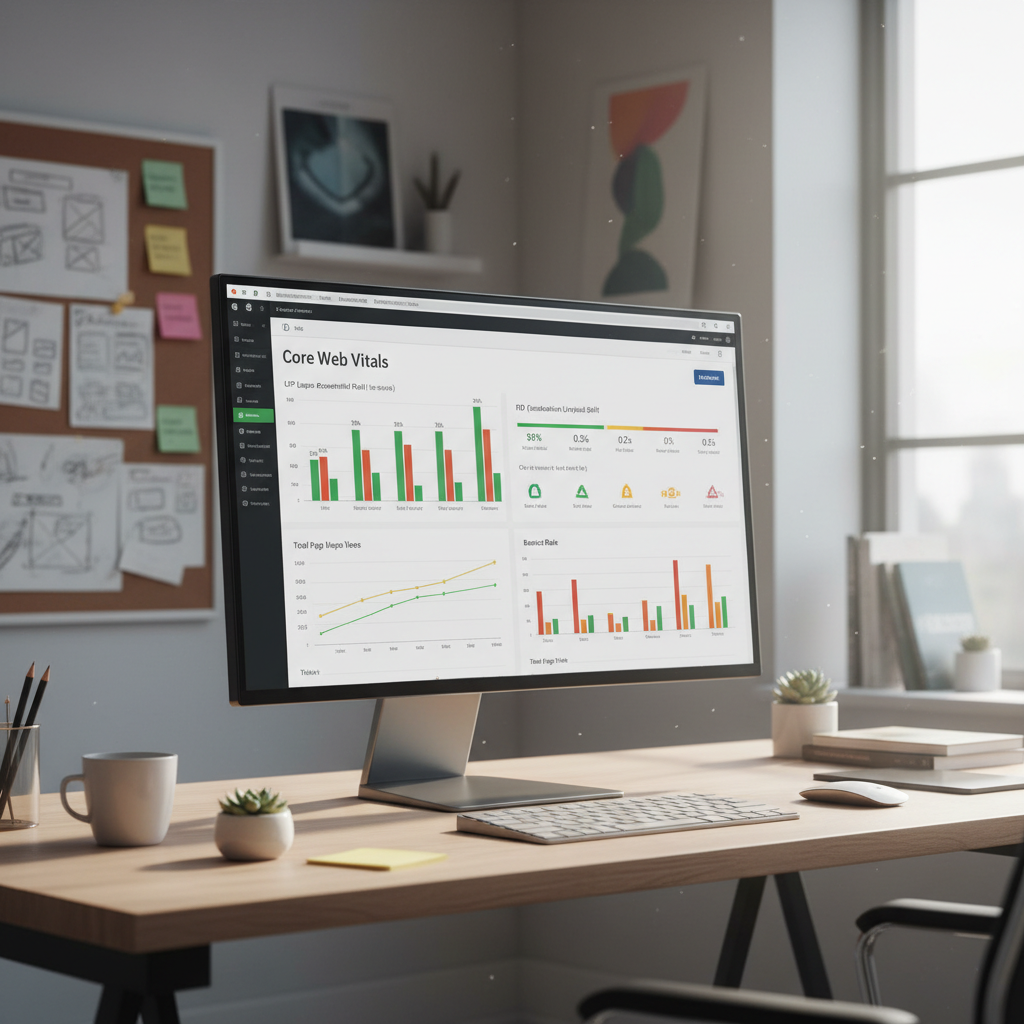
Core Web Vitals represent three measured parameters that directly reflect the user experience on your website. These metrics—Loading (LCP), Interactivity (INP), and Visual Stability (CLS)—have become essential to gaugehow well your WordPress site performs. Each of these metrics focuses on a different aspect of site experience that affects both user satisfaction and search engine ranking.
Understanding the nuances of these metrics is critical. For instance, if your largest contentful paint takes longer than expected, users might bounce back to search results before ever seeing your content. Likewise, sudden shifts in layout caused by images loading after text can annoy users and lead to lower engagement.
The Three Core Web Vitals Metrics
1. Largest Contentful Paint (LCP): This measures the loading performance of your site. It looks at how quickly the largest image or text block visible in the viewport loads.
2. Interaction to Next Paint (INP): A new metric replacing First Input Delay (FID), INP assesses how quickly your site responds to user interactions, like clicks and taps.
3. Cumulative Layout Shift (CLS): This metric measures visual stability. It tracks how much the content moves around as it loads, ideally keeping everything in place.
Let’s take a look at why these scores matter and how they can dictate the difference between a user leaving with a smile or a frustrated sigh.
Why Core Web Vitals Matter for Your WordPress Site
Optimizing your site for these metrics doesn’t just improve user experience; it can also result in higher Google rankings and increased conversions. Search engines now prioritize sites that meet Core Web Vitals’ standards. So, if your site doesn’t measure up, you might lose potential traffic and customers.
Imagine pouring energy and time into your website only to find users bouncing because it’s not user-friendly. Improving Core Web Vitals gives visitors a reason to stick around and explore.
Common Challenges in Achieving Optimal Core Web Vitals Scores
Many of us have faced the dreaded “White Screen of Death,” or slow-loading pages. Common challenges include:
1. Large image files that slow down your site.
2. Server response times that lag behind.
3. Excessive render-blocking resources like CSS and JavaScript.
Sometimes, these challenges feel like steep mountains. But by tackling them one at a time, you can significantly enhance your site’s performance.
Optimizing Largest Contentful Paint (LCP)
The first step in optimization involves focusing on LCP. This means making sure that the biggest elements on your site load as quickly as possible. Here are a few specific strategies:
- Identifying and Optimizing the LCP Element: Use tools such as Google PageSpeed Insights to find out which element on your page affects LCP.
- Improving Server Response Time: Opt for better hosting or a content delivery network (CDN) to reduce load times.
- Optimizing Images for Faster Loading: Compress images without sacrificing quality. Consider using WebP format for significant reductions in size.
Addressing these issues can transform a sluggish site into a speedy one, keeping visitors engaged and happy.
Eliminating Render-Blocking Resources
Render-blocking resources like CSS and JavaScript can wreak havoc on LCP and INP. Here’s how to handle this:
- Defer Non-Essential JavaScript: Load scripts after the page content, allowing users to engage with your site while scripts are still loading.
- Minify CSS: Reduce CSS files by removing unnecessary comments, whitespace, and characters.
- Use Asynchronous Loading: Load certain scripts asynchronously so they don’t hold up rendering.
By implementing these tips, your site will not only load faster but also become more responsive to user actions, minimizing frustrations.
Enhancing Interaction to Next Paint (INP)
A faster INP means better responsiveness. Here’s how you can improve it:
- Reducing JavaScript Execution Time: Aim to optimize your scripts, minimize the use of difficult tasks, and identify performance bottlenecks.
- Breaking Up Long Tasks: Instead of long tasks that can freeze the browser, break them into smaller tasks that can be processed more quickly.
- Prioritize Important Interactions: Identify and prioritize critical user interactions to ensure quick responses.
By streamlining interactions on your site, you pave the way for users to engage without hitches, turning casual visitors into loyal customers.
Improving Cumulative Layout Shift (CLS)
Keeping your site visually stable builds user trust. Here’s how:
- Defining Image Dimensions: Always set dimensions for your images, allowing the browser to allocate proper space before they load.
- Reserving Space for Ads and Embeds: Don’t let ads push your content down or to the side as they load. Always reserve space.
- Avoiding Dynamic Content Injection: This includes sudden content appearing that can throw users off, like pop-ups or ads that create unexpected layout shifts.
Creating a stable experience can increase dwell time on your site and enhance overall user satisfaction.
Optimizing Web Fonts and Caching Strategies
Fonts can impact page loading speeds, and effective caching can make your site lightning fast. Here’s how:
- Optimizing Web Fonts: Choose font loading strategies like `font-display: swap` to load text while fonts are still loading, reducing perceived wait time.
- Implementing Effective Caching: Use caching plugins to create static versions of your content. This reduces the need for generating pages dynamically.
- Utilizing Content Delivery Networks (CDNs): A CDN can distribute your content effectively, enabling faster loading times across the globe.
With the right strategies in place, both your fonts and caching can contribute significantly to resolving user experience issues and improving your Core Web Vitals scores.
Upgrading PHP and Server Infrastructure
The technology powering your site matters! Upgrading your PHP version can lead to performance gains. Consider the following:
- PHP Upgrade: Running the latest PHP version helps your site operate quickly. Outdated versions can introduce vulnerabilities and slowdowns.
- Server Infrastructure: If you find consistent slowness, consider whether your hosting provider is equipped to handle your needs. Sometimes a simple upgrade can provide a massive performance boost.
- Regular Monitoring and Maintenance: Consistently check your site’s performance to catch issues early; this can prevent problems from escalating.
Maintaining a solid foundation can keep your WordPress site running smoothly, reducing headaches and unexpected downtime.
Tools for Measuring Core Web Vitals
Having the right tools is crucial for effective optimization. Some powerful tools include:
- Google PageSpeed Insights: Offers detailed insights and actionable tips for optimizing your site.
- Lighthouse: This tool analyzes performance, accessibility, and best practices of your site.
- Web Vitals Extension: A Chrome extension that allows you to check Core Web Vitals metrics for any page you visit.
These tools give you the information needed to implement meaningful changes and truly enhance user experience.
Conclusion: Achieving and Maintaining Optimal Core Web Vitals Scores for WordPress Success
Core Web Vitals are essential not only for securing your spot on Google’s search results page but also for creating a seamless experience for users that keeps them coming back. The effort you put into optimizing your site for these metrics can lead to significant improvements in user satisfaction and site performance.
So, pick one or two areas to tackle, such as image optimization or server upgrades, and see how they enhance your site. I’d love to hear your personal stories—have you dealt with performance issues? What solutions worked for you? Let’s chat in the comments below!
—
Frequently Asked Questions
Q1: What is the ideal LCP score I should aim for?
A1: Ideally, you want your LCP to be 2.5 seconds or less to be considered good.
Q2: How often should I monitor my Core Web Vitals?
A2: It’s best to check your Web Vitals monthly or after significant changes to your site to ensure optimal performance.
Q3: Can plugins affect my Core Web Vitals scores?
A3: Absolutely! Some plugins can introduce render-blocking resources or heavy scripts that slow your site down.
Q4: Is it worth investing in a premium hosting provider for better performance?
A4: Yes! A good hosting service can drastically improve loading times, especially if you regularly handle traffic spikes.
Q5: How do I know if my site is mobile-friendly?
A5: Use Google’s Mobile-Friendly Test tool to check how your site performs on mobile devices, in terms of usability and Core Web Vitals.