How to Fix WordPress Core Web Vitals: A Step-by-Step Guide
How to Fix WordPress Core Web Vitals: The Ultimate Performance Guide
Talking Points:
* The reality of mobile performance statistics.
* Why your users bounce when pages crawl.
* The distinction between field and lab data.
I remember staring at my screen at 3 AM, watching a white page load for what felt like an eternity. We have all been there. It is painful. You pour hours into your content, yet the bounce rate stays high because your site feels like it is stuck in molasses. Data shows that roughly 44% of WordPress sites on mobile actually meet the standard for a healthy experience. That leaves a massive chunk of us fighting for scraps. You deserve better.
Search engines care about these metrics because humans care about speed. A sluggish site is a broken site. We need to stop guessing and start looking at how your visitors actually experience your pages. Field data, or the CrUX report, tracks real users over 28 days. This beats a quick snapshot in a lab every single time. Optimize for the humans, not the robots.
Understanding the Big Three: Loading, Interaction, and Stability
Talking Points:
* Defining LCP, INP, and CLS.
* What a ‘Good’ score looks like for each.
* How these metrics impact your bottom line.
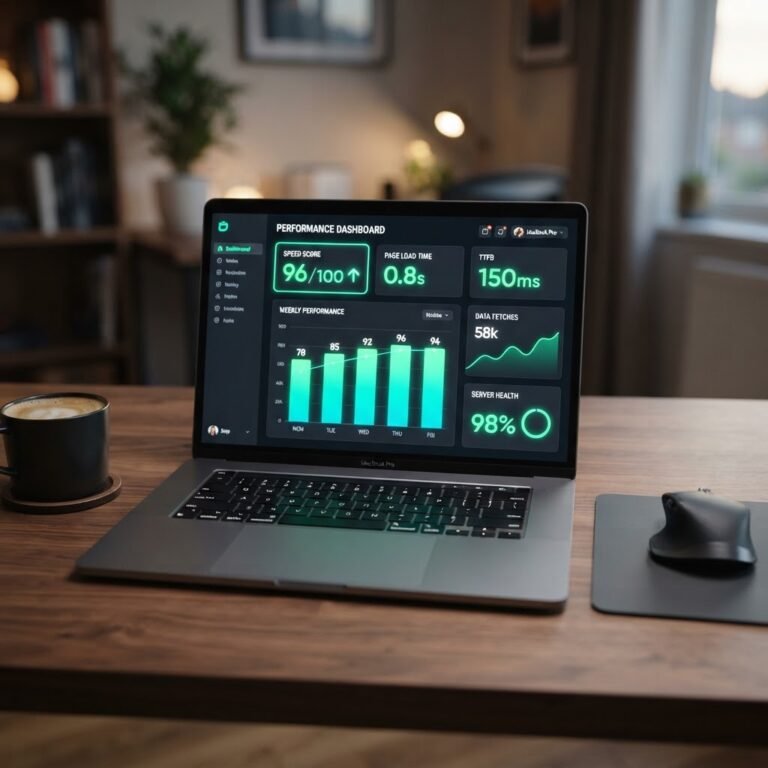
To pass the Core Web Vitals assessment, you need 75% of your page loads to hit the green zone across all three markers. The first is Largest Contentful Paint, or LCP. This measures how fast the main content shows up. Aim for under 2.5 seconds. If your hero image takes forever, your LCP score tanks. People lose patience in a heartbeat.
Then we have Interaction to Next Paint, or INP. This replaced FID back in March 2024. It measures responsiveness. If a user clicks a button and nothing happens for half a second, they get annoyed. Keep this under 200 milliseconds. Finally, Cumulative Layout Shift tracks if things jump around while the page loads. You want this score under 0.1. A shifting site is a nightmare for users trying to click a link.
Finding the Performance Killers in Your WordPress Dashboard
Talking Points:
* Identifying plugin bloat issues.
* Why page builders can slow you down.
* Assessing hosting quality.
My first site was a mess of thirty plugins. It felt like I was driving a car with the parking brake on. Every plugin adds code to your site, and that code needs to run. Too many plugins mean more background tasks fighting for attention. Some builders look pretty but load massive amounts of heavy CSS and JS.
Then there is your hosting provider. Shared hosting is cheap, but you share resources with neighbors who might be hogging the CPU. When your server response time is high, everything else is downhill from there. You cannot polish a turd, as my old mentor used to say. Start with a solid foundation before you start tweaking pixels.
Step 1: Checking Your Site Health
Talking Points:
* Using Google PageSpeed Insights.
* Running a GTmetrix test.
* Distinguishing lab snapshots from real field data.
Before you change a single setting, run a test. Use PageSpeed Insights to see both your lab and field scores. If you do not have enough traffic to generate real-world field data, use the lab results as a baseline. Watch for main thread blocking issues. This is where your browser gets stuck processing long tasks instead of painting the page.
GTmetrix is another great tool for identifying render-blocking resources. It shows you exactly what files are stopping the party. I keep a spreadsheet of my scores before and after each change. It helps me see what actually moves the needle. Data beats guessing every single time.
Step 2: The Foundation—Hosting and Content Delivery
Talking Points:
* Picking high-performance hosting.
* The role of a Content Delivery Network.
* Speeding up your server response.
I swapped my old shared plan for managed WordPress hosting years ago. It felt like switching from a tricycle to a sports car. Managed hosts handle the caching for you. They keep your server response time down to a minimum. It is worth the extra cost for the peace of mind.
A content delivery network, or CDN, is your best friend if you have global traffic. It keeps copies of your files in data centers closer to your visitors. Less distance for data to travel means faster load times. It handles images, CSS, and scripts effortlessly. Don’t skip this step.
Step 3: Improving WordPress LCP and Loading Speed
Talking Points:
* Compressing and resizing your images.
* Using modern formats like WebP.
* Preloading critical assets.
Images are usually the biggest culprit for a slow LCP. I see so many folks uploading giant 5MB photos directly from their cameras. Scale them down first. Use image compression to strip out the extra data your users do not need. WebP and AVIF formats are standard now.
Lazy loading images is another massive win. Only load what the user can see right now. Preload your main hero image so the browser knows it is the priority. When the browser has to guess which file to grab first, you lose precious seconds. Tell it what matters most.
Step 4: Fixing CLS for Visual Stability
Talking Points:
* Setting explicit dimensions for media.
* Reserving space for dynamic content.
* Solving web font reflow issues.
Nothing makes me want to leave a site faster than a button moving right as I click it. That is a classic CLS issue. If you use images, always set width and height attributes in your HTML. This tells the browser to reserve that space before the image arrives. No layout jumping happens that way.
Ads and dynamic embeds are frequent offenders here. Give them a container with a set height so the page doesn’t jerk around when they load. Fonts can also cause text to shift. Use CSS to display fallback fonts until your custom ones finish downloading. It keeps the page steady and readable.
Step 5: Tackling INP and Reducing Main Thread Bloat
Talking Points:
* Managing your JavaScript intake.
* Delaying or removing unnecessary scripts.
* Eliminating render-blocking resources.
JavaScript is a double-edged sword. You need it for fancy features, but it eats up your main thread. When the browser is busy parsing big JS files, it cannot respond to user input. This hurts your INP score. Get rid of scripts you do not use on every page.
For the ones you need, try delaying their execution until the user interacts with the page. Most social media feeds or chat widgets do not need to load in the first millisecond. Keep the critical path clean. Your goal is to keep that browser free to respond as fast as possible.
The Plugin Strategy: Doing More With Less
Talking Points:
* Evaluating your current plugin list.
* Finding lightweight alternatives.
* Avoiding bloat-heavy tools.
I once audited a site that used three different plugins just to add buttons. You do not need a plugin for everything. Ask yourself if a specific plugin is actually necessary for your business goals. If it is not, delete it. Every plugin is a potential point of failure.
Look for tools that perform multiple functions instead of a pile of single-purpose ones. Test everything in a staging environment first. Never break your site on a live server. If a plugin helps your performance optimization guide, keep it. If it slows you down, get rid of it.
Maintenance: Keeping Your Site Fast
Talking Points:
* Regularly auditing your metrics.
* Why you should keep your theme updated.
* Cleaning up your database.
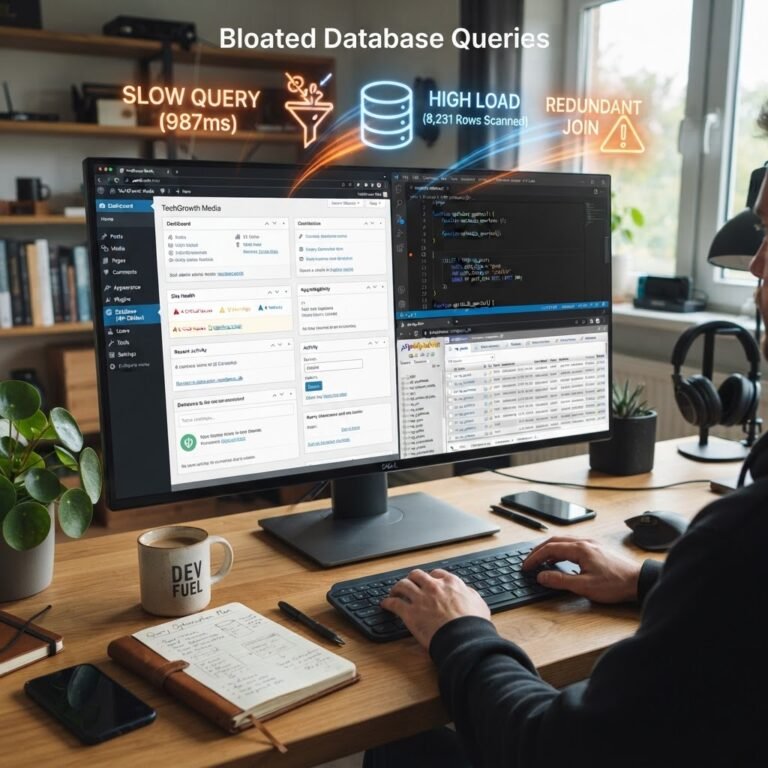
Fixing your speed once is not enough. You have to keep it clean. Run your performance tests monthly. Your site changes when you add new content or plugins. Watch for regressions. Database bloat can also pile up over time from post revisions and junk data.
Use a maintenance plugin to clear out the mess. Keep your theme and plugins updated to get the latest speed tweaks from developers. A little bit of work every month stops the rot. Keep your site lean and your visitors will thank you.
Conclusion
Core Web Vitals are about making the internet better for everyone. When you improve WordPress page speed, you are not just chasing search engine rankings. You are creating a better experience for the person reading your words. It is hard work, but the results pay off in higher engagement and less frustration. Take it one metric at a time, check your data, and be patient with your progress. How is your site performing today? Share your biggest struggle in the comments below, and let’s work on it together.
Frequently Asked Questions
* Question: Does passing Core Web Vitals guarantee a top search ranking?
Answer: No. While it helps your performance optimization, content quality and relevance still lead the way. It is a piece of the puzzle, not the whole picture.
* Question: Should I uninstall all my plugins to improve my site speed?
Answer: Not necessarily. You should audit them and remove those that are redundant or poorly coded. Keep the ones that provide actual value and are well-maintained.
* Question: Is there a single plugin that can fix every performance issue?
Answer: No single tool acts as a magic bullet. Real optimization requires a blend of good hosting, image management, and smart code handling.
* Question: Why do my PageSpeed Insights scores change so much throughout the day?
Answer: Lab data is a synthetic snapshot and can vary based on server load or internet speed. Focus more on the 28-day field data trends for accuracy.
* Question: How do I know if my theme is the cause of my slow site?
Answer: Switch to a default WordPress theme like Twenty Twenty-Four for a test. If your scores jump up, your current theme is likely bloated and needs a replacement.