How to Build a WordPress Block Theme: The Ultimate Tutorial
How to Build a WordPress Block Theme: The No-Nonsense Guide
Stop Fighting Your Theme
Talking Points:
* The frustration of hard-coded themes.
* Why modern web design shifted to components.
* The reality of fixing sites at 2 AM.
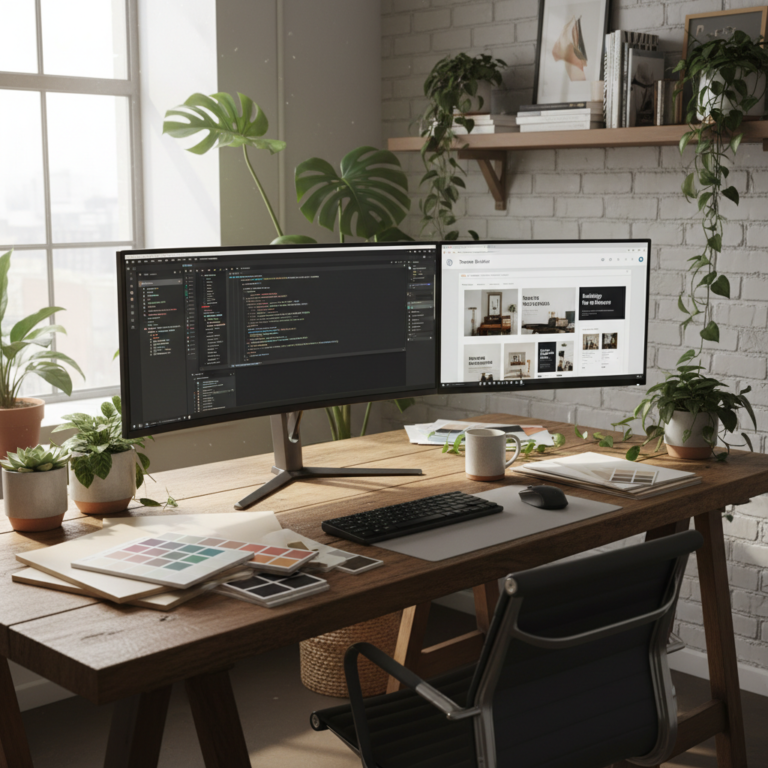
I remember staring at a monitor at 3 AM with a cold cup of coffee. My client’s site was broken. One line of code in the functions.php file destroyed the entire layout. It was a classic case of a rigid, legacy setup refusing to play nice with a simple plugin update. I wanted a way to build things that didn’t snap under pressure. Then, the block system matured. Now, I actually sleep through the night.
What is a Block Theme (and Why Should You Care)?
Talking Points:
* Defining a block theme versus classic styles.
* Flexibility through visual editing.
* How this improves site performance.
A block theme is a WordPress theme that utilizes blocks for every structural element of a site. It offers a fully visual editing experience via the Site Editor. You aren’t tied to what a developer thought you needed five years ago. You get total control over your layout, spacing, and typography without hunting for obscure setting pages.
Prerequisites: Preparing Your Development Environment
Talking Points:
* Local testing setups are mandatory.
* Version control keeps your sanity.
* Essential tools for local development.
Never build on a live site. Ever. I use a local environment to mimic the server. Having a staging ground saves you from the White Screen of Death. Use Git or some form of version control from day one. You will make mistakes. Being able to roll back to a working version is a lifesaver.
The Anatomy of a Block Theme: Understanding the File Structure
Talking Points:
* Key folder requirements like /templates and /parts.
* The role of style.css in the new world.
* How block-based templates differ from PHP files.
Your folder structure is lean now. You need a style.css, a theme.json, and a few folders. The /templates folder holds your main page layouts. The /parts folder houses reusable chunks like footers. It feels weird at first, especially if you spent decades writing custom PHP loops, but it gets cleaner fast.
The Heart of the System: Mastering theme.json
Talking Points:
* How theme.json replaces hundreds of CSS lines.
* Managing color palettes and typography settings.
* Preventing style clashes by defining globals.
The theme.json file is the central configuration file for global styles, color palettes, spacing, and block-specific settings in a block theme. This single file does the heavy lifting. You can define your entire design system here. Changing a site-wide font size takes one second now.
Building Your First Template Part (Header & Footer)
Talking Points:
* Reusability of site components.
* Organizing header patterns for consistency.
* Using template parts in the Site Editor.
Headers and footers are the most consistent parts of your site. Build them as template parts. This way, you update them in one spot and the whole site inherits the change. It is modular design in its purest form.
Assembling the Pages: Using the Site Editor
Talking Points:
* How Full Site Editing changes workflow.
* Managing global style changes in real-time.
* Handling page-specific variations effectively.
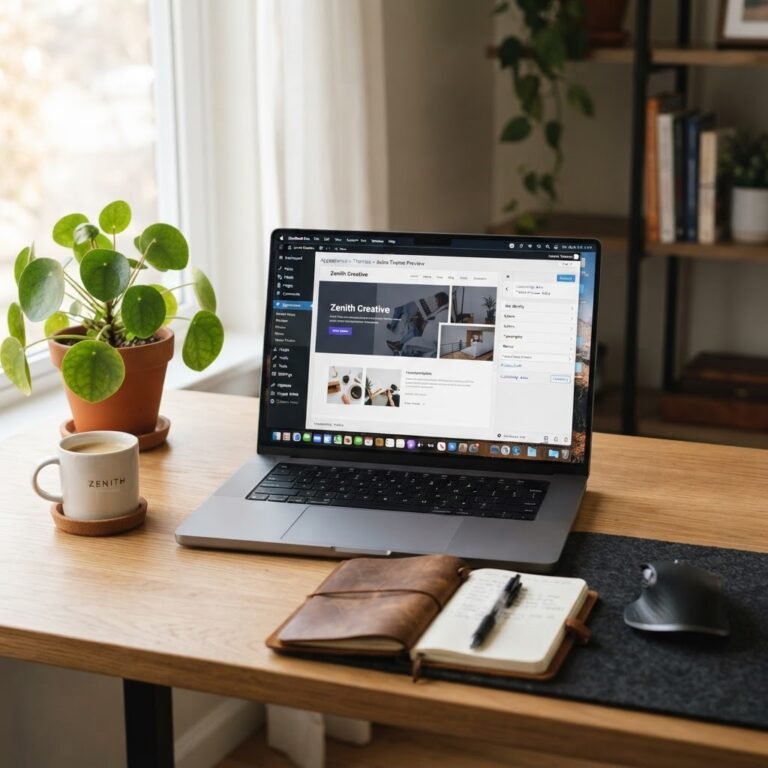
Full Site Editing allows users to customize the entire layout within the WordPress dashboard. I like to build the skeleton in the templates and let the users handle the content blocks. It keeps the design intent intact while giving clients enough room to breathe.
Pro-Tip: Incorporating Block Patterns
Talking Points:
* Pre-defining layouts for content creators.
* Reducing repetitive building tasks.
* Speeding up site assembly significantly.
Patterns are just collections of blocks saved as a group. I keep a library of these for every client. Need a custom call-to-action section? Drag and drop the pattern. It cuts my build time by half.
Common Pitfalls & How to Avoid the 2 AM Breakdown
Talking Points:
* Avoiding excessive nesting of blocks.
* Why over-engineering ruins site speed.
* Managing plugin conflicts during development.
Don’t nest groups inside groups inside groups. It bloats your code and confuses the browser. Keep your structure flat whenever you can. If a block isn’t serving a purpose, delete it.
Testing for Performance & Responsiveness
Talking Points:
* Checking core web vitals early.
* Making designs work on tiny screens.
* Why mobile-first is the only way.
A theme that looks pretty but loads in ten seconds is worthless. Test your site with mobile devices from the very beginning. Responsive design isn’t an afterthought. It is the foundation of the user experience.
Conclusion: Your Site, Your Rules
Building a custom block theme takes time. You have to unlearn some old habits. But once you wrap your head around the component-based design, you’ll never go back to those restrictive, bloated legacy templates. Your site becomes faster and much easier to manage. Give it a shot on your next project. How did your first block theme build go? Drop a comment below if you hit any speed bumps.