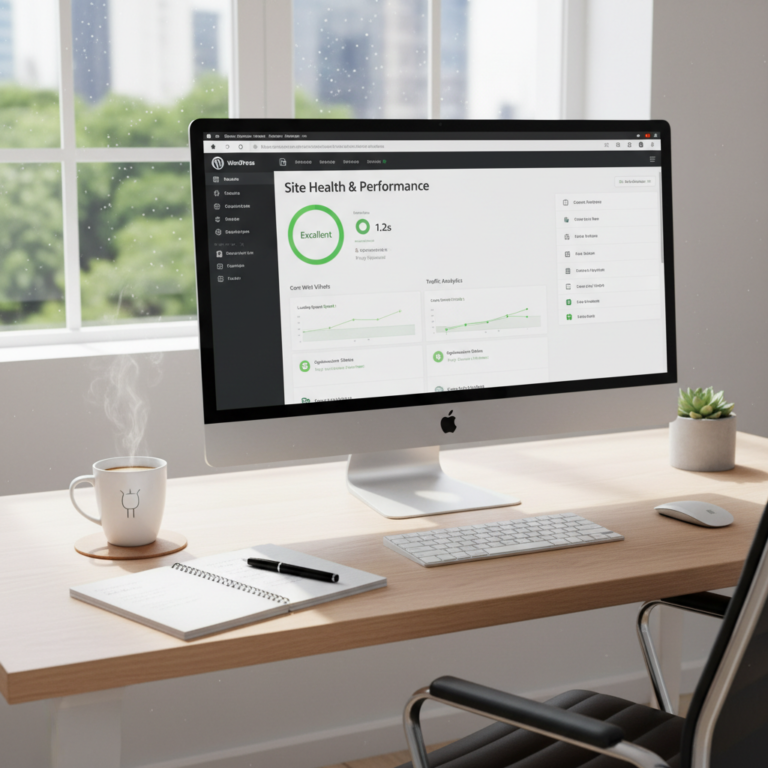
Speed Up Your WordPress Site: Quick Tips for Fast Loading
How to Speed Up Your WordPress Site: A No-Nonsense Guide for Faster Loading
Do you ever feel like your WordPress site is moving in slow motion? Like when you refresh the page only to stare at that spinning wheel forever? It’s frustrating—trust me, I’ve been there! A sluggish page can seem like a huge inconvenience, especially if it’s 2 AM and you’re trying to fix a “White Screen of Death.” It turns out, though, that speed isn’t just a luxury; it’s a necessity. A 1-second delay in load time can slash your conversion rates by 7%! Let that sink in.
When it comes to running a WordPress site, speed matters just as much as content. If you want your website to rank well in search engines and keep visitors from bouncing away, a fast-loading site is non-negotiable.
Why Site Speed Matters
Talking Points:
- Impact on user experience
- Connection to SEO rankings
- Importance of keeping visitors engaged
Let’s talk about why speed is important. First off, user experience is king! If your site takes too long to load, visitors are likely to leave faster than you can say “slow poke.” Studies show that around 53% of mobile users will abandon a page that takes longer than 3 seconds to load. Imagine losing half of your potential visitors just because your site is dragging its feet!
Then there’s SEO. Google’s Core Web Vitals are official ranking factors that assess the speed, responsiveness, and visual stability of your site. A slow site won’t just affect user experience; it also affects how well you rank on Google. If you get the speed right, you not only enhance the user experience but also boost your chances of being discovered by potential customers.
How to Measure Your Current Performance Baseline
Talking Points:
- Using tools like GTmetrix and Pingdom
- Key metrics to analyze
- Tracking improvements over time
Before we start making changes, let’s talk about how to measure your current page speed. Tools like GTmetrix and Pingdom provide a robust look at your site’s performance. You can easily get metrics on load time, page size, and requests made. Not only does this information give you a baseline to work from, but it also helps you track your improvements over time!
When using these tools, key metrics to focus on include load time, the size of the page, and the number of requests. If your site is clocking in at anything over 3 seconds, it’s time for a change. Check back after implementing fixes to see how far you’ve come!
Choosing High-Quality Web Hosting to Eliminate Server Bottlenecks
Talking Points:
- Importance of reliable hosting
- Features to look for in a hosting plan
- Common hosting pitfalls to avoid
Your choice of web host plays a major role in how fast your site performs. Not all hosting services are built the same. If you skimp on hosting, you might end up with slow server response times that leave you tearing out your hair. Look for features like SSD storage and ample bandwidth, which can dramatically improve your site’s speed.
Look at reviews, and make sure your hosting provider has a solid reputation. Common pitfalls include shared hosting, which can slow you down if your neighbors are hogging resources. A quality host is often your first line of defense in the fight against slow load times.
Implementing Caching: The Most Effective Quick Win
Talking Points:
- Benefits of caching for WordPress
- Recommended caching plugins
- Configuration tips for optimal performance
One of the quickest wins for improving your site speed is implementing caching. Caching stores a static version of your web pages so your server doesn’t have to dynamically generate content each time someone visits. This means significantly reduced loading times!
A few of the best WordPress caching plugins include W3 Total Cache and WP Super Cache. They’re relatively easy to configure and can make a dramatic difference. Simply follow the recommended settings to kickstart your performance.
Optimizing Images for Faster Delivery Without Sacrificing Quality
Talking Points:
- Importance of image size in loading speed
- Tools for image optimization
- Considerations for different formats
Images often account for 60-70% of total webpage file size. Unoptimized images can drag your page down faster than you can blink. Use tools like Smush or Imagify to compress images without losing quality.
Also, consider using modern formats like WebP or AVIF. These formats provide high-quality images at smaller sizes, making them perfect for web performance. Good image optimization can serve your users faster while ensuring your site looks great!
Cleaning Up Your Database and Removing Unused Plugins
Talking Points:
- Risks of database bloat
- Best practices for database maintenance
- Identifying and removing unnecessary plugins
Have you ever noticed how your WordPress database can accumulate clutter over time? Excessive post revisions and uncleaned transients can slow you down. The more junk in your database, the longer it takes to retrieve data.
Regular clean-ups can help. Consider plugins like WP-Optimize to simplify the cleaning process by removing old revisions, spam comments, and transients. Removing unused plugins not only improves performance but also minimizes potential security risks.
Minifying CSS, JavaScript, and HTML Files
Talking Points:
- Benefits of file minification
- Recommended plugins for minification
- Manual vs. automated approaches
Minifying your files can make a noticeable difference in your loading time. When you minify CSS, JavaScript, and HTML, you remove unnecessary spaces, comments, and characters, making files lighter and quicker to load.
Some highly-rated plugins, like Autoptimize and Fastest Cache, can automate this process for you. If you’re comfortable, you can even go in and apply minification manually, but for most users, a plugin will do just fine.
Leveraging a Content Delivery Network (CDN) for Global Speed
Talking Points:
- Explanation of how a CDN works
- Benefits of using a CDN
- Popular CDN options
Ever heard of a Content Delivery Network (CDN)? If not, you might want to consider this as a key strategy. A CDN distributes your web content across a network of global edge servers, meaning users can access data from a server that’s closer to them. This cuts down on latency and speeds up loading time.
Popular options include Cloudflare and StackPath. They not only improve speed but also enhance security. With a CDN, you’ll be serving your content faster, which means happier users!
Addressing Advanced Technical Fixes: PHP Versions and Gzip Compression
Talking Points:
- Importance of updating PHP versions
- How Gzip compression works
- Steps for implementation
Don’t overlook the basics! Keeping your PHP version up to date can yield huge speed benefits, often up to 20% faster page load times. Most hosts offer an easy way to update PHP versions through their control panels.
Additionally, implementing Gzip compression reduces the size of files transferred between your server and the browser, speeding up loading. Many caching plugins offer this feature built-in—just make sure to enable it in the settings.
Common Pitfalls to Avoid That Slow Down Your Site
Talking Points:
- Mistakes that can exacerbate slowdown
- Importance of regular site audits
- Recognizing poor coding
While we all want our sites to be speedy, there are some common traps we can fall into. Overloading with too many plugins, failing to audit your website regularly, and using poorly coded themes can contribute to further slowdowns. Regular site audits help catch these issues before they spiral out of control.
Don’t hesitate to assess the quality of the themes or plugins you use. Poor coding can bog down your site more than you might realize, so always choose wisely.
Conclusion: Your Path to a Lightning-Fast WordPress Site
Improving your site’s speed isn’t just about increasing performance; it’s about giving your users an experience they won’t forget. With a few strategic changes, you can significantly enhance your WordPress site’s loading time and overall performance. Whether it’s cleaning your database, optimizing images, or leveraging a caching plugin, every little bit helps.
Now, it’s your turn! Take the lessons learned here, and apply them to your unique site. I’d love to hear your experiences and any other tips you might have in the comments below!
Frequently Asked Questions
1. What’s the ideal loading time for a WordPress site?
The ideal loading time is around 2 seconds or less. Anything higher can lead to user drop-off and negatively impact SEO.
2. How can I tell if my site is slow?
Using tools like GTmetrix or Pingdom are great ways to assess your site’s speed and help diagnose potential issues.
3. Do certain themes slow down my WordPress site?
Yes, poorly coded or overly complex themes can definitely slow down your site. Always go for themes that are optimized for speed.
4. Are there any free tools for image optimization?
Absolutely! Tools like TinyPNG and ShortPixel offer free services to compress images effectively without losing quality.
5. How often should I clean my WordPress database?
It’s a good practice to clean your WordPress database every few months, or whenever you notice performance lags. Regular maintenance goes a long way!