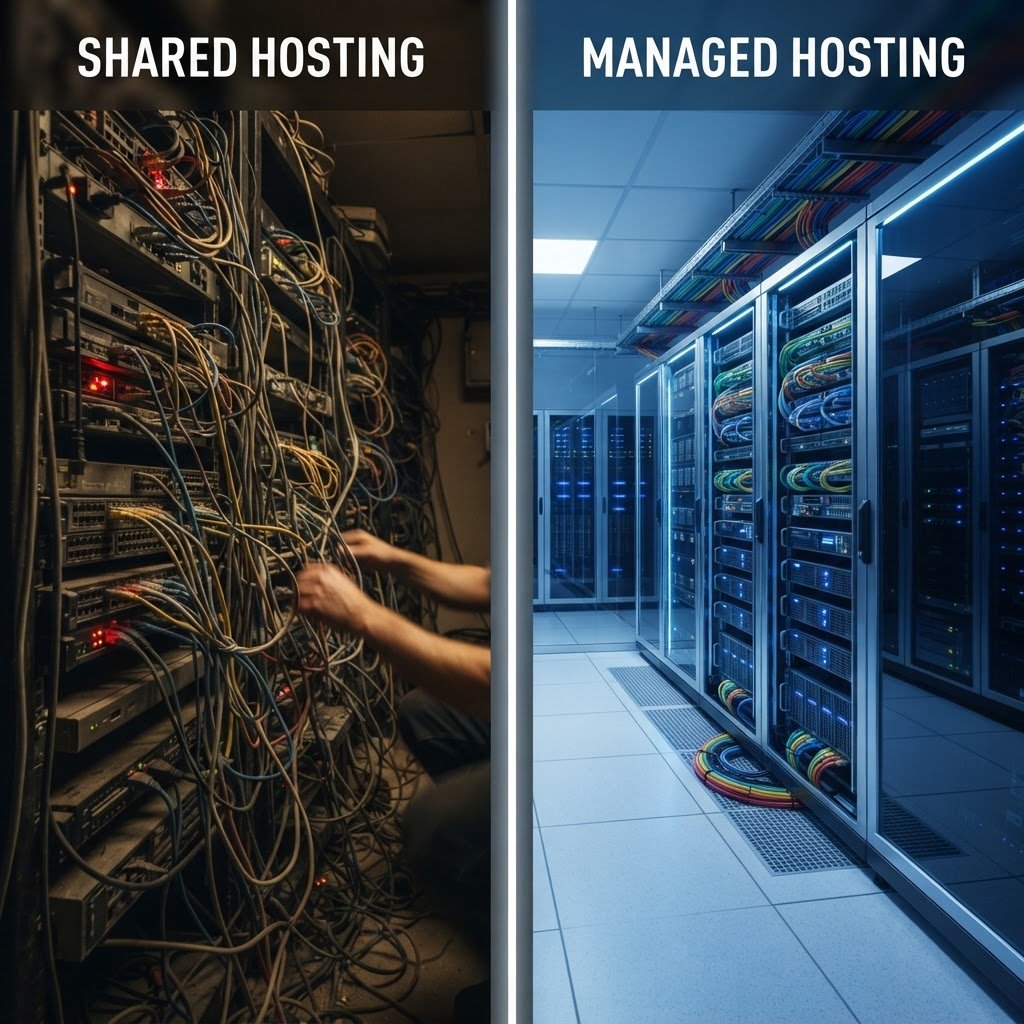
Managed vs. Shared WordPress Hosting: Which Is Right for You?
Managed vs. Shared WordPress Hosting: Which One Will Actually Keep Your Site Online?
Talking Points:
* The 2 AM White Screen of Death panic.
* Why your choice of host dictates your site’s heartbeat.
* My own early days of server-related nightmares.
I still remember waking up at 2 AM to a silent phone, only to check my email and see the dreaded “White Screen of Death” on my primary site. That sinking feeling in my stomach is something I never want you to experience. It turns out my cheap, crowded server couldn’t handle a tiny traffic spike from a social media post, and the whole thing just keeled over. Your hosting provider is the invisible foundation beneath your digital house. If that foundation cracks, everything else you build sits in the mud.
Most beginners start by picking the cheapest monthly rate without looking at the architecture of their host. I did the same thing back in the day, thinking I was being smart by saving a few bucks. I learned the hard way that when your site goes down, you lose more than just uptime. You lose the trust of every visitor who lands on that blank page. Getting this choice right from the start saves you hundreds of hours of troubleshooting later on.
Decoding Shared Hosting: The Budget-Friendly Apartment Model
Talking Points:
* Server resource allocation limits.
* Why your neighbors impact your site performance.
* The reality of shared hosting pros and cons for new sites.
Shared hosting is like living in a massive apartment complex where you share the plumbing and electricity with a thousand other tenants. When your neighbor decides to run a marathon on their treadmill at midnight, you feel the floor shake in your own unit. That is exactly how shared server resource allocation works. You are all sharing the same CPU, RAM, and disk space on a single physical machine.
If another site on your server launches a heavy promotion or has a poorly coded script running, your site suffers. This is the biggest drawback of those dirt-cheap hosting plans. You pay five to ten dollars a month, but you get what you pay for. It is perfectly fine for a low-traffic personal blog or a sandbox site where you are just learning the ropes of the platform.
However, shared hosting pros and cons reveal a harsh reality for growing businesses. You cannot predict when someone else’s traffic will tank your loading speeds. I have spent countless weekends chasing down performance issues only to realize the server itself was congested by other accounts. It is a gamble I stopped taking years ago when I started treating my site as a serious business asset.
Managed WordPress Hosting: The Dedicated All-Inclusive Experience
Talking Points:
* Built-in optimizations for the WordPress CMS.
* Automated updates and plugin compatibility monitoring.
* Benefits of managed WordPress hosting for business owners.
Imagine moving from that shared apartment into your own private house where someone else takes care of the lawn and repairs the furnace. That is the essence of managed WordPress hosting. These providers build their entire infrastructure with one goal in mind: keeping your WordPress install fast and functional. They handle the messy back-end work so you can stay in the dashboard and build content.
One of the biggest benefits of managed WordPress hosting is the specialized caching technology they install at the server level. Most shared hosts require you to mess with complicated plugins that often break your site design or conflict with other tools. Managed hosts do this automatically, meaning your pages load faster without you touching a single line of code. They handle the hard stuff so you do not have to.
I saw a client migrate from a budget shared plan to a managed environment last year. Their page speed metrics improved by over 50% overnight without changing a single image or plugin. That kind of jump isn’t just a number on a chart. It results in lower bounce rates and higher sales because nobody has the patience to wait for a slow site to render.
Performance Showdown: Speed, Traffic Spikes, and Resource Bottlenecks
Talking Points:
* Server-side optimization and traffic scalability.
* Content delivery network integration importance.
* Why performance and uptime are tied to your infrastructure.
Let’s talk about website performance and uptime. If your host uses older hardware or oversells their capacity, your site will stutter during traffic spikes. A managed host usually prepares for these bursts by isolating your resources and providing a buffer. When your content goes viral, you want to be celebrating, not scrambling to reboot your server.
Shared plans rarely offer built-in content delivery network (CDN) support that actually works well. You have to sign up for third-party services and hope your DNS settings play nice. Managed hosts often bake this right into the plan, distributing your site assets across global servers so your user in London gets the same speed as someone in New York. It keeps your latency low and your visitors happy.
I once had a site crash because of a simple plugin update that pushed a database query into the stratosphere. A managed host caught it, blocked the process, and emailed me before I even knew I was offline. On a shared plan, that would have been a total site blackout until I woke up the next morning to deal with the fallout.
Security Check: Why Your Neighbors Could Compromise You
Talking Points:
* WordPress hosting security comparison nuances.
* The danger of weak server isolation.
* Malware protection and proactive scanning.
Security is the invisible wall between your site and the wild west of the internet. A shared hosting setup means your neighbors are just a few configuration errors away from you. If one account on the server gets hit with a nasty injection script, the entire server can become flagged by Google, dragging your domain down with it. It is a risk profile that keeps many site owners up at night.
Managed providers treat WordPress hosting security comparison as a core product feature. They typically run proactive malware scanning and firewall rules that are fine-tuned specifically for WordPress attacks. When a new vulnerability is discovered in a core file or a popular plugin, they patch their environment before you even hear about it in the news.
I have seen too many horror stories of small businesses losing their entire site history to a shared server vulnerability. They had no clean backups and no security support. Moving to a host that guards the perimeter with real-time monitoring turns your stress levels from high to near zero. It is worth every penny of the extra subscription cost.
Maintenance Realities: Automation vs. The DIY Struggle
Talking Points:
* Handling plugin compatibility updates automatically.
* The value of staging environments for testing.
* Why manual maintenance is a time sink.
Maintenance is the hidden tax on your time. If you use shared hosting, you are the IT department. You have to manage your own backups, check for core updates, and monitor plugin compatibility every single week. If you miss an update, you are leaving the door open for hackers. It is a constant game of catch-up that prevents you from actually growing your business.
Managed plans offer automated daily backups and staging environments as standard practice. A staging environment is like a private playground where you can test a new theme or a risky plugin update without breaking your live site. If things blow up in the test, you just delete the staging site and start over. Your visitors never see a single error.
I have saved countless hours by using staging sites to debug complex issues. It turns a potential site-breaking disaster into a quick, private experiment. For any site that generates actual revenue, this is a requirement, not a luxury. Do not underestimate how much time you save by letting the host handle the routine, boring tasks of site hygiene.
Support Expectations: General Help Desk vs. Specialists
Talking Points:
* The difference between a general ticket and WordPress experts.
* Getting help with technical maintenance issues.
* Why customer support expertise is your greatest asset.
When you call a general hosting support line, you might get someone reading from a script who knows nothing about WordPress. You spend forty minutes explaining what a plugin is before they tell you to clear your browser cache. That is not support; that is a waste of your life. You need people who eat, sleep, and breathe this platform.
WordPress-specific support teams know your environment inside and out. When you reach out, they already know if your theme is the culprit or if a database query is lagging. They can look at your error logs and tell you exactly what went wrong. This is the difference between “we are working on it” and “we fixed it five minutes ago.”
I remember an issue where a specific version of a builder plugin crashed my admin panel. I reached out to my managed host, and within fifteen minutes, they had rolled back the plugin through a server-side command I didn’t even know existed. That kind of expertise is what you are actually paying for. It is not just server space; it is access to a team of experts.
Scalability: When to Outgrow Your Starter Plan
Talking Points:
* Planning for traffic scalability during growth.
* Recognizing the signs that you need more power.
* Growing with your provider without site migration stress.
Every site starts small, but your goal should be to grow. If you start on a cheap shared plan, you will eventually hit a wall. Your site will slow down during peak hours, and your host will send you a notice to upgrade or face suspension. Then comes the messy process of site migration, which can lead to broken links and SEO drops if you are not careful.
Managed hosts are built to scale. They allow you to add more resources with a single click as your traffic numbers climb. You don’t have to pack up your digital belongings and move to a new server. You just move up a tier on the same platform. It creates a smooth growth path that matches the actual success of your project.
I have seen people lose months of momentum because they chose a host that couldn’t handle the growth they worked so hard to achieve. Planning for success is just as important as planning for functionality. Choose a partner that can carry you from your first hundred visitors to your first million without you needing to rebuild your entire infrastructure.
The Cost Analysis: Calculating Value Beyond the Monthly Subscription
Talking Points:
* Is managed hosting worth the cost?
* Calculating time spent versus dollars saved.
* Understanding the hidden value of stability.
Is managed hosting worth the cost? If your site earns money, the answer is a hard yes. Managed plans might cost 2-6 times more than shared, but calculate the value of your own time. If you spend five hours a month fixing site bugs, and your hourly rate is fifty dollars, you are already losing more money than the price of a premium managed plan.
When you look at the total cost of ownership, professional managed hosting often represents less than 2% of a small business’s monthly income. That is a tiny price to pay for insurance against catastrophic downtime. You aren’t just paying for disk space; you are paying for peace of mind. You are buying the ability to sleep through the night without worrying about the White Screen of Death.
My advice is to look at the “hidden” costs of your current host. Count the hours you spend updating plugins, fixing broken backups, and waiting on hold with support. Once you see that number, the choice between saving a few bucks and having a stable, secure site becomes very clear. Stop looking for the lowest price and start looking for the highest value.
Comparison Summary: A Quick Decision Matrix
Talking Points:
* Matching your needs to the right hosting tier.
* Best WordPress hosting for beginners versus established sites.
* Summary of shared hosting pros and cons.
If you are launching a hobby blog or a testing site, shared hosting is fine. It is cheap, easy to set up, and gets you online for the price of a coffee. Just keep your expectations low regarding speed and support. You are essentially renting a small locker in a big building. It works for storage, but don’t expect premium service.
For any site intended to generate revenue, serve customers, or build a professional brand, skip the shared tier. Go straight to managed WordPress hosting. The performance improvements, the security layers, and the expert support create a foundation that will actually sustain your business. It is the only way to avoid the burnout of constant maintenance.
Your site is your command center for your digital presence. Treating it like a disposable commodity will only hurt your long-term goals. Invest in the right infrastructure today, and you won’t have to deal with the headache of migrating later. Pick the path that allows you to focus on your content, not your server logs.
Final Verdict: Choosing the Right Path for Your WordPress Mastery
Talking Points:
* Why you should treat your site as a business.
* Selecting a host that grows with your vision.
* Moving forward with confidence.
I have fixed thousands of sites over my career, and the most common theme is that people wait too long to upgrade. They struggle on slow, insecure shared servers for years, thinking that is just how the internet works. It doesn’t have to be that way. You deserve a site that responds instantly and stays up when it matters most.
Choose a provider that values your time as much as you do. Look for clear, plain-English support and features that actually solve problems rather than adding more tools for you to manage. Your site should be a tool that serves you, not a burden that you serve. Take the leap, invest in quality, and give your business the platform it needs to shine.
I would love to hear about your own experiences with different hosts. Have you ever had a site go down during a critical moment, or did you switch from shared to managed and see a massive performance gain? Share your stories in the comments so we can all learn from each other’s wins and losses.
Frequently Asked Questions
1. Question: Is it possible for a small business to start on shared hosting and move to managed later? Answer: Absolutely, but try to avoid the transition if possible. While site migration tools make it easier, it is always cleaner to start your build on a managed environment where the server-side settings are optimized from day one.
2. Question: How much faster will my site actually be if I switch to managed hosting? Answer: While it depends on your current site’s bloat, most users see page load times improve by 40% to 70%. Managed hosts provide specific caching and image optimization that shared hosts simply cannot match due to their server-wide limitations.
3. Question: Do I really need an automated staging environment for a simple site? Answer: You might think you don’t, until you push a plugin update that turns your site into a pile of code. A staging environment is your safety net, allowing you to test changes without risking your live traffic or your reputation.
4. Question: Why is managed hosting more expensive if I am only using one site? Answer: You are paying for the expertise of the engineers, the proprietary server technology, and the security layers that keep your site alive. It is a premium service model that trades a higher monthly fee for significant time savings and reduced technical risk.
5. Question: Can my host really prevent me from getting hacked? Answer: No host can guarantee 100% security, but managed hosts are far better at it. They handle the hard work of daily malware scanning, firewall rules, and brute-force protection, which significantly lowers your risk compared to shared environments where you have to do it all yourself.