WordPress Speed Optimization: Your Guide to Faster Loading Times
WordPress Speed Optimization: Your Ultimate Guide to a Faster Site
Did you know that the average WordPress site takes a whopping 4 to 8 seconds to load on mobile devices? In today’s fast-paced world, that could mean the difference between keeping a visitor or losing a potential customer forever! I remember the time I logged into a friend’s business site, and it was slower than molasses. Talk about frustrating! Speed is no longer just a luxury—it’s a necessity.
Understanding the Impact of Site Speed on User Experience and SEO
Talking Points:
- User impatience and its effects
- SEO ranking factors related to speed
- The balance between speed and content
Most folks don’t wait around for slow pages. Seriously, just a 1-second delay in page load time can reduce conversions by 7%! That’s not just a number; it’s real revenue lost just because your site is lagging behind. Search engines like Google factor loading speeds into rankings, too. A snappy site isn’t just user-friendly; it’s essential for visibility. After all, quality content won’t pull in traffic if no one sees it.
Common Causes of Slow WordPress Sites
Talking Points:
- Image sizes and their impact
- Unoptimized plugins and themes
- Slow hosting solutions
Ever tried to run a race in heavy boots? That’s what a slow site feels like for your visitors. Enormous image sizes, an abundance of plugins, and subpar hosting can all drag your site down. Believe me, I’ve dealt with all three at various points. You’d be amazed at how much just trimming unnecessary plugins can shave off in load time.
Measuring Your Current Site Speed: Tools and Techniques
Talking Points:
- Recommended speed testing tools
- Interpreting the results
- Setting benchmarks
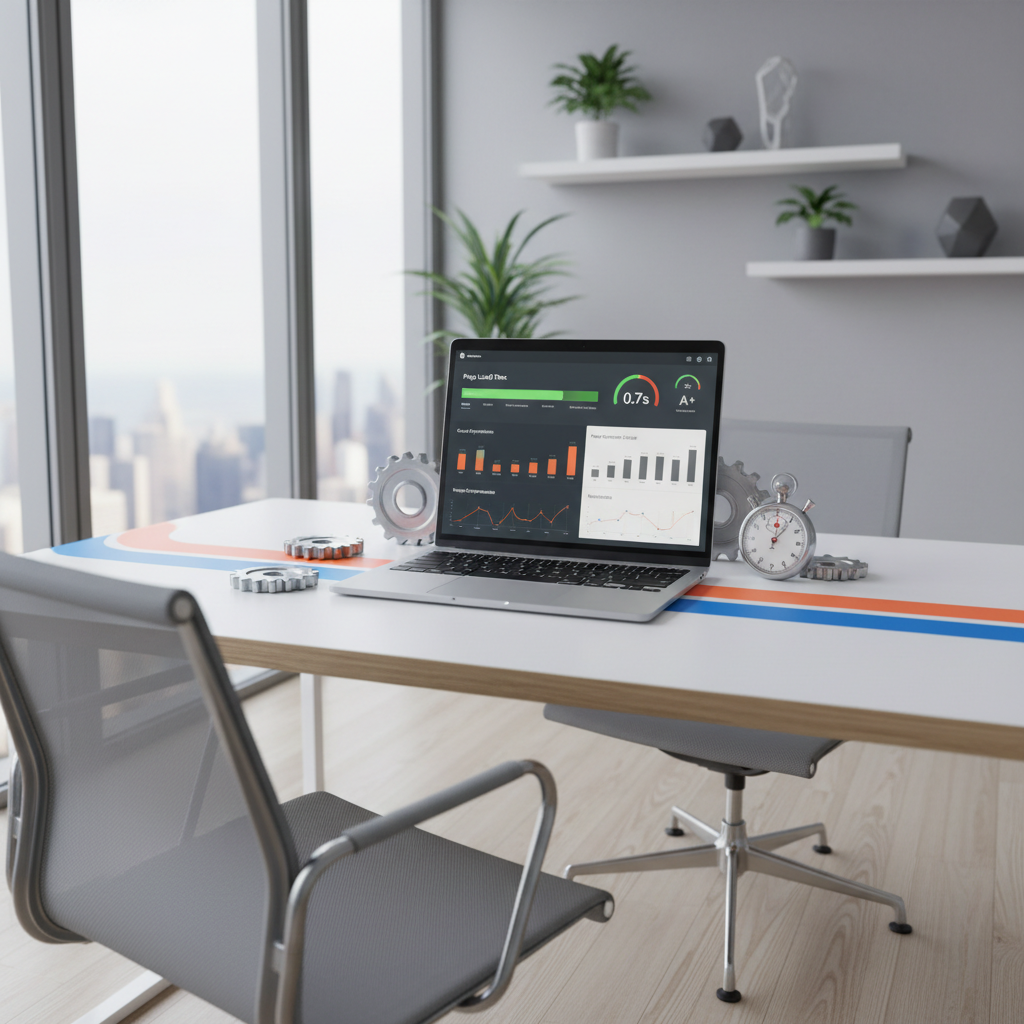
Before you can fix what’s broken, you’ve got to know where you stand. Tools like Google PageSpeed Insights and GTmetrix will give you a solid read on your site’s performance. I remember the first time I used PageSpeed; my jaw dropped when I saw the 36 points I needed to improve! Don’t let those numbers intimidate you. They’re just starting points toward better speed.
Optimizing Your WordPress Site: Step-by-Step Guide
Choosing the Right Hosting for Optimal Performance
Talking Points:
- Shared vs. managed WordPress hosting
- The importance of server response time
- Evaluating your hosting options
Your hosting environment profoundly impacts your site speed. Managed WordPress hosting like WP Engine or Kinsta can be 3 to 5 times faster than budget options. Take it from someone who spent years on shared hosting—investing in the right hosting is like buying a sports car instead of a clunker. You get what you pay for!
Implementing Effective Caching Strategies
Talking Points:
- Types of caching to consider
- Plugins that simplify caching
- How caching boosts perceived performance
Caching is a game-changer. It stores a static version of your site after the first visit, making returning users experience lightning-fast load times. With caching plugins like W3 Total Cache or WP Super Cache, you’ll see improvements in both speed and user satisfaction. I was skeptical at first, but once I activated caching, it felt like my site had hit the turbo button!
Optimizing Images for Faster Load Times
Talking Points:
- How image files affect speed
- Techniques for image compression
- Tools for optimizing images
Images can be your friend or worst enemy. An uncompressed file can weigh down your load times, but compressing images before uploading can be a lifesaver. I always use tools like TinyPNG or ImageOptim to lighten the load. Remember, even stunning visuals can slow down a page if they’re not properly optimized.
Minifying and Combining CSS and JavaScript Files
Talking Points:
- Importance of clean code
- Plugins that simplify minification
- What minification can achieve
Messy CSS and JavaScript can slow down rendering times. By minifying and combining these files, you reduce their size and enhance site speed. Tools like Autoptimize can streamline this process effortlessly. I used to think minifying was just for developers, but now? It’s a standard practice I swear by!
Utilizing a Content Delivery Network (CDN)
Talking Points:
- What is a CDN?
- How a CDN speeds up your site
- Comparing CDN providers
A CDN distributes your site content across global servers. This means faster load times for visitors, no matter where they are. I can’t stress enough how much Cloudflare improved my site’s speed, making it feel more like a local favorite for users scattered across the map. This one addition can dramatically enhance user experience.
Database Optimization: Cleaning Up and Streamlining
Talking Points:
- Common database bloat issues
- Tools for database optimization
- Regular maintenance routines
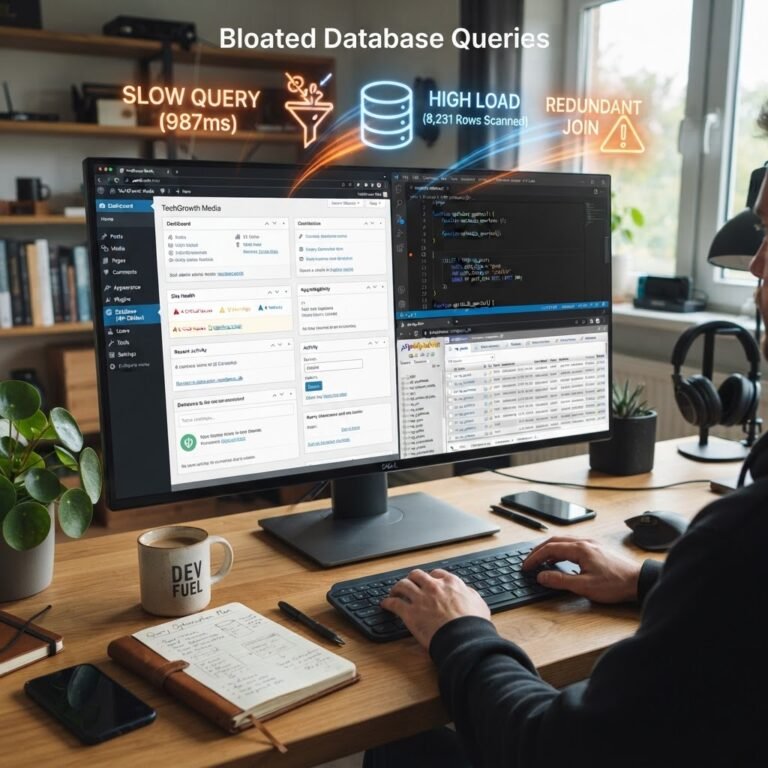
Over time, WordPress databases can become cluttered. Regular maintenance is key to keeping them optimized. Plugins like WP-Optimize help clean up old revisions, spam comments, and more. I remember when I realized how much bloat was in my database. It was like clearing out a cluttered attic—suddenly, I had room to breathe!
Advanced Techniques: HTTP/2 and HTTP/3 Protocols
Talking Points:
- Benefits of newer protocols
- How to implement them
- Performance improvements to expect
Upgrading your site to HTTP/2 or even the newer HTTP/3 can also yield remarkable improvements in speed. These protocols allow for faster and streamlined data communication. Many hosting providers already support them; it’s just a matter of asking!
Monitoring and Maintaining Your Site’s Performance Over Time
Talking Points:
- Regularly retesting your site speed
- Keeping up with updates and patches
- Re-evaluating your speed strategies
Once you’ve optimized your site, don’t just set it and forget it. Regularly monitor your site’s speed with the tools mentioned. As your site grows, new challenges to performance will emerge. An effective speed strategy is dynamic—what works now might need adjusting in a month or two!
Conclusion: Achieving a Fast and Efficient WordPress Site
Speed is obviously a crucial factor that can greatly impact user experience and SEO rankings for your WordPress site. By following these proven techniques, you can make your site faster, smoother, and more enjoyable for your visitors. So, roll up your sleeves, take action, and see the transformation. And don’t forget—your fellow WordPress comrades in the comments section would love to hear your experiences and tips!
Frequently Asked Questions
Q1: How can I quickly check my WordPress site’s loading speed?
A: Use tools like Google PageSpeed Insights or GTmetrix; they provide instant speed assessments along with improvement suggestions!
Q2: Is free hosting not good for speed optimization?
A: Generally, yes. Free hosting often lacks the resources and performance capabilities essential for speed optimization, unlike managed WordPress hosting.
Q3: What’s the biggest mistake to avoid when optimizing for speed?
A: Overloading your site with unnecessary plugins! Each additional plugin can slow down your site.
Q4: Can content-heavy sites still have fast load times?
A: Absolutely! Optimizing images, implementing caching, and using a CDN can help maintain speed even with lots of content.
Q5: Should I hire someone for speed optimization?
A: If you find it overwhelming, consider hiring a professional. Sometimes, it’s worth the investment to ensure your site runs smoothly!