WordPress Video Tutorials for Clients: Slash Support Costs
WordPress Video Tutorials for Clients: Empower Your Users and Reduce Support Requests
Talking Points:
* The hidden emotional tax of constant support tickets.
* Why clients struggle with the backend interface.
* Shifting from email chains to visual documentation.
I remember getting an email at 2 AM. It was from a client who had accidentally deleted their entire homepage while trying to change a font color. That “White Screen of Death” feeling is awful. My inbox was a graveyard of “how do I do this” messages that kept me from real work. You have probably felt that same drain on your energy. We spend hours writing emails that repeat the same basic instructions. Clients feel lost in the WordPress dashboard. They click the wrong buttons. They panic. Then we panic.
WordPress video tutorials for clients are the fix here. I started creating simple recordings because I was tired of repeating myself. It changed my business overnight. Sixty-eight percent of users prefer watching a video over calling support. My inbox volume dropped immediately. Giving someone a visual guide beats a wall of text any day. It makes them feel safe. It makes me feel less stressed. We all win.
The High Cost of Manual Support
Talking Points:
* How repetitive questions sap agency productivity.
* Scaling your business without adding support staff.
* The difference between reactive fixing and proactive teaching.
Every time you answer the same “how to post a blog” question, you lose money. You could be building new sites or growing your business. Instead, you are stuck in a cycle of basic troubleshooting. Sixty-six percent of marketers report that video content helps lower their query volume. This is not just a nice idea. It is a financial necessity for anyone wanting to scale. Your time has a price tag. Stop giving it away for free.
Clients want to be self-reliant. They do not enjoy waiting for your reply. They feel like a burden when they ask for help. When you provide a solid wordpress client onboarding guide, you give them permission to be independent. They get their answers instantly. You get your evening back. It is a fair trade that builds trust fast. Stop being a babysitter. Start being a consultant.
Choosing Your Production Style
Talking Points:
* High-production studio quality vs. screen recordings.
* Managing user expectations with your chosen style.
* Why simple and clear wins over flashy editing.
I used to think my videos needed to look like Hollywood movies. I wasted weeks on intros and fancy music. Nobody cared. Clients only want to know where to click. I switched to simple screen-recorded walkthroughs. They work much better. You do not need a fancy microphone or studio lighting. Just keep it clear. Keep it helpful.
Custom wordpress training videos should be authentic. They should show your real screen. Use your own voice. Let your personality shine through. If you stutter, keep it in. It makes you a human, not a robot. Perfection is not the goal. Function is. If your client can solve their problem in under three minutes, you did your job perfectly.
Essential Topics for Your Library
Talking Points:
* Creating foundational content for post and page management.
* Addressing specific needs like media uploads and settings.
* How to structure your content for easy discovery.
Start with the basics. Every library needs a video on logging in. They need a video on the Gutenberg block editor training. Do not get fancy with technical stuff yet. Stick to what they actually do. Posting content is usually the most common task. Focus your early efforts there. It covers the majority of the support tickets you get.
Backend management is scary for non-technical people. Show them exactly where the images go. Explain the difference between posts and pages clearly. Use screenshots. Keep the pace slow. Give them a tour of their specific site. Make it relevant. A generic video is okay, but a video of their site is magic.
Dashboard Integration Strategies
Talking Points:
* Placing help links exactly where problems happen.
* Reducing the time spent switching browser tabs.
* Creating a proactive safety net within WordPress.
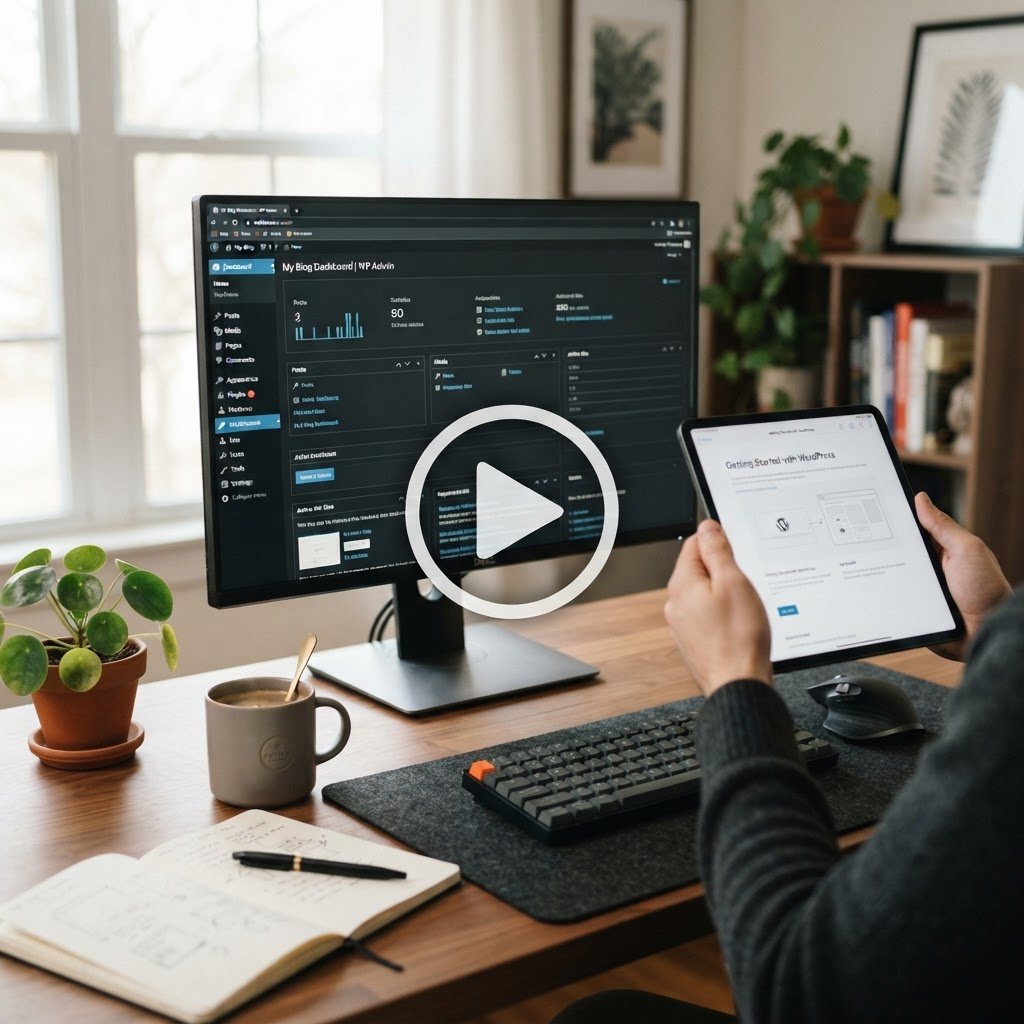
Do not send your clients to a random URL. Put the help videos right inside the WordPress dashboard. Embedding videos directly into the admin area changes the game. They click a button. The video pops up. They learn. They finish their task. It is that simple.
This creates a proactive safety net. They do not have to leave their work environment to find answers. It keeps them focused. It keeps them happy. You can use plugins to add these widgets. It takes ten minutes to set up. It saves you ten hours a month. That is a great ROI for any small business owner.
Keeping Content Evergreen
Talking Points:
* Avoiding constant re-recording of your library.
* Why foundational knowledge rarely changes in WordPress.
* Focusing on the core interface that stays consistent.
WordPress changes, but the basics do not. Don’t fall into the trap of updating videos every time a minor version rolls out. Ninety percent of what you show is the same as it was five years ago. Focus on the core features. Those are evergreen. You only need to update if a major interface overhaul happens. Keep it sustainable.
If you use white label wordpress tutorials, you can just swap out the branding if you change your colors. It is smart to reuse content. Do not make more work for yourself. Build once, use for years. That is how you win the efficiency game. Your clients will never notice if the WordPress logo changed a pixel. They only want to finish their work.
Balancing Empathy and Tech Guidance
Talking Points:
* Avoiding technical jargon that confuses beginners.
* Speaking as a partner rather than a teacher.
* How to validate client frustrations while providing fixes.
Technical language is a wall. Stop using words like “backend” or “shortcode” without explaining them. Talk like a friend. Use plain English. If you have to use a tech term, define it in a sentence. It shows you care about their experience. It shows you want them to understand.
Validate their frustration. If a client says something is confusing, believe them. Don’t act like it is obvious. To them, it is a big deal. Acknowledge that. Use phrases like “I know this part can be tricky.” It builds a connection. It makes them trust your advice even more.
Custom Content vs. White Label
Talking Points:
* The benefits of custom branding for your agency.
* When to buy existing libraries to save time.
* Maintaining professional standards with third-party tools.
White-labeling plugins allow you to look like a pro. You can replace the default branding with your own. It looks polished. It builds your reputation. Some people prefer creating their own custom videos. That works too. It really depends on your budget and your time.
If you are swamped, use a pre-made library. Just make sure the quality is high. There is no shame in using existing resources. Your clients just want answers. They don’t care if you filmed it or someone else did. They want the problem gone. That is your main goal. Solve the problem fast.
Measuring Success and Growth
Talking Points:
* Tracking the reduction in support tickets over time.
* Gathering client feedback to refine your tutorials.
* Using video stats to see what people actually need.
Check your support ticket count. Is it going down? That is your best metric. Ask your clients what they think. Are they finding the videos helpful? Most of the time, they will love it. They feel empowered. That makes for a happy client. Happy clients stay longer. They refer their friends.
Use this data to build better content. If everyone watches the video on fixing image sizes, maybe they need a more detailed guide on media. Listen to what they need. Watch what they do. You are not just building a site. You are building a self-reliant client base. That is the best way to ensure long-term growth.
Creating Your 24/7 Safety Net
Talking Points:
* The feeling of security your clients get.
* Solving problems before they become crises.
* Building a reputation as the best agency in town.
Clients want to feel secure. They worry about breaking their site. If they know you have provided a library of fixes, they feel calm. They know they have a safety net. This is better than any tech support contract. You are teaching them how to fish. They appreciate the guidance. They trust your expertise.
This builds your brand. People tell others about the agency that gave them training. It is the best marketing you can do. You are not just a developer. You are a mentor. You are an partner in their success. Start today. Build one video. See how it changes your life. Tell me how it goes in the comments. I would love to hear your story.