Automating WordPress Maintenance: The Scaling Agency Guide
Automating WordPress Maintenance: A Guide for Scaling Agencies
Talking Points:
* The hidden burnout of 2am maintenance.
* Real cost of manual labor on agency margins.
* Moving from manual site handling to a proactive model.
I remember staring at a white screen at 2am, coffee cold, realizing a rogue plugin update just nuked a client’s homepage. That was years ago, but the feeling of panic remains sharp. Most agencies treat WordPress maintenance as a chore they do when they find spare time. This is a massive mistake.
Manual site management kills your profit margins faster than you can bill for it. If you are logging into each dashboard one by one to update plugins, you are bleeding money. You have better things to do than fix site breaks in the middle of the night. It is time to stop reacting to fires and start preventing them.
Talking Points:
* Defining what a truly automated stack looks like.
* Picking the right remote management dashboard.
* Centralizing your workflow for better visibility.
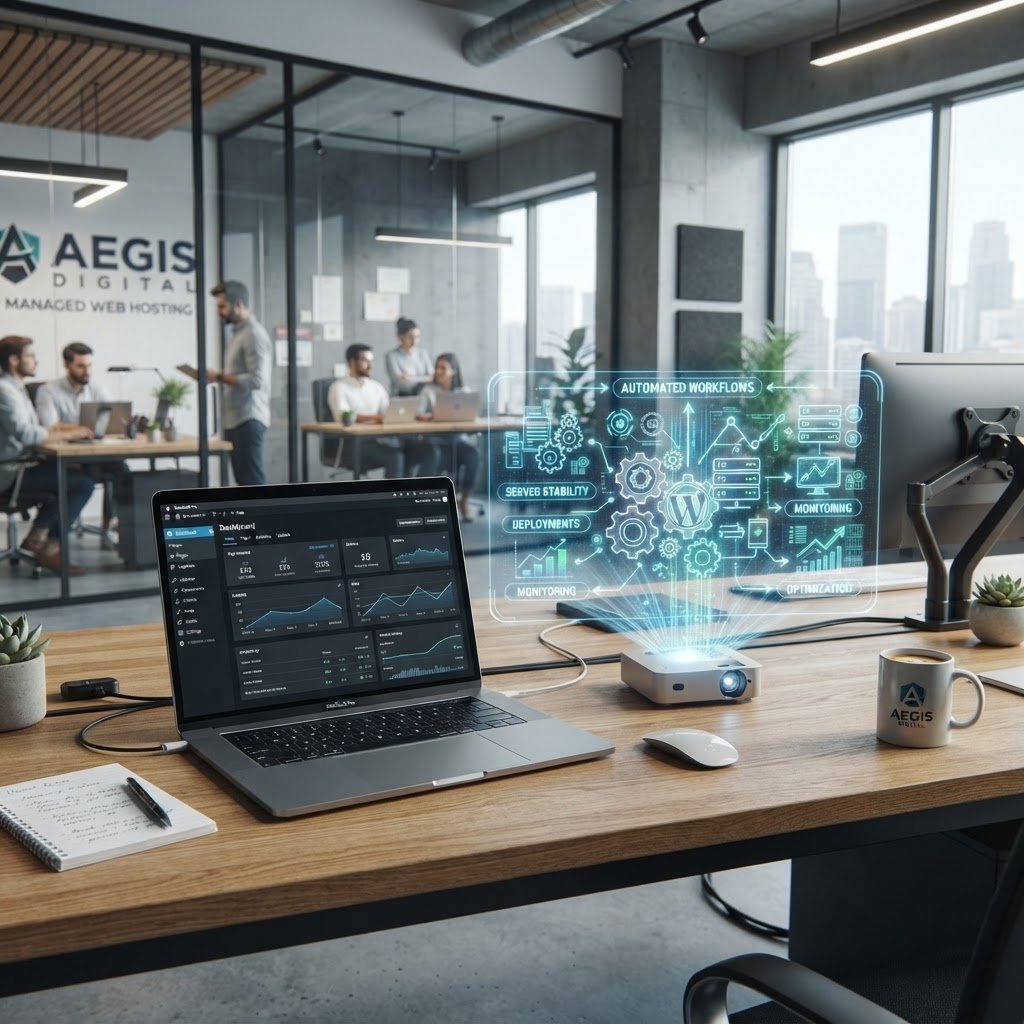
Your goal is a single command center. You need a remote management dashboard that acts as the brain for every client site you own. This gives you a bird’s-eye view of uptime, security, and performance without the headache of managing individual logins. Stop clicking back and forth between tabs all day.
Choose tools that integrate well with your current stack. Look for features like one-click updates and bulk site management. You want a setup that handles the boring stuff so your team can focus on growth and strategy. Efficiency is the only way to scale your agency without burning out your staff.
Talking Points:
* Safely handling core and theme updates.
* Managing plugin updates without breaking sites.
* Reducing technical debt through consistent maintenance.
Updates are the lifeblood of security. WordPress powers over 43% of the web, which makes it a huge target for bad actors. If you leave a plugin outdated, you are leaving a door unlocked for hackers. Automate WordPress updates, but do it with a safety net.
Never update live sites blindly. Always use a staging environment to catch conflicts before they hit the real world. A good automated system alerts you if a site goes down during a push. This saves hours of manual troubleshooting every single month.
Talking Points:
* Why visual regression testing matters.
* Detecting layout shifts that functional tests miss.
* Building trust with automated quality assurance.
Visual regression testing is your secret weapon. It compares screenshots of your site from before and after an update. It catches those annoying layout shifts or broken CSS that automated functional tests ignore. If a menu moves two inches to the left, you will know immediately.
Your clients expect perfection. When you can catch a visual bug before they report it, you look like a hero. This level of proactivity separates the amateurs from the true professionals. Plus, it is a great way to justify higher recurring fees.
Talking Points:
* Offsite backup protocols and disaster recovery.
* Regular restoration testing for data integrity.
* Security monitoring and proactive malware detection.
Never trust a single server. A backup that sits on the same server as your site is worthless when the host fails. You need offsite backups that run automatically on a set schedule. If you are not testing those backups at least once a month, you do not have a real disaster recovery plan.
Combine this with automated security scans. Malware is getting smarter every day. You need a system that monitors for file changes or suspicious login attempts. Catching a hack in the first ten minutes is the difference between a minor hiccup and a client relationship disaster.
Talking Points:
* Demonstrating your value through client reports.
* Automating the reporting process to save time.
* Turning maintenance into a recurring revenue model.
Clients rarely care about the “how.” They care about the result: a fast, secure, and working site. Automated client reporting turns your background work into a tangible invoice justification. When they see a monthly report showing 50 updates patched and zero downtime, they feel safe.
This is how you build a solid recurring revenue model. Maintenance plans for agencies usually fall between $95 and $395 per month. The price depends on the level of care you provide. If you make the value obvious, clients will gladly pay for the peace of mind.
Talking Points:
* Strategies for handling failed updates automatically.
* Minimizing manual intervention for routine errors.
* Scaling operations without adding more headcount.
Sometimes, an update will fail. It is just the reality of the ecosystem. The best agencies have a plan for when things break. Your automation software should have a rollback feature that reverts to the last known good state instantly.
This keeps your staff from needing to hold every client’s hand. You can manage five times as many sites with the same size team if you rely on smart workflows. Automation is not about replacing humans; it is about letting humans solve the hard problems while the machines handle the rote work.
Talking Points:
* Adopting professional care plans as a standard.
* Balancing automation with human oversight.
* Staying competitive in a crowded market.
Scaling your agency is about leverage. If you want to stop chasing invoices and start building a real business, you have to get out of the manual trap. Embrace tools that offer bulk site management and automated testing. Your time is far too valuable to spend it babysitting plugins.
Start small if you need to. Automate one piece of your workflow, like backups or uptime monitoring, then expand. Reclaim your calendar and focus on your high-value client projects. You will sleep better knowing your fleet of sites is under constant watch.
Conclusion
Manual maintenance is the anchor holding your agency back. By setting up a robust, automated stack, you move from fire-fighting to true site management. Your clients get better uptime, your team gets their time back, and your margins actually grow. Stop managing sites one by one. Use the right tools, set clear protocols, and start scaling today. What is the biggest hurdle currently stopping your agency from automating your maintenance workflow? Share your thoughts in the comments below.
Frequently Asked Questions
1. Question: Is it risky to automate all plugin updates? Answer: Yes, if you do it blindly. Always use staging environments and visual regression testing to ensure an update does not break your layout before it goes live.
2. Question: How do I justify charging monthly for maintenance? Answer: Frame it as an insurance policy for their digital asset. Show them consistent value through reports that highlight security patches, uptime stats, and performance improvements you handle behind the scenes.
3. Question: Can automation replace a human developer entirely? Answer: No. Automation handles the routine tasks efficiently, but complex issues, custom theme conflicts, and major version upgrades still require a skilled human eye to ensure nothing breaks.
4. Question: What is the most important part of a backup strategy? Answer: The restoration test. Having a backup is one thing, but knowing it works and can be deployed in under an hour is what actually saves your clients during a crisis.
5. Question: Does visual regression testing slow down my workflow? Answer: It actually speeds up your workflow by removing the need for manual inspection. You get notified only when there is a real layout shift, saving you from checking every single page after an update.