7 Best No-Code Website Builders for WordPress in 2024
The Best No-Code Website Builders for WordPress: Reclaim Your Site Without the Tech Headaches
Talking Points:
* The reality of late-night site crashes.
* Busting the developer-only myth.
* Why WordPress is still the king of content.
It is 2 am. You are staring at your screen. A White Screen of Death stares back. Cold sweat hits your forehead. You just wanted to change one color. Now, your site is invisible. This happens to the best of us. I remember my first crash. I thought I broke the internet. You do not need to be a computer scientist to win at WordPress. That is a myth sold to keep you paying fees. WordPress powers over 43% of the internet. It exists for everyone. Not just the folks in hoodies writing C++ at midnight. You can control your digital home. You just need the right tools.
Why Choose a No-Code Website Builder for WordPress?
Talking Points:
* Staying within the ecosystem vs leaving.
* Keeping your data ownership intact.
* Speed of site deployment.
Moving to a different platform sounds easy. A simple site builder seems safe. But you leave the best CMS behind. WordPress lets you own your files. You control your database. That matters. When you use a no-code website builder for WordPress, you stay home. You keep your SEO authority. You keep your user base. Best of all, you skip the code. You get the beauty of a drag and drop interface. Your site stays fast if you pick the right tool. You do not lose flexibility. You gain speed. You build pages in minutes, not days. Most sites using these tools grow faster than sites built from scratch. It is about working smarter.
Understanding the Difference: Page Builders vs. Full-Site Editing
Talking Points:
* The native Gutenberg approach.
* Third-party plugin power differences.
* How DOM elements affect load speed.
WordPress now has native tools. We call it Full-Site Editing, or Gutenberg. It uses blocks for everything. You can design headers and footers now. It is built-in. It is clean. But is it enough? For basic needs, yes. For complex layouts, it can feel thin. Third-party page builders are like having a superpower. They have more options. More widgets. More control. But they come with a weight. A page builder might load more DOM elements. Think of DOM elements as the furniture in your room. Too much, and you cannot walk. Gutenberg uses fewer elements. 300 to 500 is common. Page builders like Elementor often hit 900. You need to balance beauty and speed. It is a trade-off. Choose wisely.
Top-Tier No-Code Solutions for WordPress
Talking Points:
* Elementor’s massive market dominance.
* Divi and the power of theme integration.
* Beaver Builder for the clean code lovers.
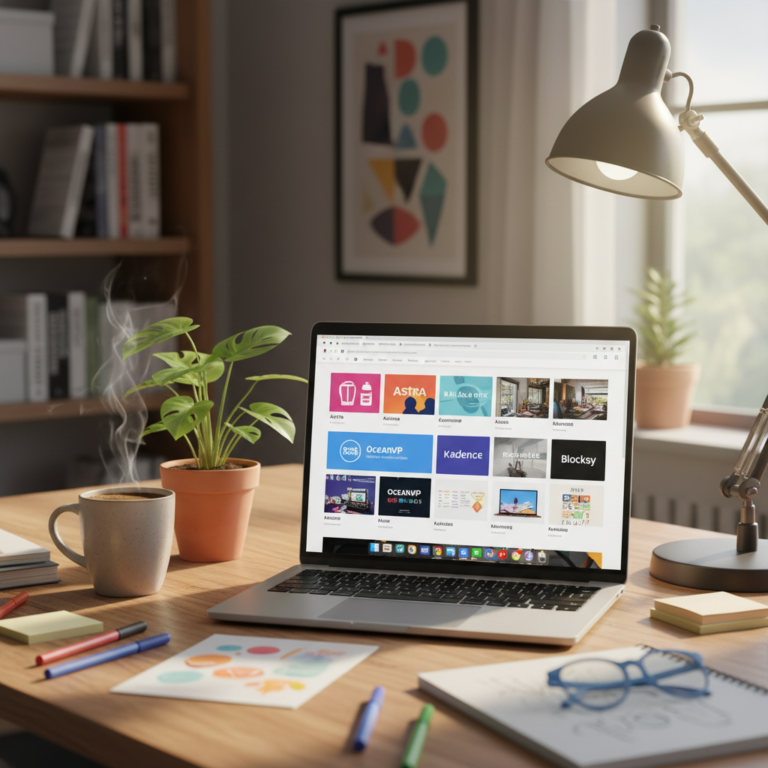
Elementor is a giant. Eight million sites use it. Why? It just works. You drag, you drop, you publish. It is visual and snappy. Then there is Divi. It is a complete design framework. You get the theme and the builder as one package. Very consistent. Beaver Builder is different. It is known for stability. It does not bloat your site as much as others. It feels lighter. SeedProd is another great pick. It shines for landing page optimization. It stays out of your way. All of these help you build a WordPress site without coding. You test them. You see what feels right for your hands. Your mouse becomes your coding tool.
How to Choose the Right Tool for Your Skill Level
Talking Points:
* Matching tools to specific goals.
* Avoiding feature bloat early on.
* Testing in a sandbox environment.
Do not pick the most expensive tool. Pick the one that fits your brain. Are you a minimalist? Start with Gutenberg. Need high-end animations? Look at Elementor. Be honest about your goals. If you just want a blog, keep it simple. If you are selling thousands of products, you need more grit. Create a sandbox site first. Use a sub-domain. Break things there. Fix them there. You learn by doing. You do not need to be a developer. You just need to be curious. Grab a builder. Start playing. See where your intuition leads you.
Step-by-Step: Setting Up Your First No-Code Page in 15 Minutes
Talking Points:
* Installing the plugin correctly.
* Using pre-made templates as foundations.
* Adjusting the responsive design settings.
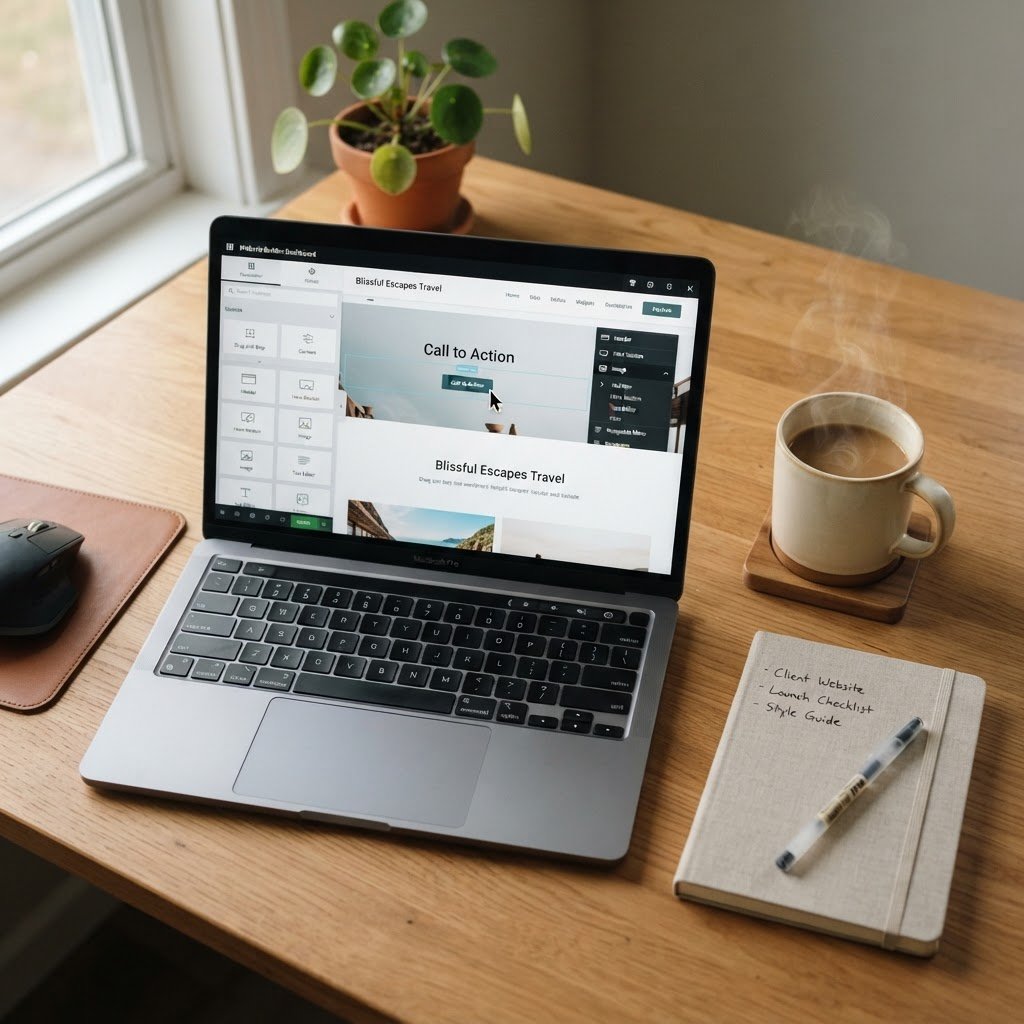
Grab your plugin. Go to your dashboard. Hit add new. Upload, install, activate. Easy. Now open a page. Hit edit with your new tool. Do not start with a blank white box. That is scary. Use a template. Pick one that looks close to your vision. Swap the text. Change the images. That is 80% of the work. Now, look at mobile mode. Check your responsive design. Does it look good on a phone? Adjust the margins. Fix the text size. Publish. You just built a professional page in 15 minutes. It feels good to create, right?
The Performance Trap: How to Build Without Slowing Down
Talking Points:
* Minimizing excessive plugin reliance.
* Image optimization importance.
* Measuring with Core Web Vitals.
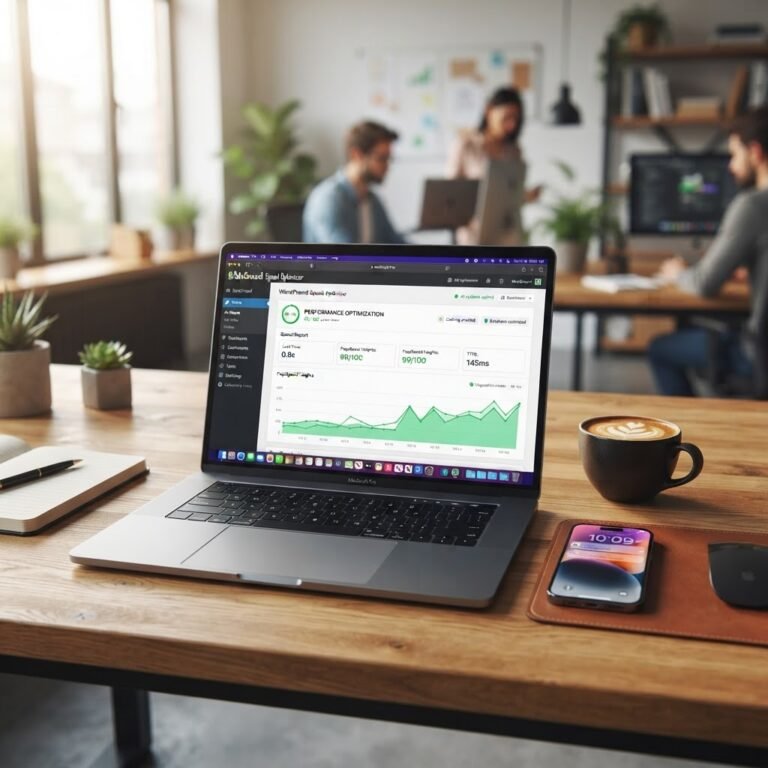
Builds look great, but do they crawl? The performance trap is real. Keep your assets light. Resize images before you upload them. Never upload a 5MB photo. It kills your speed. Use only the plugins you actually need. Every plugin adds a cost to your server. Check your site speed regularly. Google watches your Core Web Vitals. You want to pass those tests. A builder is just a tool. It is your job to keep the engine clean. Stay lean. Stay fast. Your visitors will thank you. Your bank account will too.
When No-Code Hits a Wall: Knowing When to Call a Pro
Talking Points:
* Identifying complex server-side errors.
* Security breaches that go deep.
* Custom functionality beyond templates.
You might hit a wall. Maybe a plugin conflict locks you out. Or a white screen stays even after you deactivate things. Do not panic. Some things need eyes on the code. If your database is corrupt, stop. Do not guess. You might lose content. Call a pro. It is not failure. It is smart. You spent your time building the brand. Let a dev fix the plumbing. You will rarely need this, but keep a pro in your contact list just in case. It saves your sanity.
Maintenance Best Practices for Long-Term Health
Talking Points:
* Regular backup schedules.
* Updating plugins and themes safely.
* Monitoring site security logs.
You built it. Now keep it alive. Backups are your insurance policy. If you break it, you restore it. Do it before every update. Updates keep you safe. They fix bugs and plug holes. Never skip them. Check your security. Use a solid plugin to monitor suspicious logins. Keep a clean house. A little maintenance goes a long way. You do not need to be a tech wizard. You just need to be consistent. Your site will last for years.
Conclusion: Your Command Center for WordPress Mastery
Building your own site is a win. You skipped the gatekeepers. You used the right tools. You avoided the tech headaches. Now you have a command center for your business. It reflects your vision. It grows with your ambition. Apply these lessons to your specific needs. Start small. Learn the interface. Share what you find. Let us know how your build goes in the comments below. We are all here to learn together.