Top WordPress Theme Recommendations for 2026
WordPress Theme Recommendations: Your Ultimate Guide to Choosing the Perfect Theme
The moment I first launched my WordPress site, I felt a rush of excitement. Then came the panic—was my theme good enough? What if it slowed everything down? You’re not alone if you’ve felt that way! Choosing the right WordPress theme can make or break your website’s success. With hundreds to choose from, the pressure mounts, especially when you’ve put your heart and soul into your content. Don’t worry; I’m here to help you make this choice with confidence!
Key Factors to Consider When Selecting a WordPress Theme
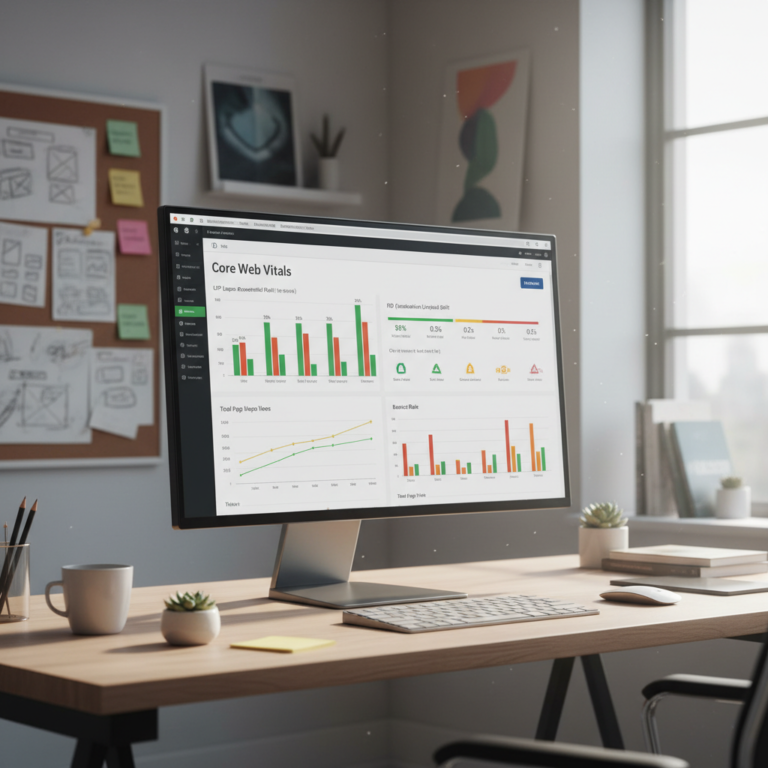
When choosing a WordPress theme, remember it’s not just about how it looks. First up, speed matters—a slow-loading site can deter visitors faster than you can say “white screen of death at 2 AM.” Your theme should load in under a couple of seconds if you want your users to stick around.
Next, think about usability. Is the navigation intuitive? Confusing navigation will frustrate your visitors and increase bounce rates.
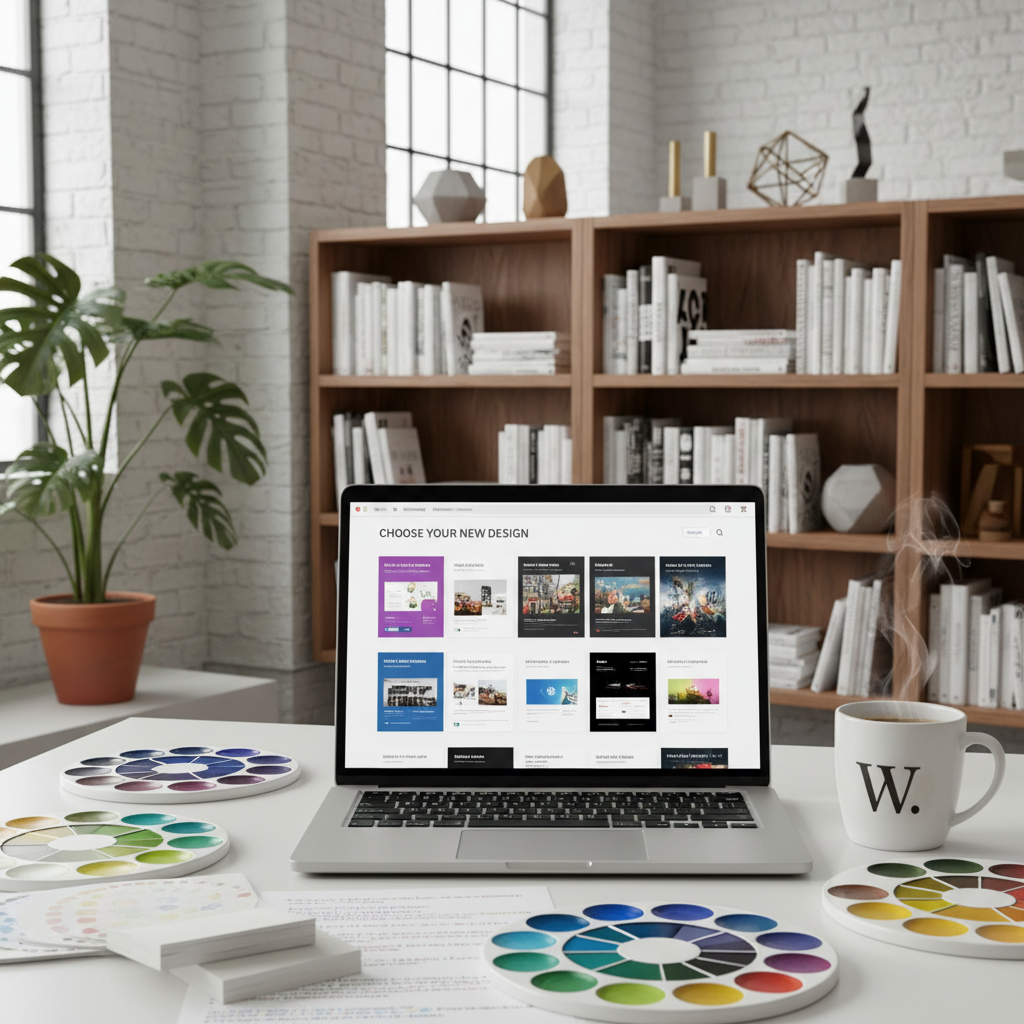
Finally, consider customization options. Your site reflects your brand’s personality, so having the ability to tweak colors, layouts, and headers can be a massive plus. You want your site to stand out, but not in a bad way!
Top WordPress Themes for 2026
Now, let’s look at some of the best WordPress themes for 2026 that can not only elevate your design but also enhance user experience!
Astra: The All-Around Champion
Astra stands tall among the best WordPress themes. It’s lightweight and has the impressive ability to load in under half a second. Plus, it boasts over 240 starter templates! This means you can find a design that suits your needs without starting from scratch. Talk about efficiency!
Kadence: Best Free Full Site Editing Theme
The Kadence theme is fantastic for those on a budget. It’s free and includes features often reserved for premium themes like a header and footer builder, global color palettes, and even custom font loading. It’s user-friendly and perfect for beginners and seasoned pros alike looking to streamline their design.
GeneratePress: Lightweight and Developer-Friendly
GeneratePress is another lightweight option weighing in at under 30KB. Its minimalist design can speed up your site while still offering extensive customization options through the WordPress Customizer. Plus, if you opt for the premium add-on, you can unlock an array of modular features tailored to your needs.
Divi: Visual Builder Functionality
If you like having options, Divi provides a visual builder that makes it easier to see how your edits will look in real time. With over 200 design modules, you can configure nearly every inch of your site without needing coding knowledge. It caters to those who want an eye-catching site with minimal hassle.
OceanWP: Highly Customizable
OceanWP is known for its versatility. Whether you’re starting an online store or a business site, this theme has the customization power you need. Plus, it’s responsive and looks great on any device—critical in a mobile-first internet world.
Neve: AMP and Mobile-First Sites
Neve is another winner, primarily focusing on speed and compatibility with Accelerated Mobile Pages (AMP). It’s built for mobile-first design, which means your site will perform flawlessly on smartphones—something that’s essential these days.
Blocksy: Full Site Editing Support
Blocksy is worth considering if you want to fully embrace the latest site editing features in WordPress. It allows for granular control over every aspect of your site’s design, and the customization is practically endless.
Hello Elementor: Built for Performance
Hello Elementor is stripped down for speed and optimized for use with the Elementor page builder. If you’re using Elementor to create custom layouts, this theme is a perfect match. It’s responsive and offers a clean slate for your creative designs!
Twenty Twenty-Four: Ideal for Content-Focused Sites
Twenty Twenty-Four is user-friendly and emphasizes readability, perfect for bloggers or content writers. Did you know it’s currently used by nearly 10% of sites on WordPress.com? It keeps your content front and center while offering simple, elegant design.
Twenty Twenty-Five: Building an Adaptable, Creative Site
This theme is perfect for those looking to create something versatile. It supports media-heavy content, making it a great choice for photographers and artists. Customization is straightforward, ensuring your site reflects your unique angle.
Twenty Twenty-Six: Learning Full Site Editing
Twenty Twenty-Six continues to support the latest in WordPress features, focusing on the full-site editing capabilities introduced in recent updates. It’s worth exploring if you’re ready to take your design game to the next level.
Flatsome: WooCommerce-Focused
For those venturing into eCommerce, Flatsome is where it’s at. It’s tailored for online stores, providing a beautiful user interface that encourages conversions. It’s loaded with features specific to WooCommerce, ensuring your store has the functionality to thrive.
How to Install and Customize Your Chosen Theme
Installing your theme is straightforward, but it can feel intimidating. In your WordPress dashboard, navigate to Appearance > Themes, click Add New, and either search for your chosen theme or upload it if you downloaded it elsewhere. Once activated, it’s time to customize!
Most themes provide a customization menu that allows you to change colors, fonts, and layouts to better fit your brand. Don’t forget to test your changes—view them on desktop, tablet, and mobile versions to ensure a seamless experience.
Conclusion: Making the Right Choice for Your Website’s Success
Choosing the correct WordPress theme isn’t just about aesthetics; it impacts your website’s performance, user experience, and ultimately your success. Take the time to explore options and test various features to find what suits your needs best. Don’t hesitate to tweak things until they feel just right for you!
What’s been your experience with WordPress themes? I’d love to hear your thoughts or any tips you’ve picked up along the way in the comments!
Frequently Asked Questions
1. What should I look for in a WordPress theme?
Look for speed, simplicity in navigation, and customization options that align with your brand. Ensure it’s also responsive for mobile viewing.
2. Are free WordPress themes as good as paid ones?
Some free themes are excellent and feature-rich, like Kadence. However, paid themes often offer better support and advanced features.
3. How can I make my WordPress theme load faster?
Choose a lightweight theme, optimize images, use caching plugins, and minimize the use of resource-heavy plugins.
4. Can I switch themes later?
Yes! You can switch themes at any time, but be aware it may impact your layout and customizations.
5. How often should I update my WordPress theme?
Regular updates are advisable to maintain security and add new features. Keeping your theme up-to-date is crucial for site stability.