WordPress Hosting Pricing
WordPress hosting pricing looks simple until you compare the first invoice with the renewal bill.
The price you see on a hosting page is often an introductory price. It may depend on a 12-month, 36-month, or longer commitment. It may exclude taxes. It may include a free domain for the first year, but not the second. It may include backups, SSL, email, caching, staging, or malware tools, or it may expect you to buy some of those separately.
That is why a useful WordPress hosting pricing guide should not only ask, "How much is the plan per month?" The better question is, "What will this site cost to operate safely for the next year, and what will the cost become when the promotion ends?"
For a small-business WordPress site, hosting is part of the operating budget. The cheapest plan can be the right plan for a simple brochure site. It can also be the wrong plan if the site depends on leads, ecommerce, appointments, publishing volume, or paid traffic. The goal is not to buy the most expensive host. The goal is to understand what you are paying for before the site depends on it.
Prices below were checked against official provider pages on May 27, 2026. Hosting companies change promotions, terms, included features, and renewal pricing frequently, so use these examples as a pricing model, not as a permanent quote.
The main WordPress hosting pricing models
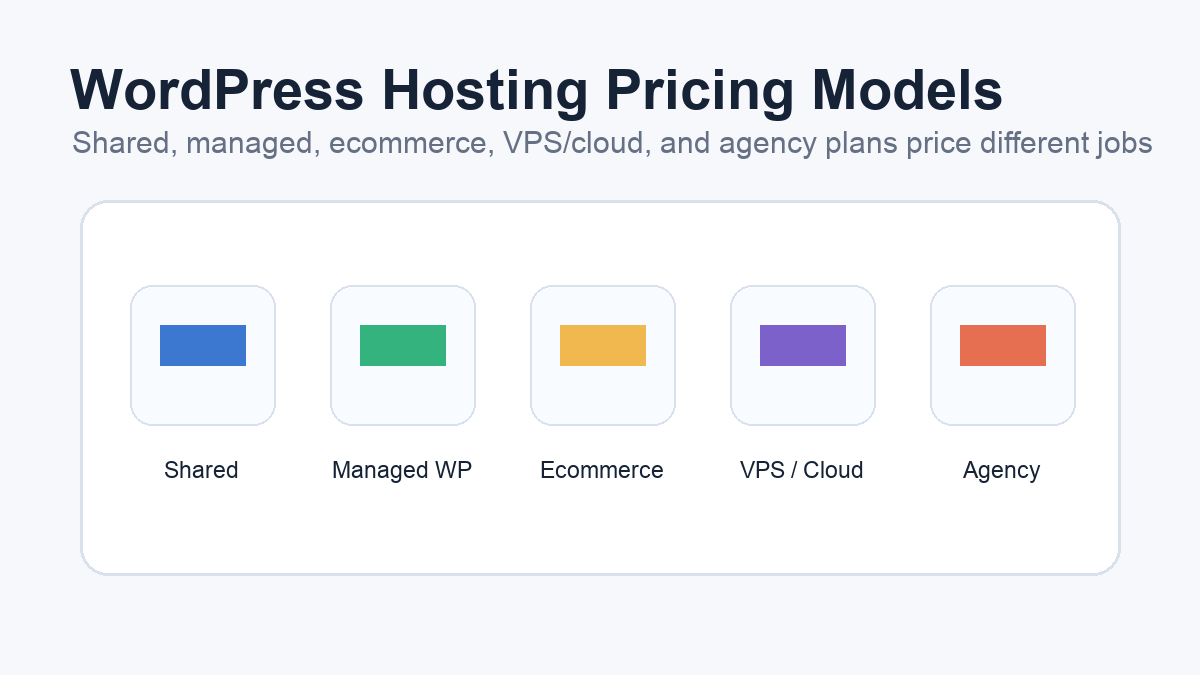
Most WordPress hosting prices fall into a few practical categories.
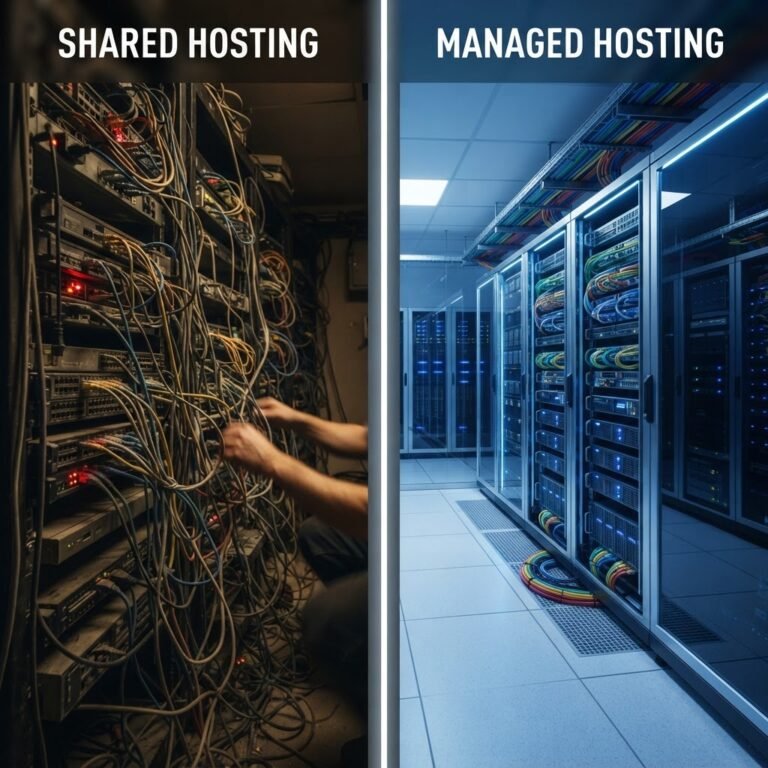
Shared hosting is usually the lowest advertised entry point. It is often sold with a promotional monthly price tied to a longer billing term. Shared hosting can work for a small site when the host meets WordPress requirements, includes SSL, has a clear backup path, and gives enough support for the owner’s technical comfort. The tradeoff is that resources, support depth, and advanced tooling may be more limited than higher-tier plans.
WordPress-focused shared hosting sits close to standard shared hosting, but the plan is packaged around WordPress setup, updates, caching, or management tools. The line between "shared hosting" and "WordPress hosting" varies by provider, so compare the feature list instead of relying on the label.
Managed WordPress hosting costs more because it usually includes more WordPress-specific operations: staging, backups, caching, support, migration help, security tools, or malware response. For a business site, that extra cost can make sense when it replaces separate tools or reduces the time spent troubleshooting.
Ecommerce hosting is usually priced higher because WooCommerce sites carry more operational risk. Product data, checkout flows, transactional emails, accounts, and payment-related workflows make recovery and support more important.
VPS, cloud, and dedicated hosting shift the pricing conversation toward resources and control. These plans can be powerful, but they may require more technical management. If you do not have someone responsible for server administration, a cheaper VPS can become more expensive in time and risk than a managed WordPress plan.
Agency and multi-site plans price around the number of WordPress installs, storage, traffic, bandwidth, support, and workflow features. These plans make sense when one account manages several sites and the per-site cost is easier to control at scale.
Intro price vs renewal price
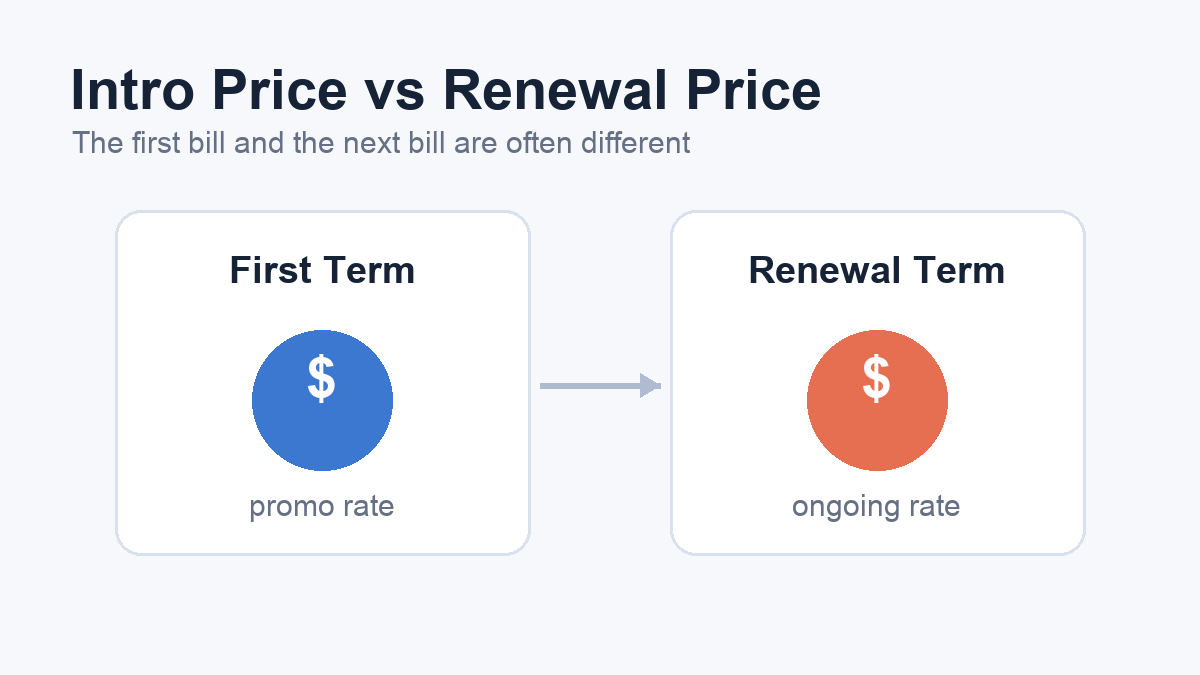
The first number on a pricing page is often not the long-term number.
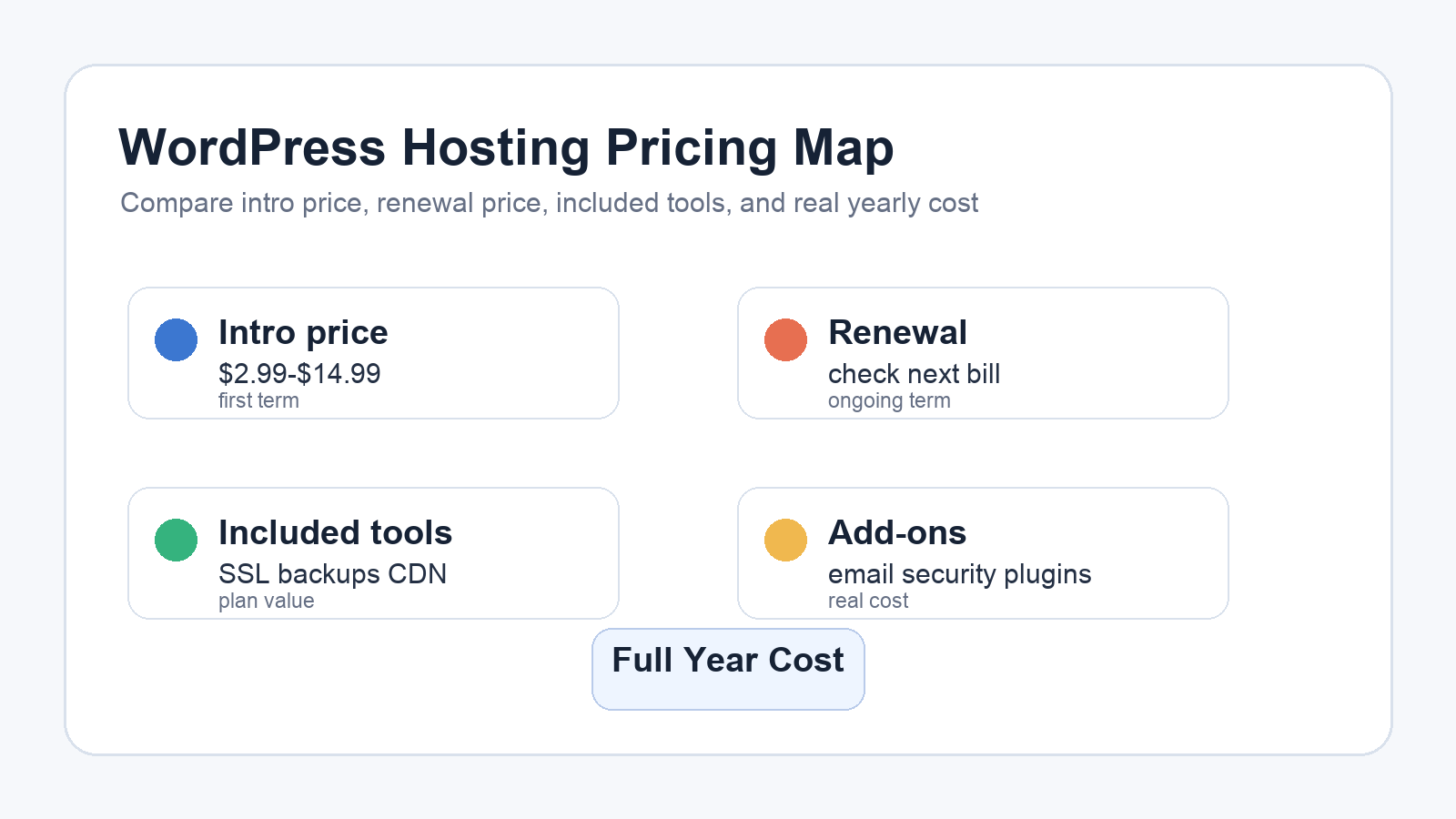
Bluehost’s pricing page, checked May 27, 2026, listed a Starter plan at $3.99 per month with a renewal price of $9.99 on the displayed 36-month term. The same page listed Business at $6.99 per month renewing at $13.99, and Ecommerce Essentials at $14.99 per month renewing at $21.99. Those are useful examples because they show the real comparison: the first-term price and the renewal price are different numbers.
SiteGround’s WordPress hosting page, checked the same day, listed StartUp at $2.99 per month with renewal at $17.99 per month on the displayed prepaid 12-month offer. GrowBig was listed at $4.99 per month renewing at $29.99, and GoGeek at $7.99 per month renewing at $44.99. Again, the important lesson is not which host to choose. The lesson is that the renewal price can be many times higher than the promotional entry price.
Kinsta’s pricing page uses a different model. It listed Single 20GB at $35 per month, or $30 per month when billed annually after the first-month promotion. WP 2 was listed at $70 per month, or $59 per month when billed annually after the first-month promotion. Kinsta also presents resource details such as WordPress installs, storage, CDN bandwidth, migrations, and backup retention, which makes the comparison less about coupon pricing and more about included operating capacity.
When you compare WordPress hosting pricing, always write down three numbers: the first-term cost, the renewal cost, and the cost if you need to upgrade. A plan that looks inexpensive for the first year may become the same price as a stronger plan after renewal. A plan that looks expensive may include tools you would otherwise buy separately.
What should be included in the price
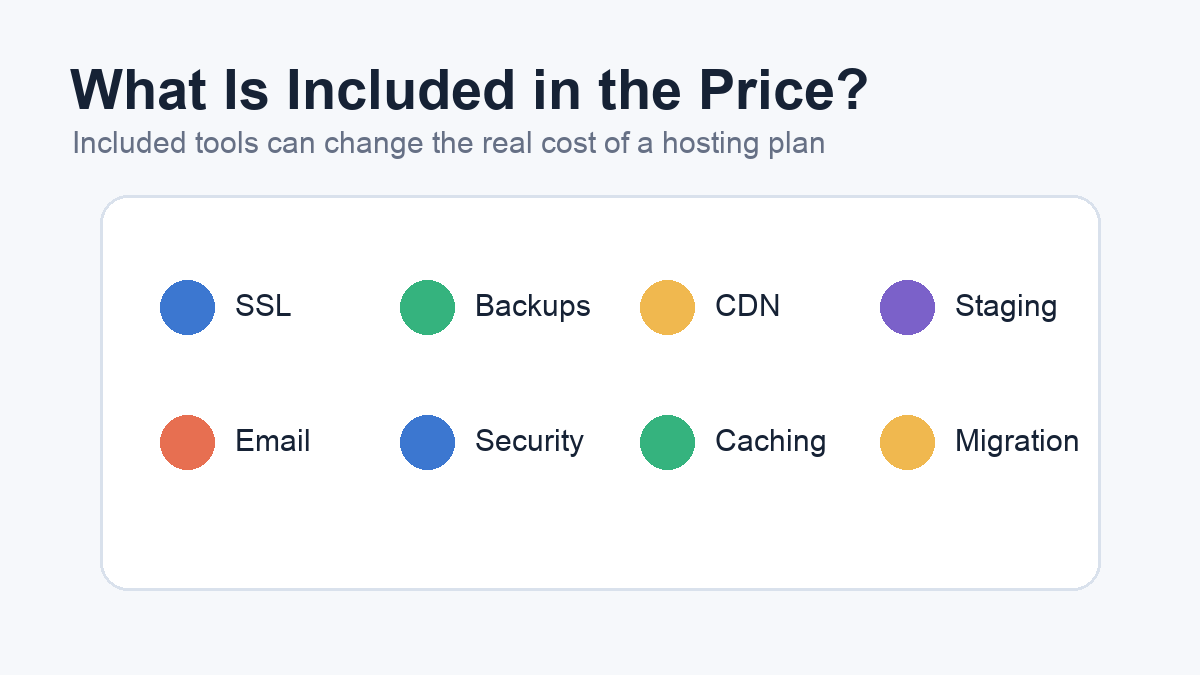
The monthly hosting price only matters after you know what the plan includes.
SSL should be included for most modern WordPress sites. HTTPS is part of the baseline expectation for a trustworthy site, and WordPress.org recommends HTTPS-capable hosting. If a host makes SSL difficult, manual, or an extra surprise, that friction belongs in your cost calculation.
Backups are another major pricing variable. A plan might include automatic backups, but you still need to know how often they run, how long they are retained, and how restores work. If a cheaper plan does not include reliable backups, you may need a backup plugin or separate storage. That extra tool can erase part of the savings.
Staging is worth pricing carefully. A simple site may not need staging on day one, but a business site that updates plugins, themes, landing pages, WooCommerce, or tracking scripts can benefit from testing changes before they reach the live site. If staging is only available on a higher plan, compare that upgrade against the risk of testing directly on production.
Security features should be treated as layers, not guarantees. Some hosts include enhanced security, malware tools, web application firewall options, or account isolation. Those features can reduce risk, but they do not replace WordPress maintenance, strong passwords, plugin updates, role management, and monitoring. If you need malware cleanup or advanced firewall protection, confirm whether it is included, optional, or sold separately.
Email and domain costs can also distort the first-year price. A plan might include a free domain for the first year or email accounts at launch. That does not mean domain renewal or long-term email costs are included forever. If professional email matters to the business, price it as part of the yearly operating budget.
Caching, CDN, and performance tools matter because performance problems often lead to extra purchases. A host with built-in caching and CDN support may reduce the need for paid performance plugins. A cheaper host without useful performance tooling may still be fine for a small site, but the total cost changes if you later need premium optimization tools.
Current pricing examples from official pages
Here is a small snapshot of official pricing examples checked on May 27, 2026. These are not rankings or recommendations.
Bluehost showed shared/web hosting tiers where the displayed promotional price was lower than the renewal price. Starter was listed at $3.99 per month and renewing at $9.99 on the displayed 36-month term. Business was listed at $6.99 per month and renewing at $13.99. Ecommerce Essentials was listed at $14.99 per month and renewing at $21.99. The page also noted taxes were not included and included plan details such as SSL, CDN, website count, storage, and usage-policy language.
SiteGround showed WordPress hosting tiers with 12-month promotional pricing and renewal prices. StartUp was listed at $2.99 per month and renewing at $17.99. GrowBig was listed at $4.99 per month and renewing at $29.99. GoGeek was listed at $7.99 per month and renewing at $44.99. The page also listed included items such as SSL, CDN, backups, email, caching, managed autoupdates, and higher-tier features like staging.
Kinsta showed managed WordPress pricing with a first-month promotion and ongoing plan prices. Single 20GB was listed as $35 per month, or $30 per month when billed annually after the first-month promotion. WP 2 was listed as $70 per month, or $59 per month when billed annually after the first-month promotion. Kinsta’s page also listed resources such as WordPress installs, bandwidth or visits, storage, CDN bandwidth, migrations, and backup retention.
These examples show why WordPress hosting pricing should be read in layers. The advertised monthly number is only one layer. Renewal price, billing term, included resources, included tools, and upgrade path are the rest of the story.
Related: Hosting Guide for WordPress Site Owners
How to estimate your real yearly cost
Start with the site type.
A small brochure site has a simple cost profile. It needs WordPress compatibility, SSL, backups, basic security, enough performance for normal traffic, and support that can help if the site breaks. If the site is mostly informational and does not generate many leads, a lower-cost plan may be reasonable as long as backups and recovery are clear.
A lead-generation site has a higher cost profile because forms, landing pages, tracking scripts, and uptime matter more. If the website drives quote requests, consultations, or appointments, the hosting plan should make forms reliable, pages responsive, and restores easy. Paying for better backups, staging, or support can be cheaper than losing leads during an outage.
An ecommerce site should be priced as business infrastructure. WooCommerce adds product data, checkout behavior, customer accounts, emails, and higher recovery risk. A plan that lacks staging, reliable backups, security monitoring, or knowledgeable support may be too thin even if the monthly price looks attractive.
A content-heavy site needs a host that can handle publishing volume, search traffic, media files, caching, and editorial work. If the site publishes often, performance and workflow tools become part of the cost equation.
Once you know the site type, estimate the first year and renewal year separately. Add the hosting plan, domain renewal, email, backup tools, security tools, performance tools, premium plugins, migration help, and any developer or support time you expect to need. The result is more useful than comparing monthly hosting prices in isolation.
Related: WordPress plugin stack
A simple pricing worksheet
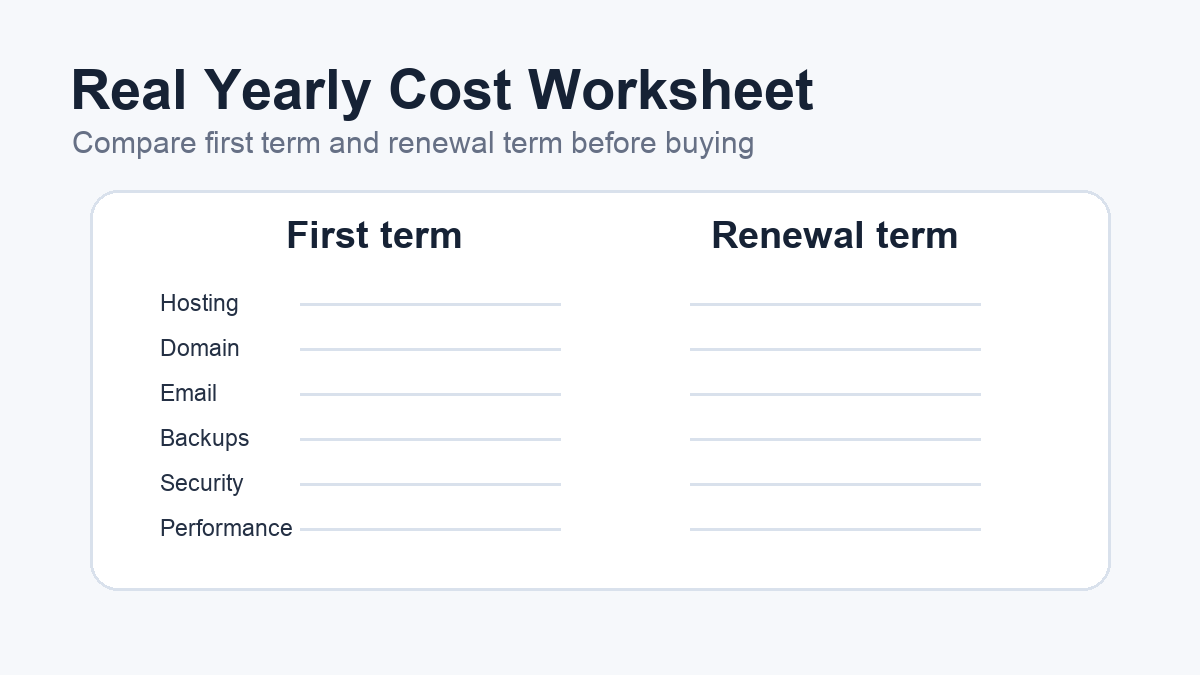
Before you buy, make a small two-column worksheet. The first column is "first term." The second column is "renewal term." Put every cost in both columns, even if the first-year cost is zero.
Start with hosting. If the plan is $4.99 per month for the first year and renews at $29.99 per month, write both yearly totals. Then add the domain. If the domain is free for the first year but renews later, the renewal column should include the renewal cost. Do the same for email, backups, security, performance tools, and premium plugins.
Next, add operational risk. This is not a fake dollar amount; it is a decision note. If the site captures leads, supports checkout, or runs paid traffic, write down what happens when the site is down or broken. That note helps you decide whether staging, better backups, or managed support are worth paying for.
Finally, mark duplicate tools. If the host includes reliable backups, caching, CDN, or malware support, you may not need a separate plugin for the same job. If the host does not include those features, the lower hosting price may need extra software to become business-ready.
This worksheet keeps the decision grounded. It turns "Which plan is cheapest?" into "Which plan is the right operating cost for this site?"
Pricing checklist before you commit
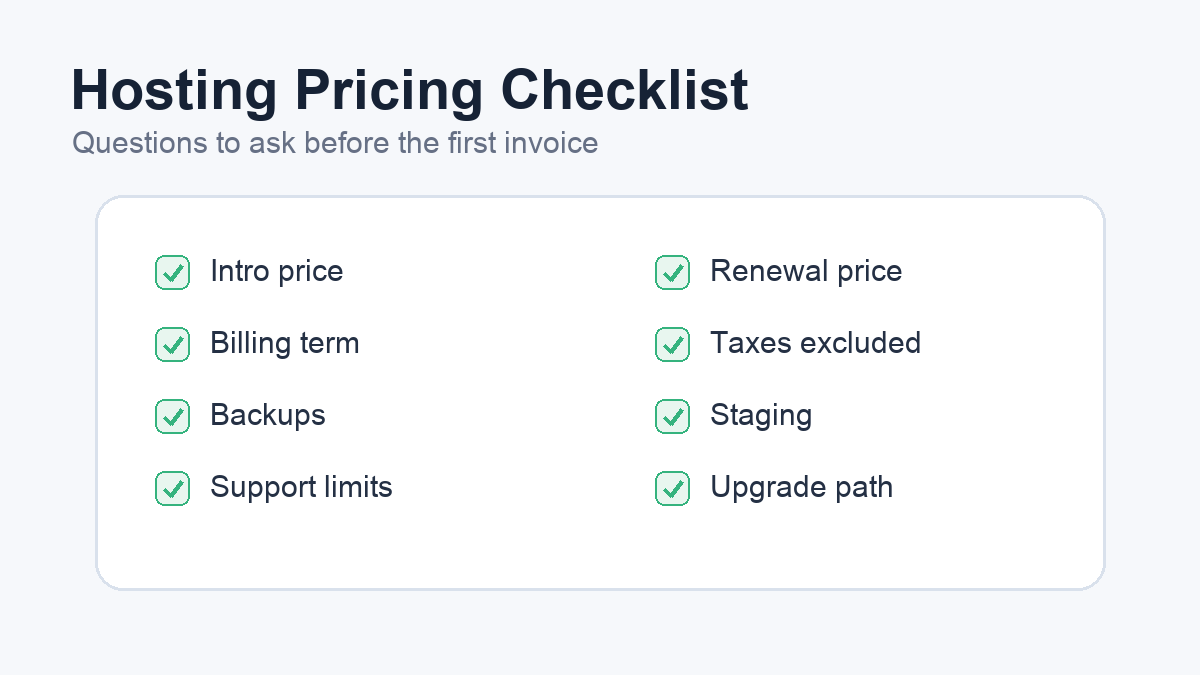
Use this checklist before buying or renewing a WordPress hosting plan:
- What is the introductory monthly price?
- What billing term is required to get that price?
- What will the plan renew at?
- Are taxes, VAT, or GST excluded?
- Is SSL included and easy to renew?
- Are backups included, and how long are they retained?
- Can you restore the site yourself, or must support do it?
- Is staging included, and on which tier?
- Are caching and CDN features included?
- Does the plan include email, or will email cost extra?
- Is malware scanning, WAF protection, or cleanup included?
- What storage, bandwidth, traffic, database, or inode limits apply?
- What happens if the site exceeds normal usage?
- Is WordPress-specific support included, or only server/account support?
- What upgrade path exists if the site grows?
The goal is not to make hosting complicated. It is to prevent a cheap-looking plan from becoming expensive after the site matters.
Related: WordPress backup plugins
Frequently asked questions about WordPress hosting pricing
How much should WordPress hosting cost?
For a small site, WordPress hosting can start at a few dollars per month during promotional periods. The more useful number is the renewal and operating cost. A business site may pay more for managed support, staging, backups, caching, security features, or better resources because those features reduce operational risk.
Why is the renewal price higher than the intro price?
Many hosts use introductory pricing to lower the first-term cost. The renewal price is the ongoing rate after the promotional term ends. This is normal in hosting, but it means you should compare first-term cost and renewal cost before choosing.
Is managed WordPress hosting worth the higher price?
Managed WordPress hosting can be worth it when the included support and tooling replace separate costs or reduce risk. Staging, backups, caching, migrations, malware response, and WordPress-trained support can matter more for revenue-producing sites than for simple brochure sites.
Should I choose the cheapest WordPress hosting plan?
Choose the cheapest plan only if it fits the site’s role and risk. A low-cost plan can work for a small, low-traffic site. It may be too thin for ecommerce, lead generation, frequent publishing, or a site that cannot afford downtime.
What hidden costs should I watch for?
Watch for renewal increases, domain renewal, email, backup tools, security tools, performance plugins, migrations, restore help, malware cleanup, staging, and support limitations. They are not always hidden, but they are easy to miss when the advertised monthly price is the only number you compare.
Related: WordPress performance optimization
Buy the plan whose full cost matches the risk
The right WordPress hosting plan is not always the cheapest plan or the most expensive managed plan. It is the plan whose full cost matches the role of the site.
If the site is small and low risk, start lean but make sure SSL, backups, support, and WordPress compatibility are covered. If the site produces leads, handles ecommerce, or supports a serious content strategy, price the plan as operational infrastructure.
Before buying, compare the intro price, renewal price, included tools, and likely add-ons. Then connect the decision back to your WordPress security checklist, backup setup, performance optimization plan, and plugin stack. Hosting pricing is easier to judge when you know what the site needs to survive, recover, and grow.
Sources
- Bluehost Pricing: https://www.bluehost.com/pricing
- SiteGround WordPress Hosting: https://www.siteground.com/wordpress-hosting.htm
- Kinsta Pricing: https://kinsta.com/pricing/
- WordPress.org Hosting Requirements: https://wordpress.org/about/requirements/
- WordPress.org HTTPS for WordPress: https://wordpress.org/documentation/article/https-for-wordpress/