WordPress Security Best Practices: 2026 Ultimate Guide
WordPress Security Best Practices: The Definitive 2026 Guide
Talking Points:
* The 2026 security landscape for WordPress sites.
* Why automated attacks prioritize the most popular platform.
* The distinction between core stability and third-party risks.
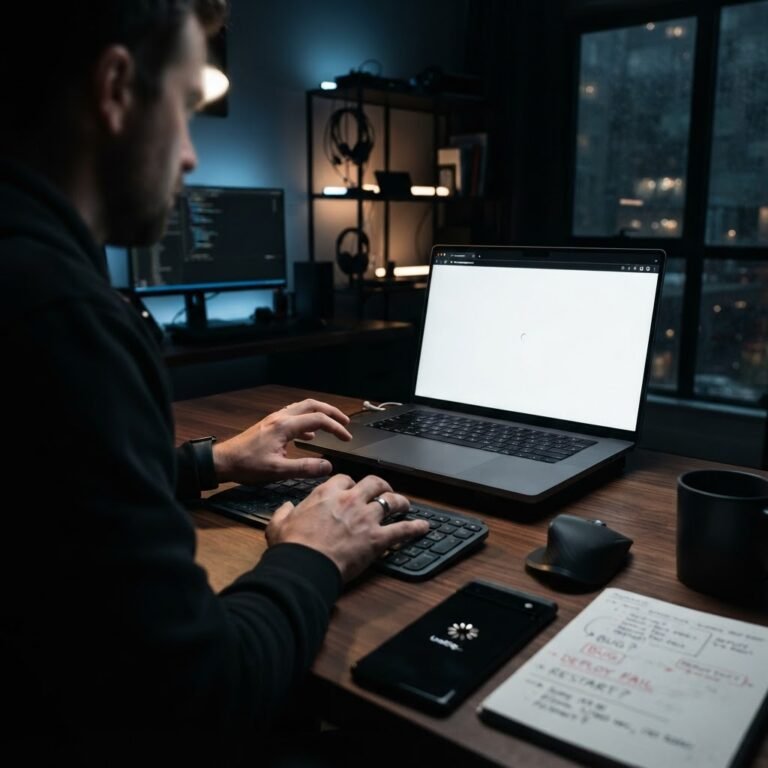
Imagine waking up to a screen that says your site is gone. I’ve seen it happen. It’s 2am, and the “White Screen of Death” is all you see. Last year alone, over 11,000 new WordPress vulnerabilities hit the wires. That’s a 42% jump from the year before. Being part of the 43.5% of the internet powered by WordPress makes you a massive target. It isn’t just about bad luck. It is about being a predictable mark for automated bots scanning the web every second. I’ve spent twenty years cleaning up messes that could have been avoided with a few smart choices.
WordPress core is actually a tank. It’s the stuff we bolt onto it that causes the headaches. Plugins accounted for 91% of all security reports last year. When you install a new plugin, you are opening a door. If you leave that door unlocked, don’t be shocked when a thief walks through. Keeping your site safe isn’t about being a genius. It is about simple, consistent habits that close these gaps before someone finds them.
The Foundational Pillars of WordPress Security
Talking Points:
* Defining the base layer of protection for every installation.
* Why standard hosting firewalls often fall short.
* The necessity of a layered defense strategy.
Security is just a series of fences. You build one, and the bad guys look for a way over. Then you build another. I’ve fixed thousands of WordPress sites, and the ones that stayed fixed were the ones that stopped relying on just one “magic” solution. Standard hosting firewalls usually fail because they aren’t smart enough to read WordPress code. In fact, nearly 88% of WordPress-specific exploits jump right over those basic server defenses.
You need a strategy that covers the front door, the back door, and the windows. This means thinking about authentication, maintenance, and monitoring as a single, combined force. If you rely on one plugin to save you, you are already behind. Let’s look at how to build a defense that actually works.
Authentication: Locking the Front Door with 2FA and Strong Passwords
Talking Points:
* Why simple passwords invite brute-force attacks.
* Implementing two-factor authentication for every user.
* Limiting login attempts to slow down automated bots.
I once knew a developer who used “admin” as his username. It took a bot less than ten minutes to crack his site. Don’t be that person. Your username should never be “admin” or your own name. Use something random. Then, pair it with a password that looks like a cat ran across your keyboard. Strong, long, and unique.
Even with a great password, you need two-factor authentication. This adds a code sent to your phone, making it nearly impossible for a remote bot to log in. It’s the single most effective way to stop an account takeover. If you aren’t using 2FA, turn it on right now. It takes two minutes and saves weeks of stress.
Maintenance: Automating Updates to Close Security Gaps
Talking Points:
* The danger of running outdated plugins.
* Why half of all vulnerabilities have no patch available.
* Automating plugin and theme updates safely.
Every day you delay an update is a day you leave a hole in your site. Over 50% of sites I scan have at least one plugin with a known vulnerability. That is like leaving your car running in a bad neighborhood with the keys in the ignition. Patchstack reported that the median time between a vulnerability being found and being used is just five hours. You don’t have time to wait for a weekend update cycle.
I set everything to auto-update. Yes, it can break things. But broken buttons are better than a hacked database. If a plugin hasn’t been updated in six months, delete it. It is dead weight and a major risk. If you cannot update it, you shouldn’t have it on your site.
The Role of Security Plugins: Your All-in-One Command Center
Talking Points:
* Choosing a plugin that offers proactive scanning.
* Why malware removal features are worth the investment.
* Using security plugins to manage logs and alerts.
You need a watchdog. A good security plugin acts as your eyes and ears. It tracks who enters, what files change, and alerts you when things go sideways. I look for plugins that offer real-time site integrity monitoring. If a core file changes unexpectedly, you need to know about it instantly.
Some plugins offer automated malware removal. This is a life saver when you catch an issue late. But remember, a plugin is only as good as the settings you apply. Don’t just install it and forget it. Check the logs. Look at the traffic. Being curious about your own site’s activity is the best way to prevent a disaster.
Server-Level Defense: Hosting, Firewalls, and SSL
Talking Points:
* Ensuring an SSL certificate is active at all times.
* Why your host needs a specific web application firewall.
* Choosing a host that understands WordPress security.
If your site doesn’t have an SSL certificate, browsers will tell visitors it is unsafe. That hurts your traffic and your trust. It’s also the bare minimum. A real, effective defense requires a web application firewall that understands WordPress. This sits between your site and the internet, filtering out bad traffic before it touches your database.
Don’t buy cheap hosting. I’ve seen hosts that give you a “security” promise but don’t actually isolate your files. You want a host that keeps your site in its own lane. If the site next door on your server gets hacked, yours should be safe. Check your host’s reputation for security specifically, not just their price.
Hardening Your Installation: Database Prefixes and File Permissions
Talking Points:
* Why modifying the database prefix makes SQL injection harder.
* Configuring file permissions to limit write access.
* Removing unnecessary files that leak information.
Most WordPress hacks start with an automated script looking for default settings. If your database tables start with the default “wp_” prefix, you are giving bots a map of your house. Changing this to something random, like “x92_”, hides your structure. It isn’t a silver bullet, but it stops the automated scripts that assume you haven’t bothered to hide your tracks.
Check your file permissions, too. Folders shouldn’t be set to be writable by everyone. Most files should be 644 and folders 755. If a file is 777, you are letting the world write to your server. Tightening these settings is a boring afternoon job that pays off for years.
User Management: Why Not Everyone Needs Admin Access
Talking Points:
* Applying the principle of least privilege.
* Regularly auditing user roles and inactive accounts.
* Enforcing strong password policies for all users.
I’ve seen sites with twenty “Administrators.” That is a massive security leak. Most of those people probably only need to write posts or edit pages. If they don’t need to change plugins or settings, they don’t need to be an Admin. Change them to Editor or Contributor.
Every extra Admin is another chance for a weak password or a compromised email address. Audit your users once a month. Delete the accounts for people who don’t work there anymore. It sounds basic, but I have fixed sites where a former intern’s account was the one used to inject malicious code.
Proactive Monitoring: How to Detect Threats Before They Cause Downtime
Talking Points:
* Setting up alerts for failed login attempts.
* Monitoring for file integrity changes.
* Using external tools to scan for known vulnerabilities.
I hate being surprised. Proactive monitoring means I know about a problem before a client calls me in a panic. Most security plugins let you set up email alerts. If someone tries to log in as “admin” five times, I get a ping. I can then block that IP address before they have a chance to try something smarter.
Use an external monitor to check your site for blacklists. If Google flags your site as dangerous, your traffic will tank in minutes. Checking your site’s status daily is just good business. It keeps you ahead of the curve and protects your hard-earned reputation.
The Emergency Playbook: What to Do If You’re Already Hacked
Talking Points:
* Stay calm and disconnect the site if needed.
* Restoring from a clean backup as the first step.
* Cleaning the database and updating all credentials.
So, it happened. The site is defaced. You’re stressed. Take a breath. Panic causes mistakes. Your first move should always be to consult your backups. If you have a clean backup from before the hack, use it. Restore, then immediately change every password, including your database and FTP credentials.
If you don’t have a backup, you need to find the injection point. This usually involves comparing your files against a clean version of your theme or plugin. It is tedious work. This is why I preach backups. If you have a solid backup routine, a hack is just a minor annoyance instead of a career-ending event.
Creating a Culture of Maintenance: Regular Audits and Backups
Talking Points:
* Developing a monthly security audit routine.
* Automating your backup schedule to off-site storage.
* Why consistent small actions prevent major failures.
Security isn’t a project you finish; it is a way of running your site. I keep a calendar reminder for the first of the month. I check my plugin list, I look at my user list, and I verify my backups. It takes me twenty minutes. That twenty minutes saves me from spending forty hours cleaning up a mess.
Don’t store your backups on your own server. If the server goes down or gets wiped, your backup goes with it. Send them to a cloud service or a different server. Keep at least three copies in different places. I’ve seen enough “all is lost” scenarios to know that you can never have enough copies of your hard work.
Your Path to Total WordPress Mastery
Taking control of your security is the best way to grow your business. You stop worrying about the 2am crash and start focusing on your content. The steps I’ve shared here are the same ones I use for every site I manage. They work because they address the root cause of 99% of hacks: laziness and lack of oversight.
Apply these changes today. Don’t wait for a notification that your site is flagged. Share your own security tips below or tell us about a time you saved your site from a crisis. Let’s keep our sites clean and running fast.